
Solar & photovoltaics
Solar business with a tailwind
Roof inspection, system design, quote: every inquiry needs paper. craftflowOS turns a photo and a few words into the draft quote and keeps the documentation together on the project.
What helps you most
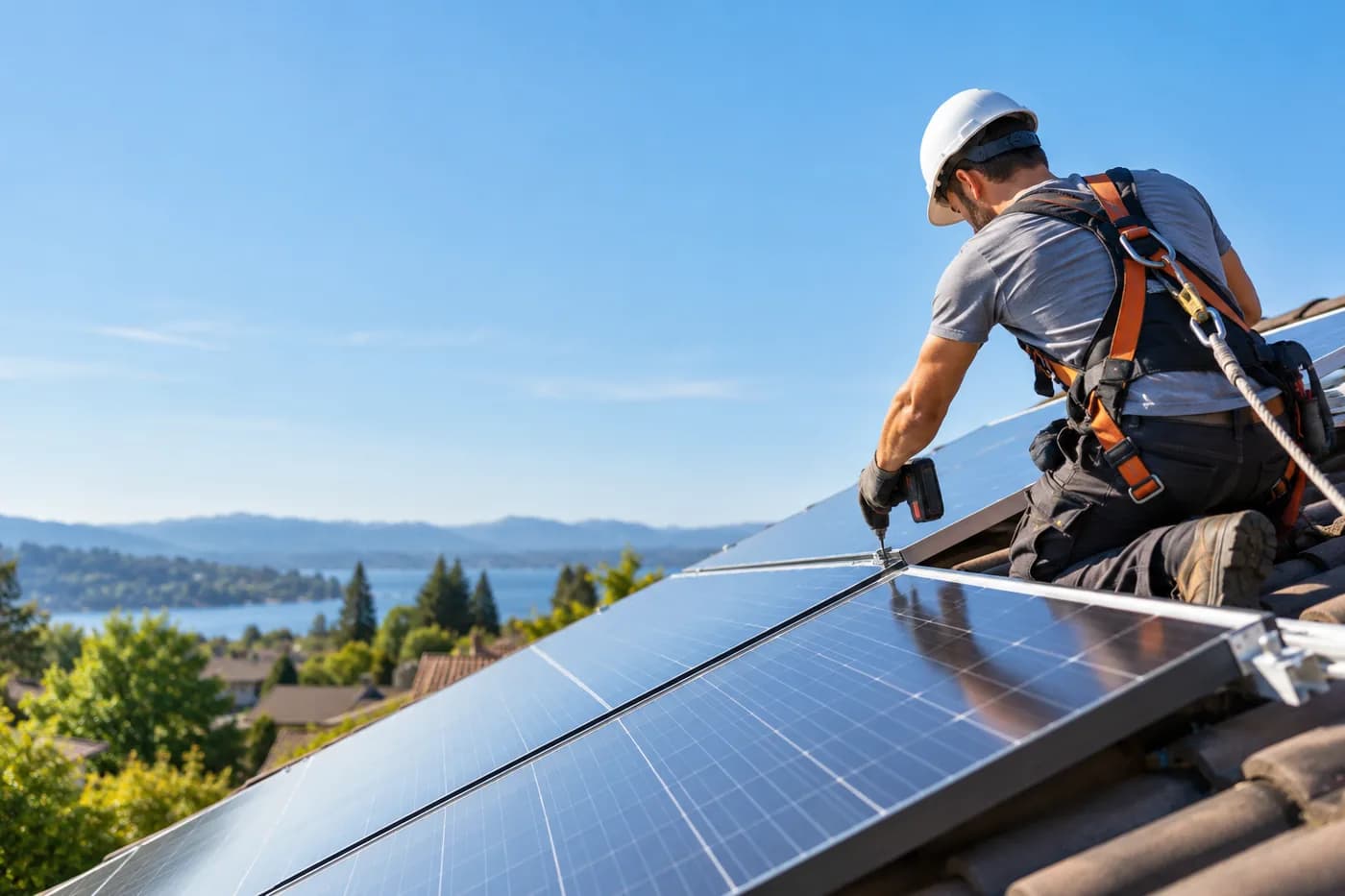
“Gable roof facing south, about nine point six kilowatt-peak, inverter in the basement, cable route via the garage.” Plus a photo of the roof.
Sound familiar?
“In spring the inquiries come by the dozen, and everyone wants their quote right now.”
How craftflowOS helpsYou photograph the roof and say the size and wishes. craftflowOS turns every visit into a draft quote.
“For commissioning I need photos and documents, and everything is scattered.”
How craftflowOS helpsPhotos, notes and documents hang off the project. You have everything together when you need it.
“The final invoice tends to get lost around commissioning.”
How craftflowOS helpsInvoices and reminders run from your project data. You see what is paid and what is open.
Just say it into your phone
Photo and voice note become a draft quote with line items from your catalog. You check it and send it.



“Gable roof facing south, about nine point six kilowatt-peak, inverter in the basement, cable route via the garage.” Plus a photo of the roof.
- Modules and inverter, 9.6 kWp€8,640.00
- Mounting structure and installation€2,250.00
- Registration and commissioning€590.00
A day with craftflowOS
From the first job of the morning to the end of the day: this is how a working day runs when craftflowOS is along. You talk, craftflowOS writes it down.
- Morning
Enquiry taken
A prospect calls while you are up on the roof. craftflowOS takes the request and you are notified.
AI phone assistant - Late morning
Roof photographed
A photo of the roof plus: gable roof facing south, around nine kilowatt-peak, inverter in the cellar. The draft is ready.
Quote by photo - Midday
Customer looked up
Who wanted which system? Contact, notes, quotes and invoices are in one place.
Customers & projects - Afternoon
Installation documented
Modules mounted, cable route laid: you say it, the report hangs on the project with a timestamp.
Job site documentation - End of day
Invoice sent
After the installation the invoice comes from the project data.
Invoices & reminders
In depth
What counts in solar projects from the roof inspection to handover
Roof inspection and photo documentation as a basis for planning
Good planning starts on the roof. During the inspection you see what no plan shows: roof area and orientation, shading from trees or neighbouring buildings, the condition of the roofing, structures such as a chimney or dormers, and the route for cables down to the meter cabinet. Photos from several angles record what you will need later for the design and the quote, and show what condition the roof was in beforehand. Also note where cables could be routed and where the inverter could go. With Job site documentation you dictate the inspection on site and attach photos. Everything sits on the project with a timestamp.
Job site documentationDocuments for the grid operator
The grid operator wants to know what you are connecting to its network. Exactly which documents are asked for differs from one grid operator to the next. So pick up the current forms there instead of relying on old templates. The effort is usually not in filling them in but in gathering everything: system data, details about the customer, plans, photos, data sheets. If all of that already sits in one place during the project, the registration at the end is routine work instead of a treasure hunt. When questions come back, you quickly find what you have already sent. In Customers & projects of craftflowOS, contact, notes, quotes and invoices are attached to the customer and the project, and the history stays traceable.
Customers & projectsKeeping customers informed over a long project
Between the order and commissioning, weeks or months often pass. During that time little seems to happen from the customer's point of view: material is ordered, registrations are running, dates depend on deliveries and weather. If you stay silent, you get calls. Good practice is to say briefly after each step what comes next and what it depends on. Saying honestly that it will still take a while is information too. Record interim statuses, for example after the inspection, the material order and the installation, and clarify early when which payment is due. With Invoices & reminders you see the status open, partly paid or paid for each customer, so conversations about payments start from a clear position.
Invoices & remindersWhat helps you every day
The functions that fit your trade best. Each one has its own page.
- Quote by photoRoof inspection, system design, quote: with photo and voice the draft is ready before you climb down.See the function
- Job site documentationDictate the installation progress instead of typing, the report writes itself.See the function
- Customers & projectsEverything about the system customer in one place, from first contact to invoice.See the function
- Invoices & remindersInvoices from the project data, with your own letterhead.See the function
Fair pricing, no catch
Start small and add what you need. Cancel monthly if you pay monthly.
With an installation crew: the Team plan brings scheduling and time tracking for your team.
At launch: try free for 30 daysAt launch: try free for 30 days, no setup fee. All prices excl. VAT.
See all plansStarter
For getting startedfrom€19per month
- Quotes & invoices
- E-invoicing & GoBD
- Calendar, customers & projects
Team
For small teamsfrom€149per month
- All AI features
- Job scheduling & time tracking for the team
- App for every fitter
Questions from the workshop
Can I write a PV quote right after the roof inspection?
Yes. Take a photo, say briefly what is to be built, and craftflowOS suggests items from your catalogue. You check and send the quote.
Does it work on the roof without signal?
Yes, for the essentials: you can save appointments, site documentation and quote drafts even without signal. They are sent as soon as your phone has a connection again.
How do I document the installation?
You speak into the app what was done and craftflowOS turns it into a report with a timestamp. It is linked to the project, with a photo if you like.
How do I keep track of enquiries and customers?
Contacts, notes, quotes, invoices and sites are connected. On the planning board you see team, appointments and status of your projects.
What about e-invoicing and data protection?
The invoice is built from your project data and goes out by e-mail as a PDF with your own letterhead. E-invoicing and GoBD compliance come with every plan. Your data is stored on servers in Germany and processed in line with GDPR. The app only uses camera and microphone for photos and speech, and in your system settings you decide what it may do.
Still have a question about setting up or using craftflowOS day to day? The help centre has answers, and you can write to us directly. Go to help
Related trades
Businesses often work hand in hand. See how craftflowOS helps in the neighbouring trades.

Roofing
Answer calls, plan appointments, quote from a photo.
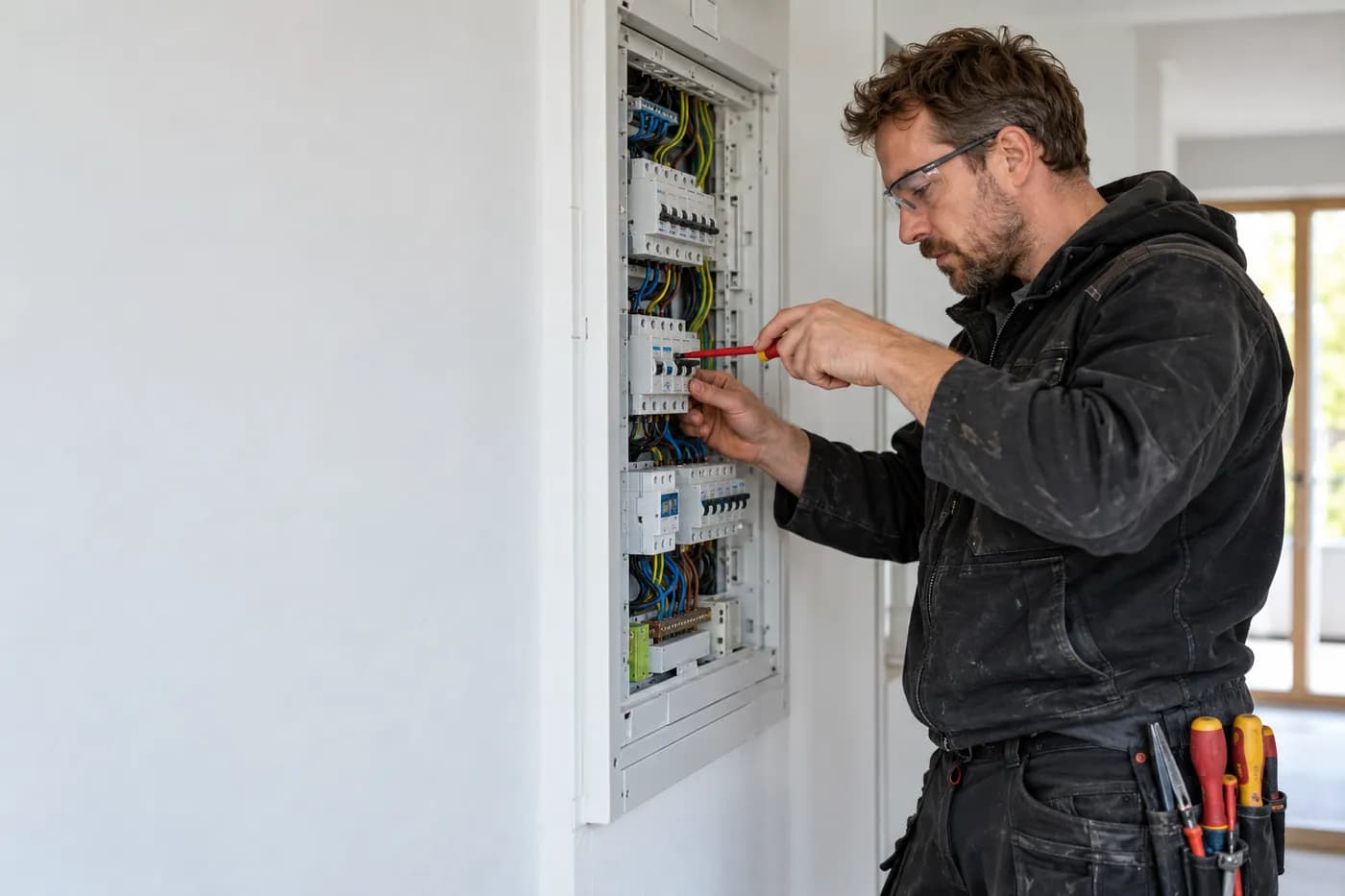
Electrical
Quote from the job site, documentation by dictation, invoice from the project.

Energy consulting
Clients, appointments and documentation in one place.
More systems, less paperwork
craftflowOS does the paperwork, you stay with your work.