
Drywall
Drywall without measuring chaos
Framing, boarding, filling: every item needs to go into the quote. craftflowOS turns a photo and a few words into the draft and keeps appointments and hours together.
What helps you most
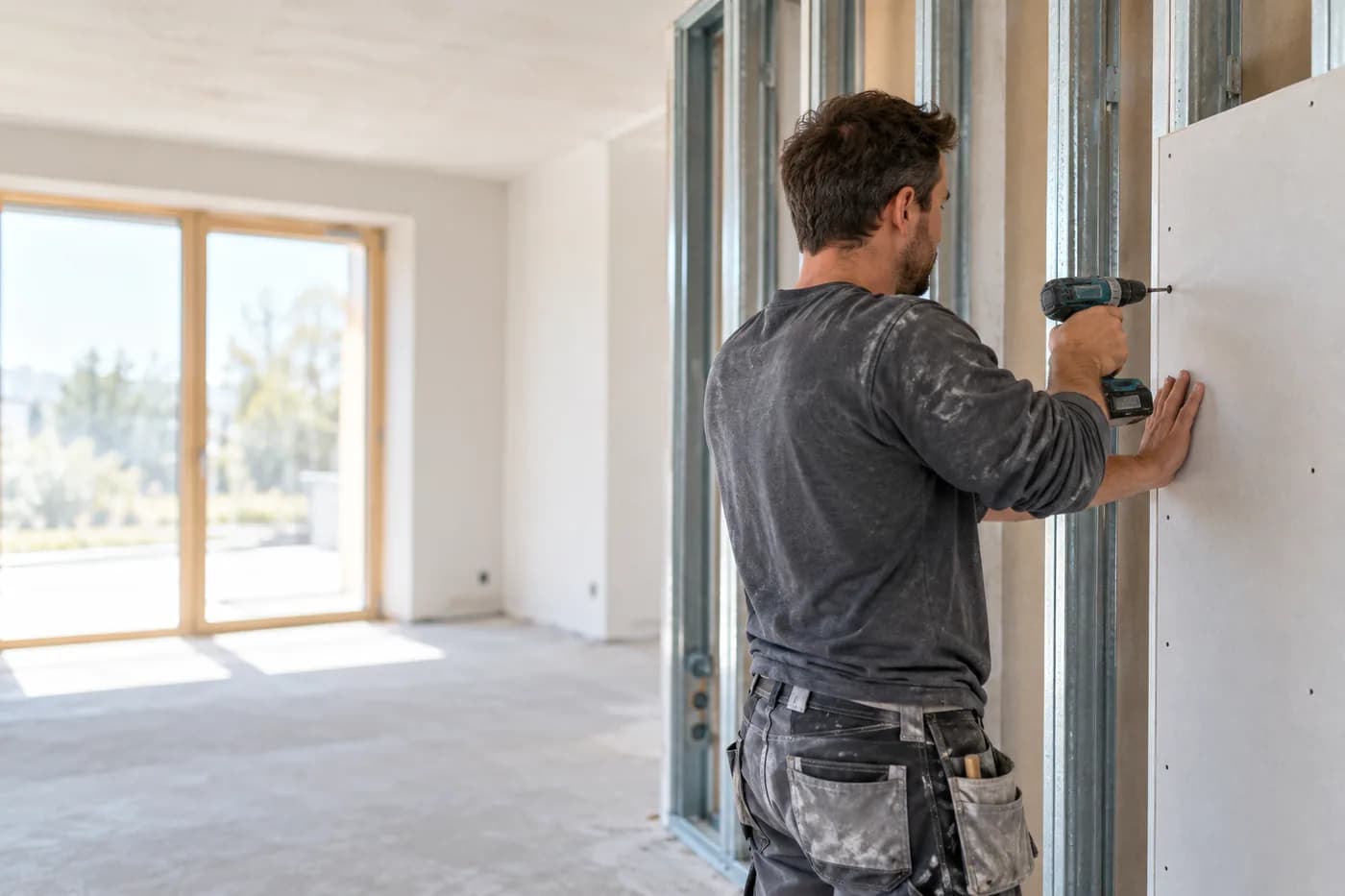
“Loft conversion, twenty-four square metres, framing, boarding, insulation, fill to Q3.” Plus a photo of the loft.
Sound familiar?
“Five rooms, three wall types, and the quote has to go out tomorrow.”
How craftflowOS helpsYou photograph the rooms and say the wall builds. craftflowOS turns that into a draft quote with line items from your catalog.
“Who is on which site this week?”
How craftflowOS helpsAll jobs are in the team calendar. Everyone sees where to go.
“By the weekend, nobody remembers how many hours went into which site.”
How craftflowOS helpsYour team clocks in on the project. You see the hours per site without collecting slips.
Just say it into your phone
Photo and voice note become a draft quote with line items from your catalog. You check it and send it.



“Loft conversion, twenty-four square metres, framing, boarding, insulation, fill to Q3.” Plus a photo of the loft.
- Framing and boarding, 24 m²€1,248.00
- Insulation, 24 m²€432.00
- Filling to Q3, 24 m²€336.00
A day with craftflowOS
From the first job of the morning to the end of the day: this is how a working day runs when craftflowOS is along. You talk, craftflowOS writes it down.
- Morning
Assignment set
In the calendar you see which crew puts up the framing where. Changes are visible to everyone right away.
Calendar & team - Late morning
Attic conversion recorded
A photo of the roof plus: twenty-four square metres, framing, boarding, insulation. The draft is ready.
Quote by photo - Midday
Hours clocked
Everyone clocks in and out on the project. You approve and see the actual hours.
Time tracking - Afternoon
Progress recorded
What was filled today, you say out loud. The report hangs on the project with a timestamp.
Job site documentation - End of day
Invoice sent
The invoice comes from the project data and goes out as a PDF.
Invoices & reminders
In depth
What matters in drywall between measuring up, other trades and billing
Measuring by area and by running metre
In drywall, not everything is calculated in the same unit. Walls and ceilings go by area, while connections, edges, profiles and corner beads often go by length. If you mix the two, you calculate wrongly. So decide when measuring up which work is billed in which unit, and write it into the quote. Measure per room, and note heights, openings and special details such as niches, shadow gaps or access panels. Then the customer knows what they are getting, and you can order material precisely. With Quote by photo you take a picture of the room and describe the work. craftflowOS suggests line items from your catalog, and you check quantities and prices.
Quote by photoCoordinating with other trades
Drywall sits in the middle of the sequence. Before you, electricians and plumbers run their lines into the walls, and after you come fillers, painters and tilers. Every delay with one trade hits the others. It is especially annoying when a wall gets closed before the lines are in, or when you arrive on site and it is not yet free. So agree the order with everyone and record the time windows. Build in buffers, because something always sticks somewhere. In the shared calendar of craftflowOS your team sees its appointments, and reminders go out automatically.
Calendar & teamTimesheets and day-work reports
Not everything can be fixed beforehand. An extra wall, a cut-through or work that another trade caused is often billed by effort. That only works if the effort is documented: who, how long, where and what. A timesheet with a short report, ideally written the same day and signed off by the client, prevents arguments later. The more precise the description, the less often something gets struck out. In craftflowOS your people clock in and out on the project, and you see the actual hours per project without collecting slips. For billing by effort, that is a clean basis.
Time trackingWhat helps you every day
The functions that fit your trade best. Each one has its own page.
- Quote by photoEvery item wants into the quote. With photo and voice the draft is there in minutes.See the function
- Calendar & teamYour calendar shows who stands where tomorrow.See the function
- Time trackingActual hours per project without paper.See the function
- Job site documentationYou speak the site progress and the report writes itself.See the function
Fair pricing, no catch
Start small and add what you need. Cancel monthly if you pay monthly.
A team on several sites? The Team plan brings scheduling and time tracking.
At launch: try free for 30 daysAt launch: try free for 30 days, no setup fee. All prices excl. VAT.
See all plansStarter
For getting startedfrom€19per month
- Quotes & invoices
- E-invoicing & GoBD
- Calendar, customers & projects
Team
For small teamsfrom€149per month
- All AI features
- Job scheduling & time tracking for the team
- App for every fitter
Questions from the workshop
Can I announce several items at once?
Yes. You describe in two or three sentences what needs to be done. craftflowOS suggests the items from your catalogue, you change what does not fit.
Does it work in a shell construction without signal?
Yes, for the essentials: you can save appointments, site documentation and quote drafts even without signal. They are sent as soon as your phone has a connection again.
Do the hours go into the invoice?
Times and project data sit on the same project, and the invoice is built from this data. You assign payments and see what is open. E-invoicing and GoBD come with every plan.
How do I work with several crews?
The shared calendar shows appointments and availabilities of everyone. You can book additional seats at any time.
How safe are the site photos?
Your data is stored on servers in Germany and processed in line with GDPR. The app only uses camera and microphone for photos and speech, and in your system settings you decide what it may do.
Still have a question about setting up or using craftflowOS day to day? The help centre has answers, and you can write to us directly. Go to help
Related trades
Businesses often work hand in hand. See how craftflowOS helps in the neighbouring trades.
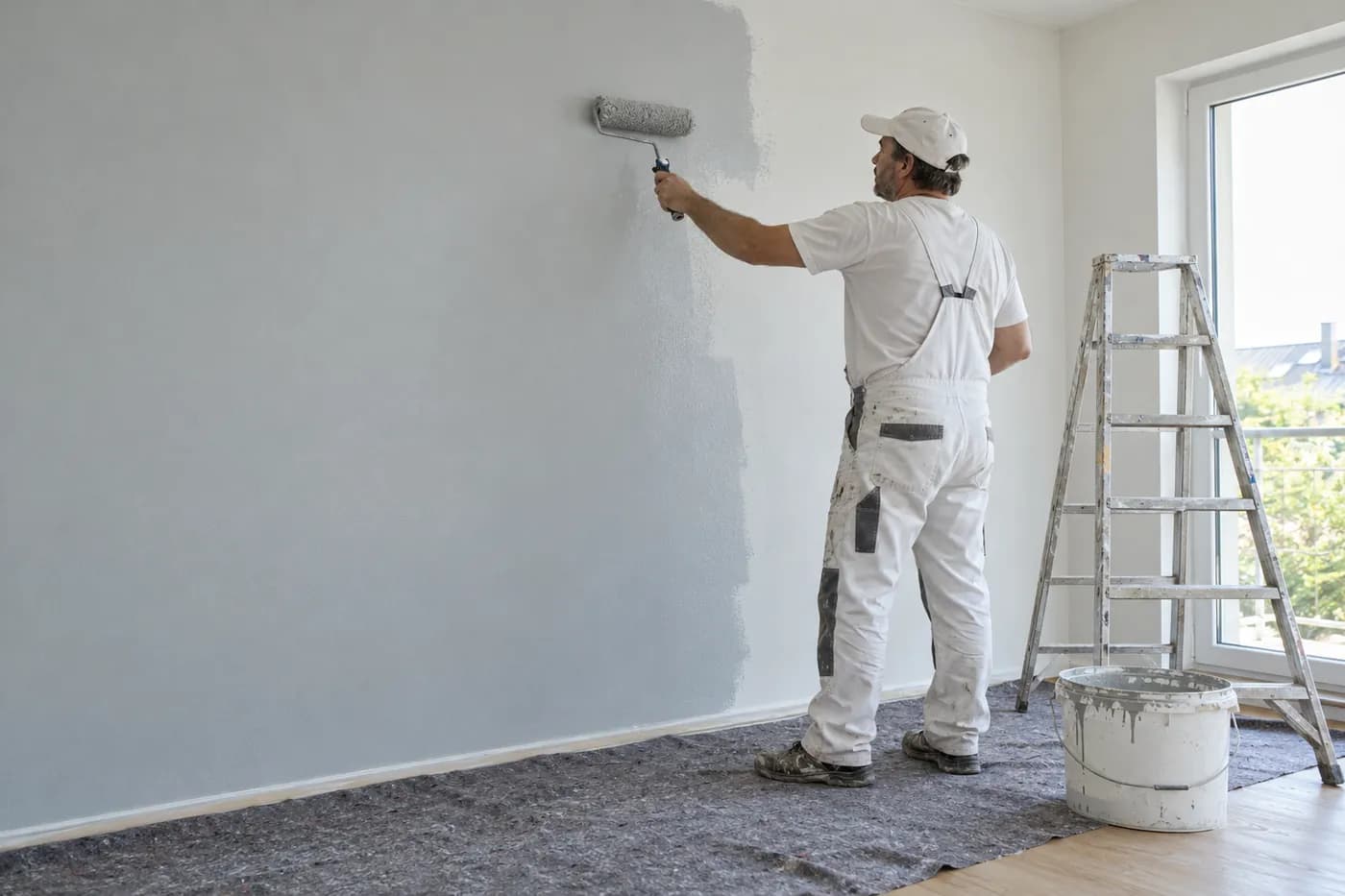
Painters & decorators
Take a photo, describe the rooms, check the draft quote and send it.
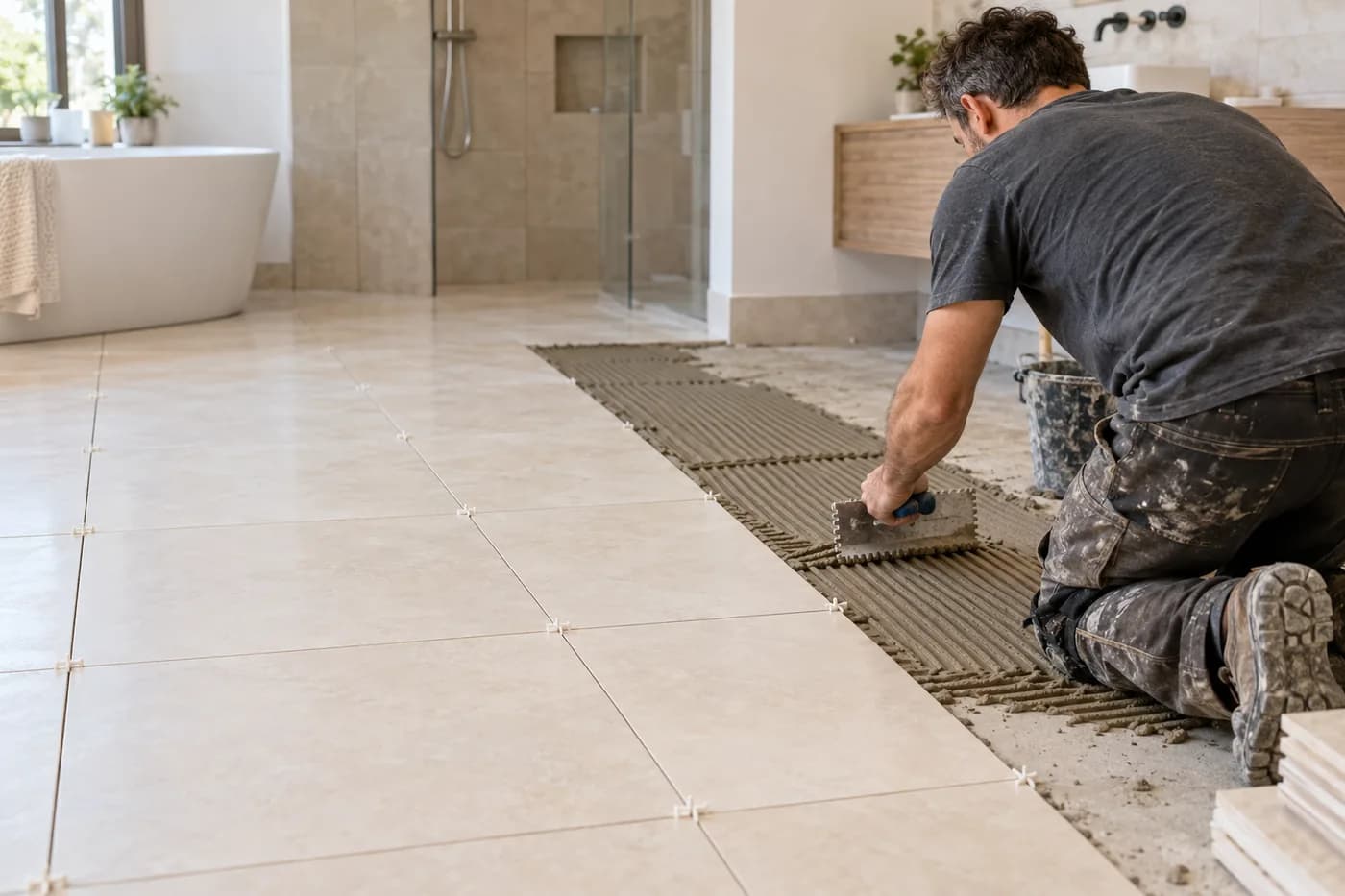
Tiling
Photograph the bathroom, say what's needed, check the quote.
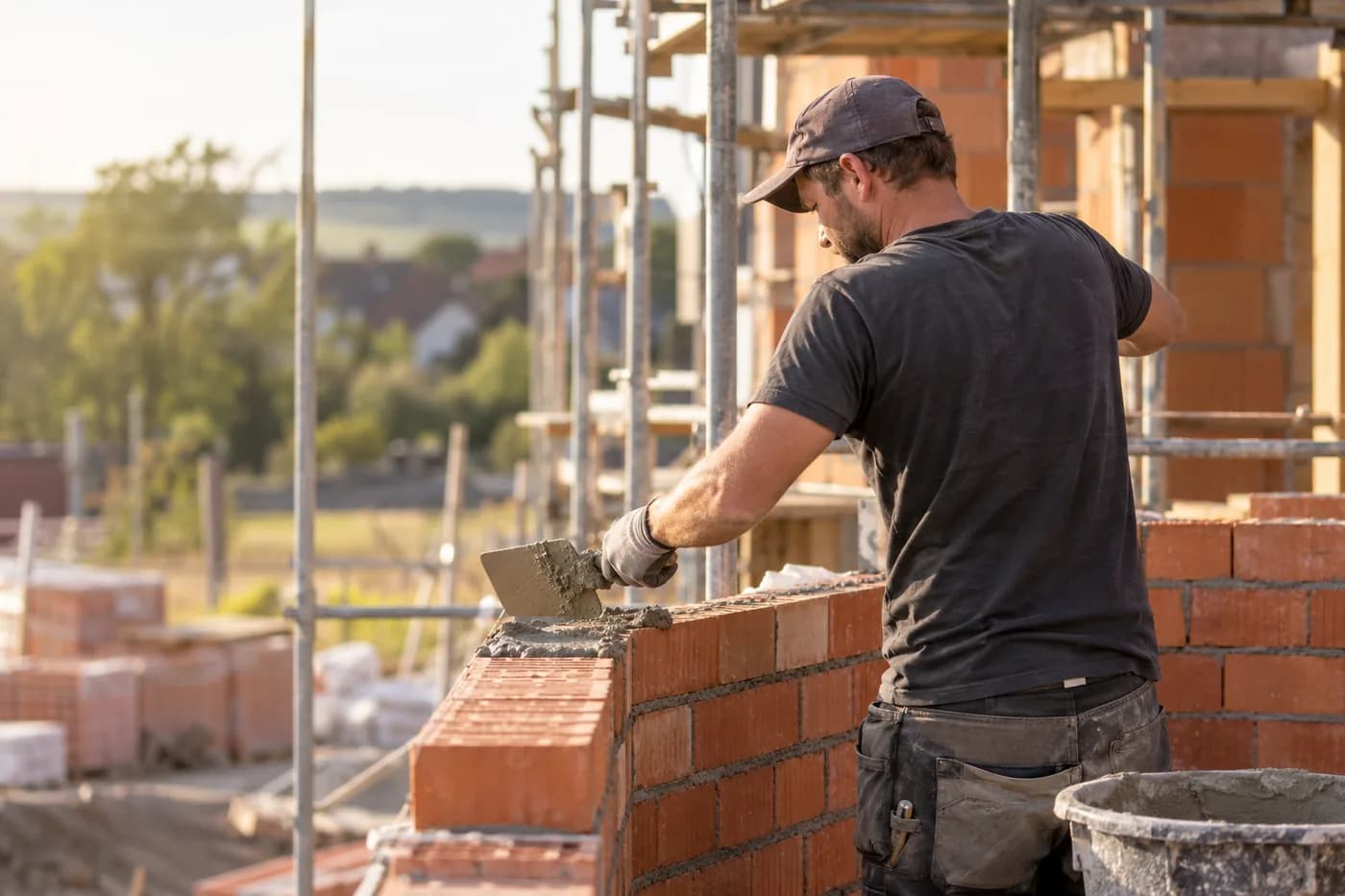
Construction & shell building
Documentation, hours and appointments per site.
More wall, less paper
craftflowOS does the paperwork, you stay with your work.