
Construction
Construction firm on solid ground
Several sites, many people, changes every day. craftflowOS keeps documentation, hours and customer data together so you know where you stand.
What helps you most
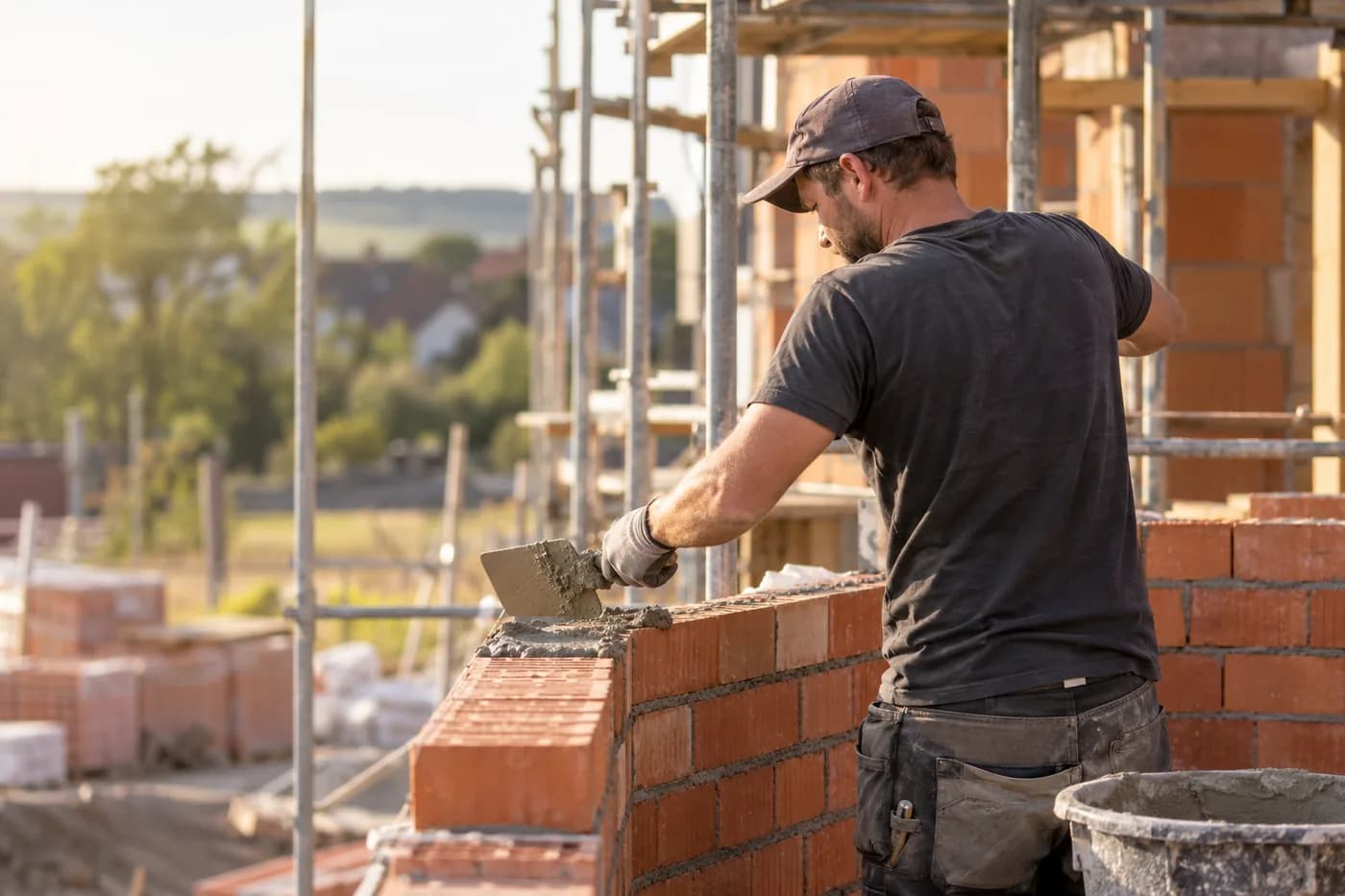
“Hoffmann extension, ground-floor masonry done, slab poured, scaffolding arrives tomorrow.”
Sound familiar?
“The client asks for photos of the shell, and they're on three phones.”
How craftflowOS helpsPhotos and notes belong to the project, with a date. Your team uploads them from site, you find them in one place.
“How many hours are already in that extension?”
How craftflowOS helpsYour team clocks in on the project. You see the actual hours at any time.
“Three sites at once, and each has its own pile of notes.”
How craftflowOS helpsEvery project has its file: customer, appointments, photos, quotes. Your team works from the same state.
Just say it into your phone
craftflowOS turns it into a report and attaches it to the project. You skim it and correct anything that's off.



“Hoffmann extension, ground-floor masonry done, slab poured, scaffolding arrives tomorrow.”
- Ground-floor masonrydone
- Slabpoured
- Scaffoldingtomorrow
A day with craftflowOS
From the first job of the morning to the end of the day: this is how a working day runs when craftflowOS is along. You talk, craftflowOS writes it down.
- Morning
Sites in view
Several sites, many people: in the calendar you see who is where today.
Calendar & team - Late morning
Hours running
Your team clocks in on the project. You see the actual hours per site.
Time tracking - Midday
Day's progress dictated
Brickwork done, slab poured: you say it, craftflowOS writes the report with a timestamp.
Job site documentation - Afternoon
Client informed
What was promised to the client? Contact, notes, quotes and invoices are in one place.
Customers & projects - End of day
Invoice out
At the end of the day the invoice goes out from the project data.
Invoices & reminders
In depth
What decides overview, variations and staffing on a building site
The site diary
On a building site a lot happens every day, and almost none of it is written down anywhere later. A site diary changes that: who was there, what was done, what was the weather, what was missing, what was accepted? It is your memory when someone asks weeks later when something happened. A fixed rhythm works well, with a few entries built the same way every day instead of long essays on Friday evening. The closer to the event the entry is made, the more reliable it is. Also record what did not go well and why, such as material that did not arrive or an access route that was blocked. Such lines later clear up who was responsible for what.
Recording variations and obstructions
Additional work and disruptions to the sequence are no exception on a building site. A planning error, a late access, work that someone else caused: each of these costs time and money. If you do not record them straight away, you have nothing in your hands later. So note what happened, when, who knew and what effect it had, and tell the client in good time and in writing. A variation belongs settled before execution, not after. In Customers & projects of craftflowOS, notes, quotes, invoices and history are attached to the customer and the project. That keeps it traceable what was discussed when.
Customers & projectsPlanning crews and subcontractors
On larger sites several crews and firms work side by side, and each one waits for another at some point. Planning here mainly means: who is where when, what has to be finished beforehand, and who has access? Subcontractors need clear time windows and a contact person, otherwise they are either in the way or not there at all. Agree weekly schedules in good time and decide how changes are communicated. Build in buffers, especially for work that depends on weather or deliveries. In the shared calendar of craftflowOS your team sees its appointments, reminders go out automatically, and with roles you decide who may see what.
Calendar & teamWhat helps you every day
The functions that fit your trade best. Each one has its own page.
- Job site documentationEveryone knows what was done without anyone typing reports.See the function
- Time trackingActual hours per site, with an export for payroll.See the function
- Customers & projectsEverything about client and project in one place. On the planning board you see team, appointments and status.See the function
- Calendar & teamYour team sees who goes where tomorrow.See the function
Fair pricing, no catch
Start small and add what you need. Cancel monthly if you pay monthly.
For businesses with crews: the Team plan brings scheduling and time tracking for your team.
At launch: try free for 30 daysAt launch: try free for 30 days, no setup fee. All prices excl. VAT.
See all plansStarter
For getting startedfrom€19per month
- Quotes & invoices
- E-invoicing & GoBD
- Calendar, customers & projects
Team
For small teamsfrom€149per month
- All AI features
- Job scheduling & time tracking for the team
- App for every fitter
Questions from the workshop
Can I record site progress by voice?
Yes. You speak into the app what was done and craftflowOS turns it into a report with a timestamp, linked to the project, with a photo if you like.
Does it work on site without signal?
Yes, for the essentials: you can save appointments, site documentation and quote drafts even without signal. They are sent as soon as your phone has a connection again.
How do I keep hours under control?
The app records clocking in, out and breaks on the right project. You approve the times and see the actual hours, plus an export for payroll.
Can several teams work with it?
Yes. The shared calendar shows appointments and availabilities of everyone. Everyone who works with you gets their own access, and you can book additional seats at any time.
Where is the client data stored?
Your data is stored on servers in Germany and processed in line with GDPR. The app only uses camera and microphone for photos and speech, and in your system settings you decide what it may do.
Still have a question about setting up or using craftflowOS day to day? The help centre has answers, and you can write to us directly. Go to help
Related trades
Businesses often work hand in hand. See how craftflowOS helps in the neighbouring trades.

Roofing
Answer calls, plan appointments, quote from a photo.
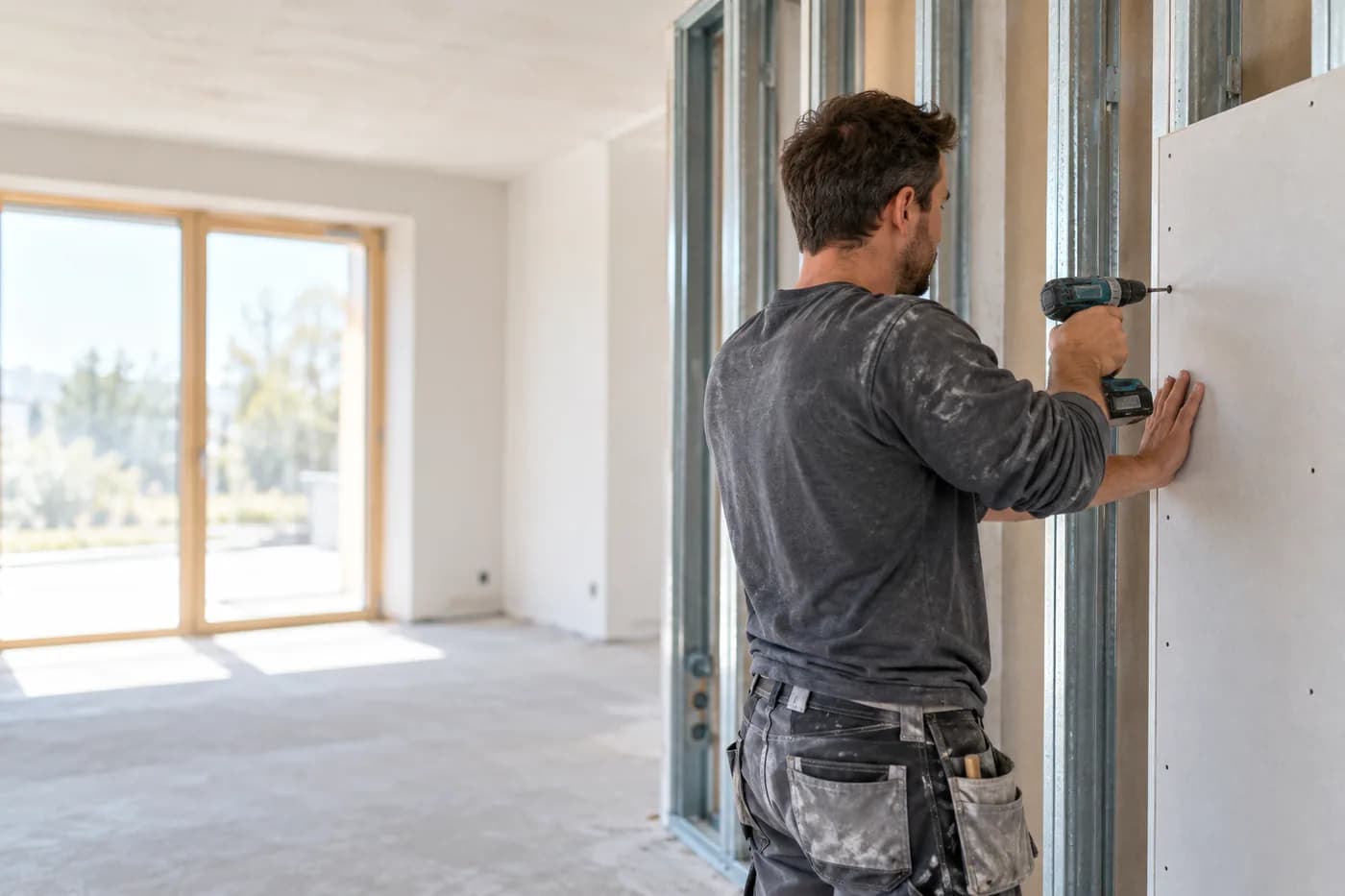
Drywall
Quote from a photo, appointments and hours under control.
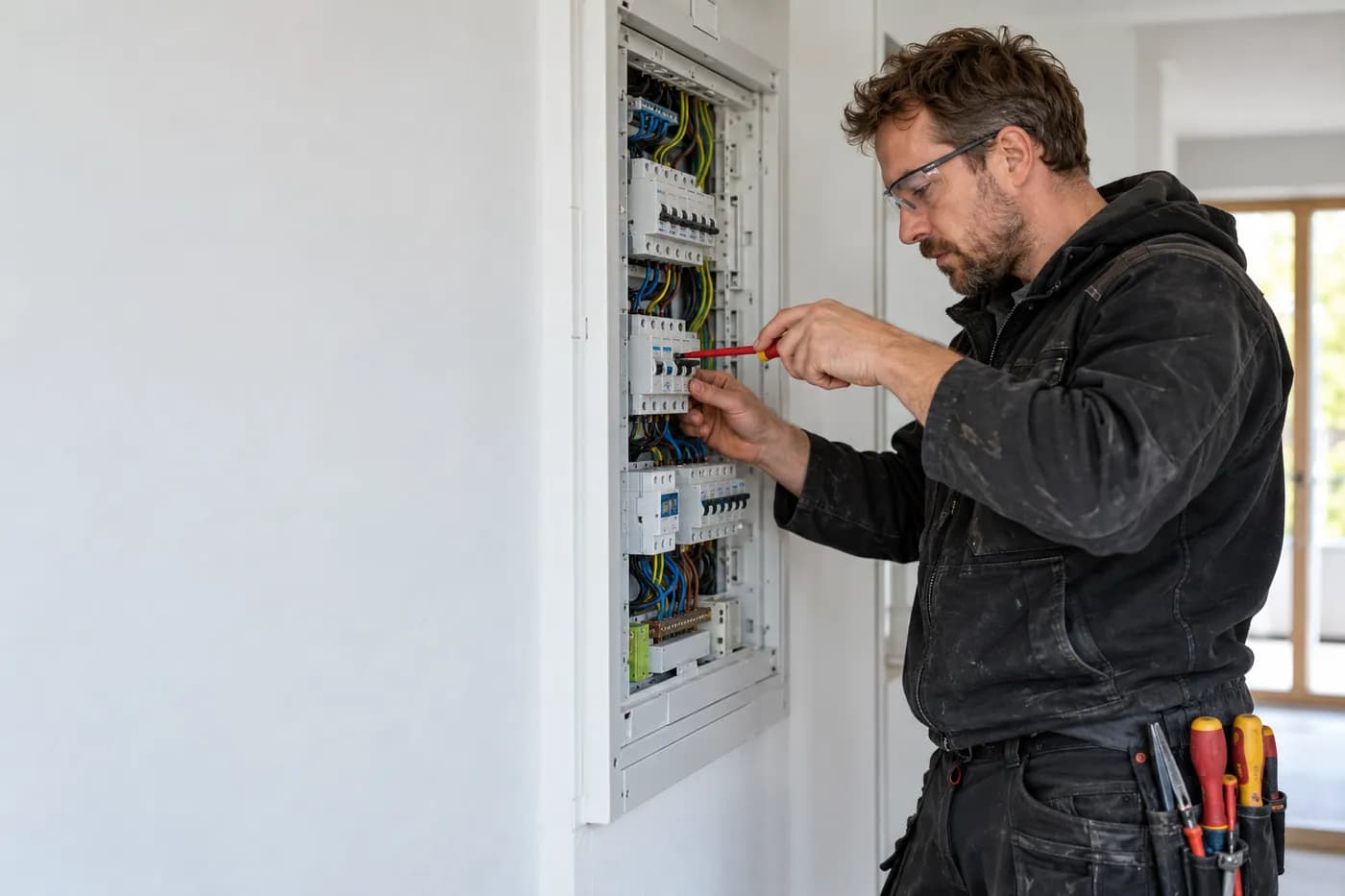
Electrical
Quote from the job site, documentation by dictation, invoice from the project.
All sites at a glance
craftflowOS does the paperwork, you stay with your work.