
Property management
Property management with the overview
Tenant requests, contractor appointments, inspections: all threads run through you. craftflowOS answers the phone, keeps properties and contacts together and writes up your inspections.
What helps you most
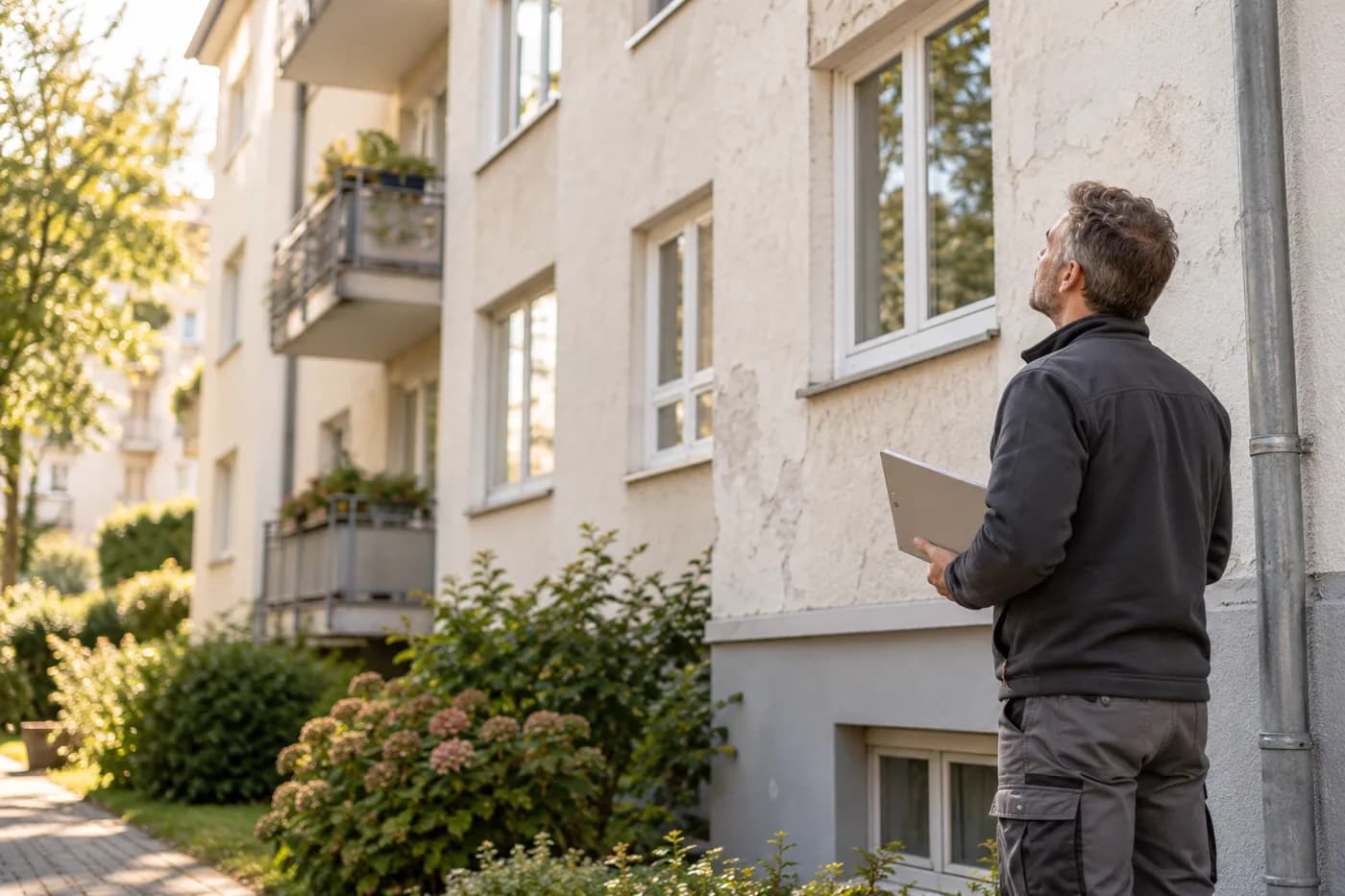
“Hauptstrasse eight, facade and entrance without defects, one lamp broken in the stairwell, boiler room clean.”
Sound familiar?
“The phone never stops: heating cold, key lost, noisy neighbour.”
How craftflowOS helpscraftflowOS answers the phone and takes every request. You see what was reported and decide what comes first.
“Which contractor was last in the building, and what did they do?”
How craftflowOS helpsEvery property has its file with contacts, appointments and cases. You find the status without searching.
“The inspection was two weeks ago, and the report is still missing.”
How craftflowOS helpsYou say the inspection into your phone. craftflowOS turns it into a report and attaches it to the property.
Just say it into your phone
craftflowOS turns it into a report and attaches it to the property. You skim it and correct anything that's off.
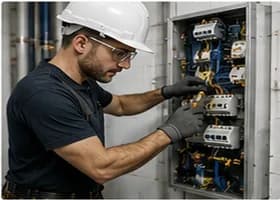


“Hauptstrasse eight, facade and entrance without defects, one lamp broken in the stairwell, boiler room clean.”
- Facade and entranceno defects
- Stairwell, lighting1 lamp broken
- Boiler roomclean
A day with craftflowOS
From the first job of the morning to the end of the day: this is how a working day runs when craftflowOS is along. You talk, craftflowOS writes it down.
- Morning
Request taken
A tenant reports damage while you are in the owners' meeting. craftflowOS picks up and takes the request.
AI phone assistant - Late morning
Property looked up
Main Street eight: contacts, notes, quotes and invoices are in one place.
Customers & projects - Midday
Appointments coordinated
Tradesmen's and inspection appointments are in the calendar, reminders go out automatically.
Calendar & team - Afternoon
Inspection dictated
Facade without defect, a lamp broken in the stairwell: you say it, the report hangs on the property.
Job site documentation - End of day
Invoice out
Invoices are built from the project data, you see what has been paid.
Invoices & reminders
In depth
What counts in property management between tenants, tradespeople and owners
Being reachable for tenant requests
Tenants get in touch when something does not work, and often at a time when nobody is in the office. If you cannot be reached, you get the third message later, with more annoyance. Being reachable does not mean always picking up. It means every report arrives and the tenant knows it has arrived. Every report needs four details: who is reporting, which apartment, what is the problem and how urgent is it. From that you decide whether it has to happen today or whether next week is fine. The AI phone assistant of craftflowOS takes calls and records the request. Summary and transcript are in your inbox, and if needed an inquiry is created right away.
AI phone assistantCommissioning tradespeople and following up
A report is only dealt with once the work is done. In between are the order, arranging a date with the tenant, the work itself and feedback, and at every point something can get stuck. It helps to keep every case at a clear status: commissioned, date set, done. You should also note who is commissioned, who has the key and whom the tradesperson can reach in the building. If you write this down, you do not have to ask every day and can give the tenant an honest answer. In Customers & projects of craftflowOS, contacts, notes, quotes and invoices belong together, and the planning board shows you team, dates and status for each project.
Customers & projectsDocumentation for owners
Owners do not ask about every single task, but in the end they want to be able to follow what happened: what was the problem, who fixed it, what did it cost and what is still open? Anyone who gathers that only when asked loses time and trust. It is better to record the case from the start in a way that you can explain it at any time: report, commissioning, result, invoice. That also applies to the year-end statement, which builds on documents you can follow. With Invoices & reminders, invoices are created from your project data, you assign payments, and you see open items for each customer.
Invoices & remindersWhat helps you every day
The functions that fit your trade best. Each one has its own page.
- AI phone assistantTenant requests all end up with you. craftflowOS answers the phone and lets you know.See the function
- Customers & projectsProperties, contacts and history in one place.See the function
- Calendar & teamTradesmen's appointments and inspections in the shared calendar.See the function
- Invoices & remindersInvoices from the project data, you see what is open.See the function
Fair pricing, no catch
Start small and add what you need. Cancel monthly if you pay monthly.
For the management office: Solo brings all AI functions.
At launch: try free for 30 daysAt launch: try free for 30 days, no setup fee. All prices excl. VAT.
See all plansStarter
For getting startedfrom€19per month
- Quotes & invoices
- E-invoicing & GoBD
- Calendar, customers & projects
Solo
For sole tradersfrom€49per month
- All AI features: quote by photo, voice assistant, job site documentation
- Calendar, customers & projects
- App for the job site
Questions from the workshop
What happens to tenants' calls outside office hours?
craftflowOS answers the call and records what it is about and how to reach the caller. Transcript and summary land in your inbox.
Can I record inspections by voice?
Yes. You speak into the app what you see and craftflowOS turns it into a report with a timestamp, linked to the property, with a photo if you like. Recording also works without signal.
How are tenant and owner data protected?
Your data is stored on servers in Germany and processed in line with GDPR. The app only uses camera and microphone for photos and speech, and in your system settings you decide what it may do.
Can my office team work with it?
Yes. You can book additional office seats at any time, and everyone works on the same status in the browser.
Can I write invoices straight from the property?
The invoice is built from your project data and goes out by e-mail as a PDF with your own letterhead. E-invoicing and GoBD compliance come with every plan.
Still have a question about setting up or using craftflowOS day to day? The help centre has answers, and you can write to us directly. Go to help
Related trades
Businesses often work hand in hand. See how craftflowOS helps in the neighbouring trades.
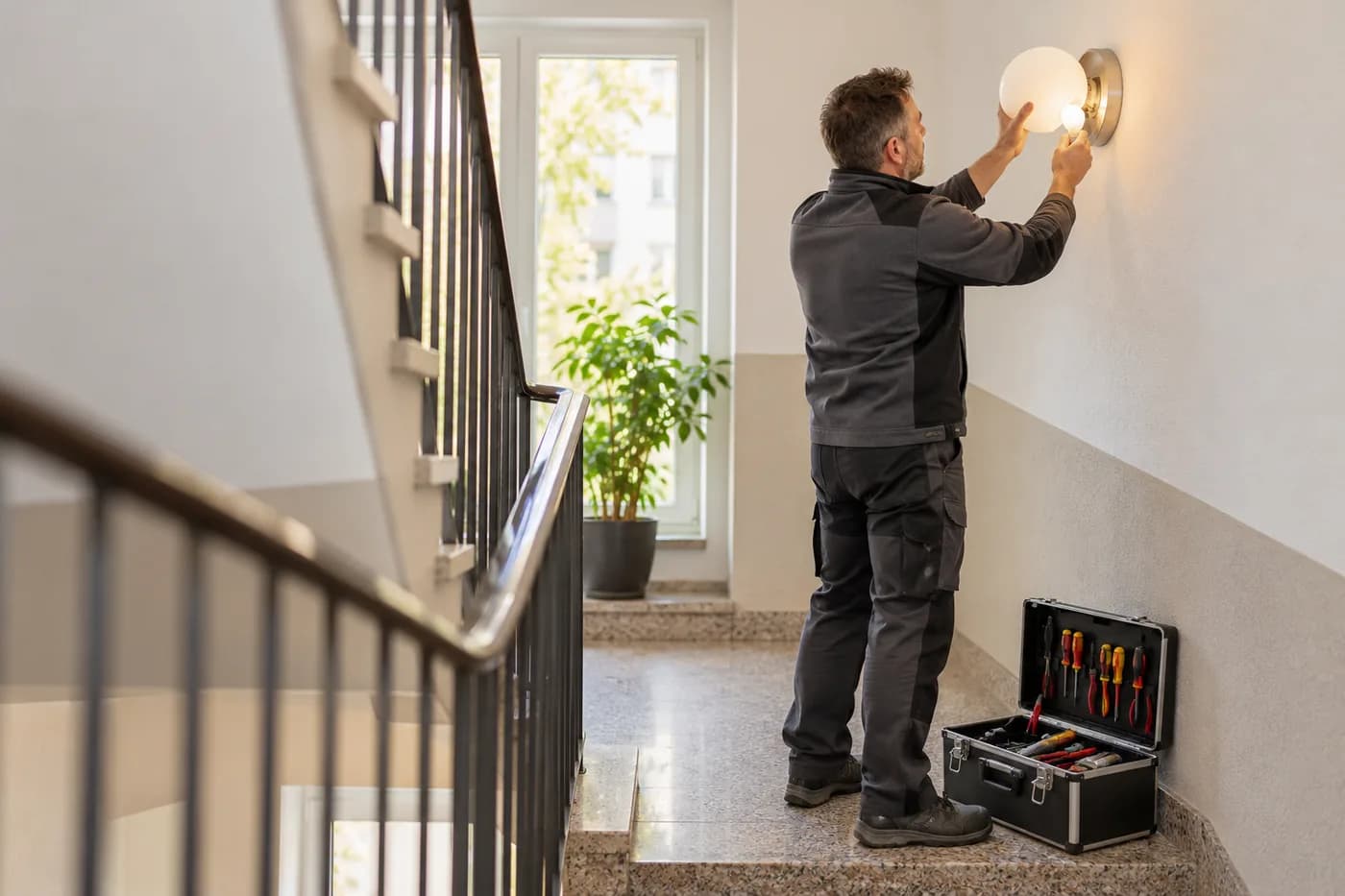
Facility services
Answer calls, plan rounds, record what's done.

Building cleaning
Plan jobs, track hours, keep customers in view.
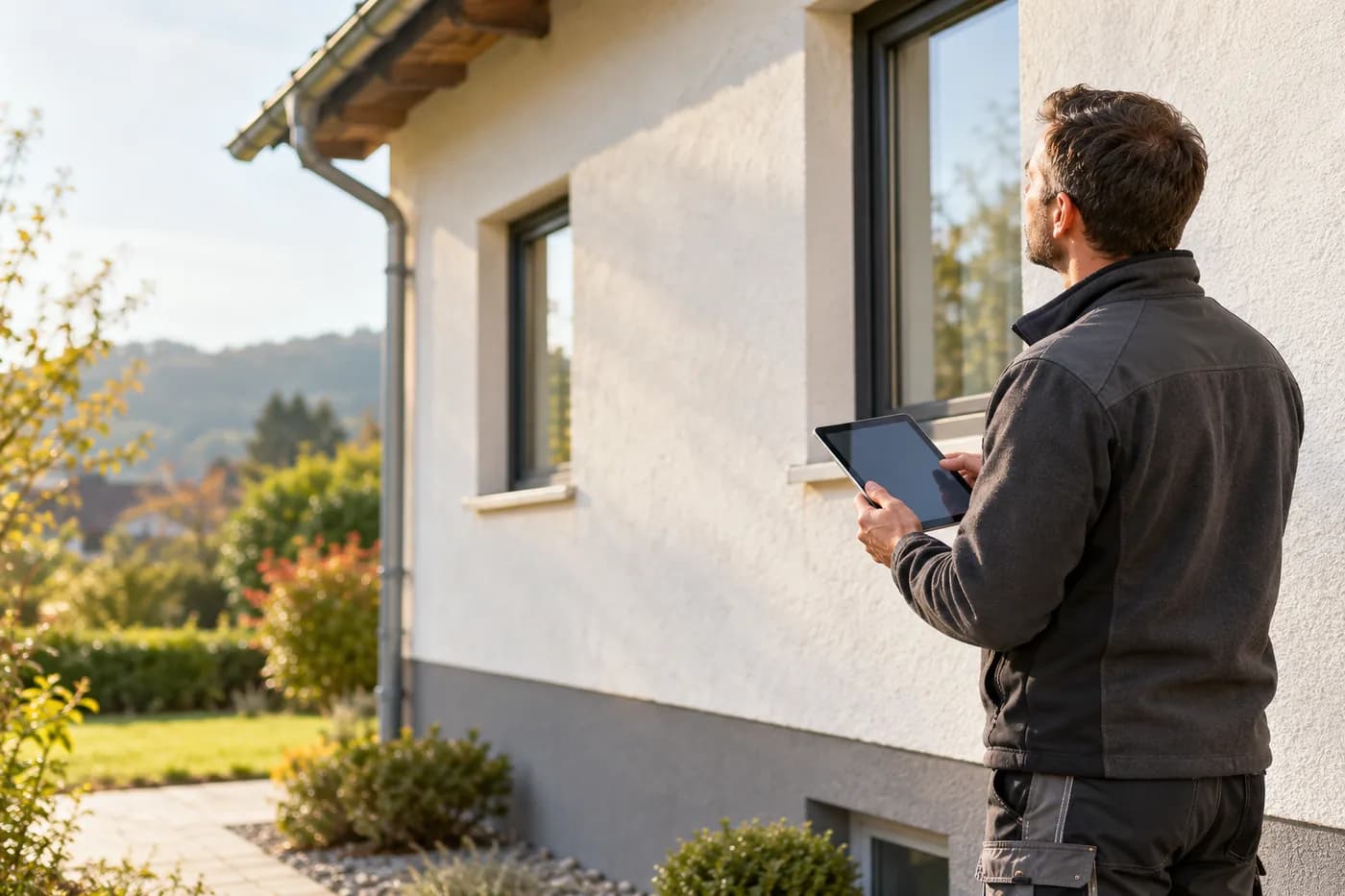
Energy consulting
Clients, appointments and documentation in one place.
All threads in one place
craftflowOS does the paperwork, you stay with your work.