
Roofers
Roofing business on solid ground
You're up on the roof and the phone rings in the van. craftflowOS picks up, plans with your team and turns a photo and a few words into a draft quote.
What helps you most

“Gable roof, about eighty-five square metres, re-lay the tiles, replace the battens, scaffolding needed.” Plus a photo of the roof.
Sound familiar?
“When a storm hits, the phone rings every minute, and I'm up on the roof.”
How craftflowOS helpscraftflowOS answers the phone and takes the request. You call back when you're down again.
“Which crew is where tomorrow, and has the scaffolding been ordered?”
How craftflowOS helpsAll appointments are in the shared calendar. Your team sees where to go without you phoning around.
“In the dispute about the roof damage, I'm missing the 'before' photo.”
How craftflowOS helpsPhotos and notes land on the project with a date. You have the state before and after the work at hand.
Just say it into your phone
Photo and voice note become a draft quote with line items from your catalog. You check it and send it.



“Gable roof, about eighty-five square metres, re-lay the tiles, replace the battens, scaffolding needed.” Plus a photo of the roof.
- Re-lay roof tiles, 85 m²€6,630.00
- Replace battens€1,190.00
- Scaffolding and disposal€1,380.00
A day with craftflowOS
From the first job of the morning to the end of the day: this is how a working day runs when craftflowOS is along. You talk, craftflowOS writes it down.
- Morning
Call answered
A storm hits and the phone rings in the car. craftflowOS picks up, takes the request and calls back when you are down again.
AI phone assistant - Late morning
Roof photographed
You take a photo of the roof and say: gable roof, new tiles, scaffolding needed. The quote draft is built from your catalogue.
Quote by photo - Midday
Material found
You describe the tiles you need and craftflowOS suggests the matching article from your range.
Voice assistant - Afternoon
Condition recorded
Photos and notes land on the project with a date. You have the condition before and after the work at hand.
Job site documentation - End of day
Invoice out
In the evening the invoice goes out from the project data. You see what has been paid and what is still open.
Invoices & reminders
In depth
What decides clean work and fair prices for a roofer
Recording damage with photos (storms, insurance claims)
After a storm many people call at once, and everyone wants to know how bad it is. When you record damage, what counts is that others can follow it: where on the roof is the damage, what does it look like close up and from a distance, and what is the likely cause? An insurer wants to understand the damage without having been on the roof. Several photos from different distances, a short description and the time of the recording help. Also separate what must be secured immediately from what can be repaired later. With Job site documentation you dictate the finding on site and attach photos. The report sits on the project with a timestamp.
Job site documentationWeather-dependent scheduling
On a roof the weather sets the schedule, not the calendar. Rain, strong wind or frost can wipe out a day you had firmly set aside. Good scheduling allows for that: work that leaves the roof open only starts when the day will hold, and you close the roof reliably in the evening. For bad weather you keep work ready that is possible anyway, such as preparation in the workshop or small repairs. It matters to tell customers early that an appointment may wobble. And your team should not learn about a change only on the drive. In the shared calendar of craftflowOS everyone sees their appointments, and reminders go out automatically.
Calendar & teamScaffolding and safety measures in the calculation
Scaffolding, fall protection and protection for the facade and surroundings are not a side issue. They are part of the job, and they cost time and money. Whoever forgets them in the quote pays for them personally. So check already during the inspection: how tall is the building, where can scaffolding stand, is access clear, do neighbours or the street have to be considered, and how does the material get onto the roof? Photos of gable, eaves and driveway help you retrace this at your desk. Show these items openly in the quote, then the customer understands what he pays for. With Quote by photo, a photo and a description become a draft with line items from your catalog, which you complete.
Quote by photoWhat helps you every day
The functions that fit your trade best. Each one has its own page.
- AI phone assistantNo more missed calls, even when you are up on the roof.See the function
- Quote by photoA photo of the roof, one sentence, and the quote draft is ready before you climb down.See the function
- Job site documentationPhotos and notes with a date on the project: before and after without paper chaos.See the function
- Calendar & teamYour team sees who goes where tomorrow. No phoning around.See the function
Fair pricing, no catch
Start small and add what you need. Cancel monthly if you pay monthly.
A crew on several roofs? The Team plan brings scheduling and time tracking for your team.
At launch: try free for 30 daysAt launch: try free for 30 days, no setup fee. All prices excl. VAT.
See all plansStarter
For getting startedfrom€19per month
- Quotes & invoices
- E-invoicing & GoBD
- Calendar, customers & projects
Team
For small teamsfrom€149per month
- All AI features
- Job scheduling & time tracking for the team
- App for every fitter
Questions from the workshop
What does craftflowOS do when I cannot pick up on the roof?
craftflowOS answers the call and records what it is about and how to reach the caller. Transcript and summary land in your inbox.
Does the app work on the roof without signal?
Yes, for the essentials: you can save appointments, site documentation and quote drafts even without signal. They are sent as soon as your phone has a connection again.
How do photos and documentation get onto the project?
You say what was done and craftflowOS turns it into a report with a timestamp. It is linked to the project, with a photo if you like.
How do I schedule my crew?
In the shared calendar. Appointments and availabilities of your team are in one place, and reminders go out automatically. You can book additional seats at any time.
Are photos of customers' houses protected?
Your data is stored on servers in Germany and processed in line with GDPR. The app only uses camera and microphone for photos and speech, and in your system settings you decide what it may do.
Still have a question about setting up or using craftflowOS day to day? The help centre has answers, and you can write to us directly. Go to help
Related trades
Businesses often work hand in hand. See how craftflowOS helps in the neighbouring trades.

Solar & photovoltaics
Photograph the roof, check the quote, documentation on the project.
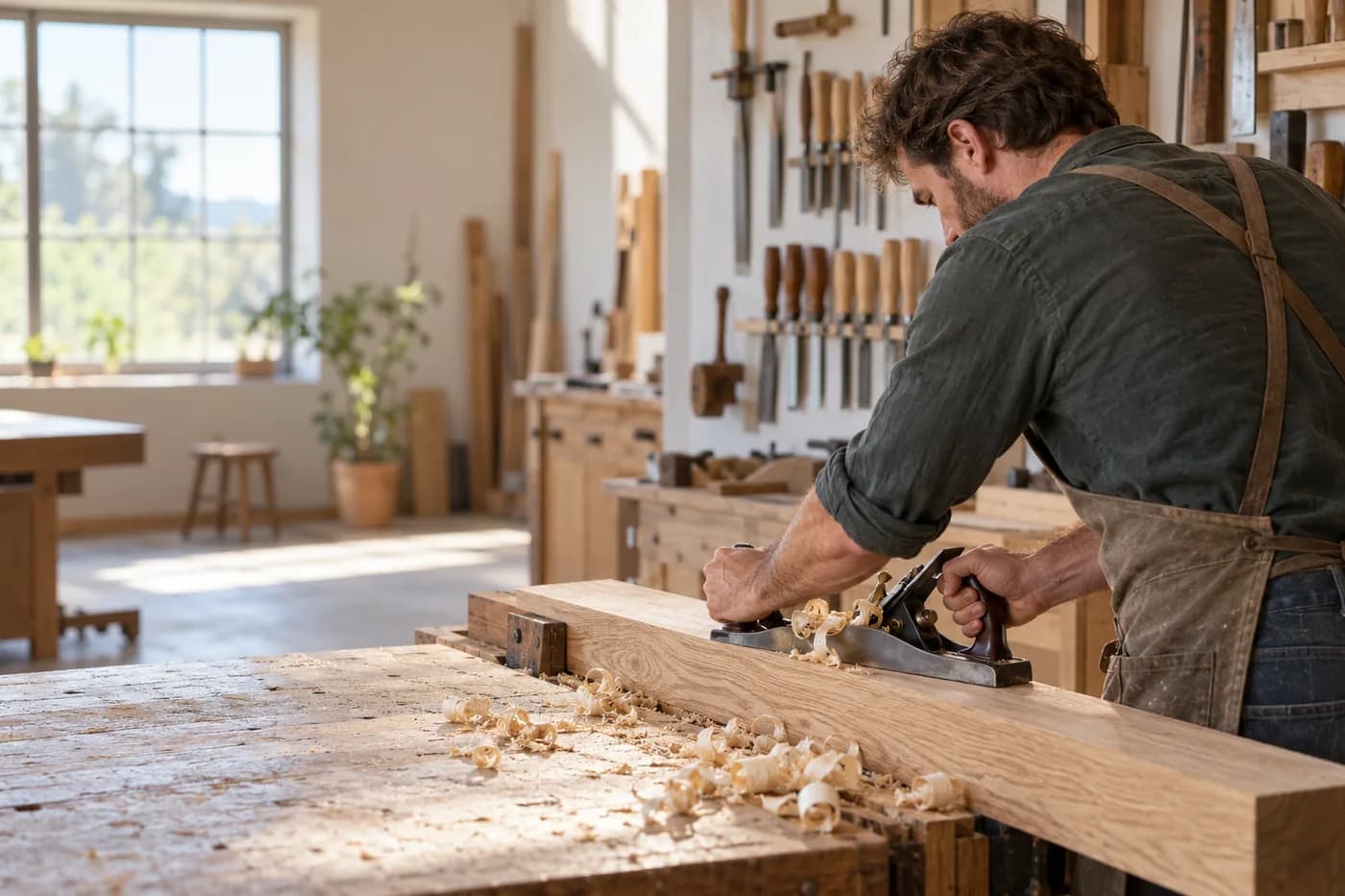
Carpentry & joinery
Photograph the site, say what's wanted, check the quote.
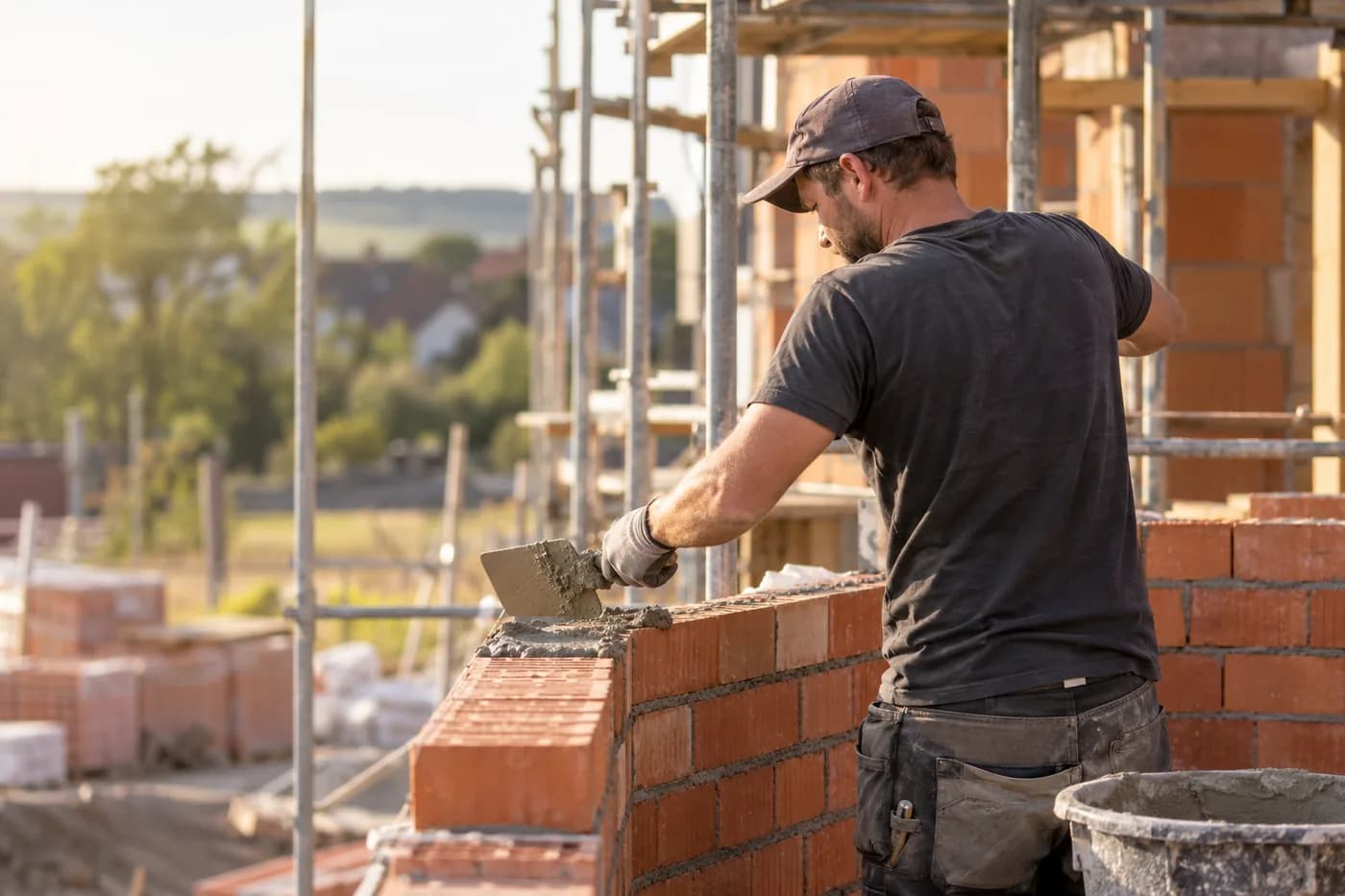
Construction & shell building
Documentation, hours and appointments per site.
Less phone, more roof
craftflowOS does the paperwork, you stay with your work.