
Painters & decorators
Painting business with evenings off
Measuring in the afternoon, quote in the evening: it doesn't have to be that way. craftflowOS turns a photo and a few words into a draft quote while you're still on site.
What helps you most
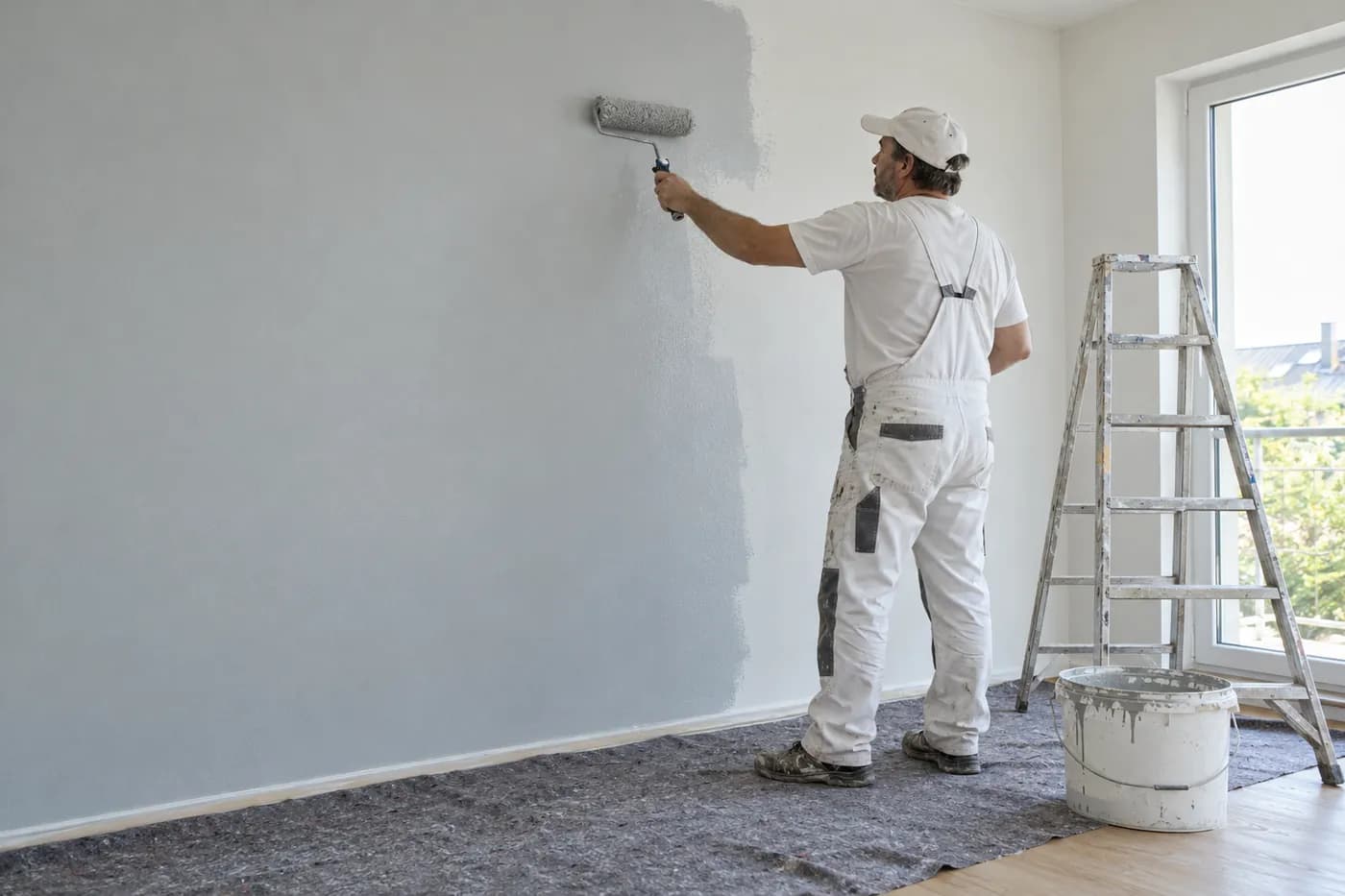
“Living room and hallway, about sixty square metres of wall, two coats, ceiling white.” Plus a photo of the room.
Sound familiar?
“Measuring in the afternoon, writing the quote late at night.”
How craftflowOS helpsYou photograph the rooms and say briefly what needs doing. craftflowOS drafts the quote while you're still on site.
“The customer wants one more room, and which quote did they get again?”
How craftflowOS helpsQuotes, invoices and projects hang off the customer. You see at a glance what has already happened.
“The invoice for the last job is still on the pile.”
How craftflowOS helpsInvoices come from your project data. You type nothing twice and see what has been paid.
Just say it into your phone
Photo and voice note become a draft quote with line items from your catalog. You check it and send it.



“Living room and hallway, about sixty square metres of wall, two coats, ceiling white.” Plus a photo of the room.
- Walls, 2 coats, 60 m²€570.00
- Ceilings white, 30 m²€204.00
- Masking and preparation€120.00
A day with craftflowOS
From the first job of the morning to the end of the day: this is how a working day runs when craftflowOS is along. You talk, craftflowOS writes it down.
- Morning
Appointments in view
In the morning you see which site comes first and who joins you. All in the calendar, for your team too.
Calendar & team - Late morning
Room recorded
You stand in the living room, take a photo and say: sixty square metres of wall, two coats. The draft is ready.
Quote by photo - Midday
Customer looked up
What was promised to the customer? Contact, notes, quotes and invoices are in one place.
Customers & projects - Afternoon
Hours recorded
Your team clocks in on the project. You see the actual hours without collecting paper slips.
Time tracking - End of day
Invoice sent
When the wall is done, the invoice goes out from the project data. You keep an eye on open items.
Invoices & reminders
In depth
What matters for a painter between measuring up, surfaces and weather
Surface area and deductions for openings
Painting is charged by area, and that is exactly where most misunderstandings begin. You measure walls and ceilings, and you deduct windows, doors and larger recesses. What matters is that the customer and your business mean the same rule of calculation before the quote goes out. So write down how you measured: room by room, with height, length and the openings you deducted. That protects you if someone recalculates later, and it saves you the argument over single square metres. With Quote by photo you take a picture of the room and describe what needs doing. craftflowOS suggests line items from your catalog, and you check quantities and prices and adjust them.
Quote by photoMaking the substrate and preparation visible in the quote
The paint itself is the smallest part of the job if the substrate is not right. Cracks, old layers of paint, damp patches, wallpaper remains or stains cost time before the first roller touches the wall. If the quote does not show that, you either work for free or argue about extra costs later. Look closely at the substrate during the site visit and note what has to be done: masking, filling, sanding, priming. List this preparation as items of its own, so the customer understands why the price is more than paint and a brush. In Customers & projects of craftflowOS, notes, quotes and history are attached to the customer, so you find again what was agreed.
Customers & projectsPlanning drying and weather times
Paint, filler and primer need time, and that time is not negotiable. If you start the next step too early, you end up painting again later. So plan not only how long the painting takes, but also when a coat has to be fully dry. For outdoor work, rain, damp air and temperature come into it, and a dry morning is not always enough. Tell customers early that an appointment may move, and keep work ready for bad weather that can be done indoors. In the shared calendar of craftflowOS everyone sees their appointments, reminders go out automatically, and your team does not learn about a change only on the drive.
Calendar & teamWhat helps you every day
The functions that fit your trade best. Each one has its own page.
- Quote by photoMeasure in the afternoon, quote in the evening? Not necessary any more. The draft is ready while you are still in the room.See the function
- Customers & projectsContact, notes, quotes and invoices hang on the customer. No more searching.See the function
- Invoices & remindersThe invoice comes from your project, you type nothing twice.See the function
- Calendar & teamThe calendar shows where your team paints tomorrow.See the function
Fair pricing, no catch
Start small and add what you need. Cancel monthly if you pay monthly.
For the painting business: Solo brings all AI functions for quotes and documentation.
At launch: try free for 30 daysAt launch: try free for 30 days, no setup fee. All prices excl. VAT.
See all plansStarter
For getting startedfrom€19per month
- Quotes & invoices
- E-invoicing & GoBD
- Calendar, customers & projects
Solo
For sole tradersfrom€49per month
- All AI features: quote by photo, voice assistant, job site documentation
- Calendar, customers & projects
- App for the job site
Questions from the workshop
Can I write a quote while I am still at the customer's?
Yes. Take a photo, say briefly what needs doing, and craftflowOS suggests the items from your catalogue. You check, change and send it.
Does it work in a stairwell without signal?
Yes, for the essentials: you can save appointments, site documentation and quote drafts even without signal. They are sent as soon as your phone has a connection again.
How do I get to e-invoicing?
The invoice is built from your project data and goes out by e-mail as a PDF with your own letterhead. E-invoicing and GoBD compliance come with every plan.
What about my journeymen?
Everyone gets their own access with the app, sees their appointments in the calendar and clocks in on the project. You can book additional seats at any time.
Are the photos of the flats safe?
Your data is stored on servers in Germany and processed in line with GDPR. The app only uses camera and microphone for photos and speech, and in your system settings you decide what it may do.
Still have a question about setting up or using craftflowOS day to day? The help centre has answers, and you can write to us directly. Go to help
Related trades
Businesses often work hand in hand. See how craftflowOS helps in the neighbouring trades.
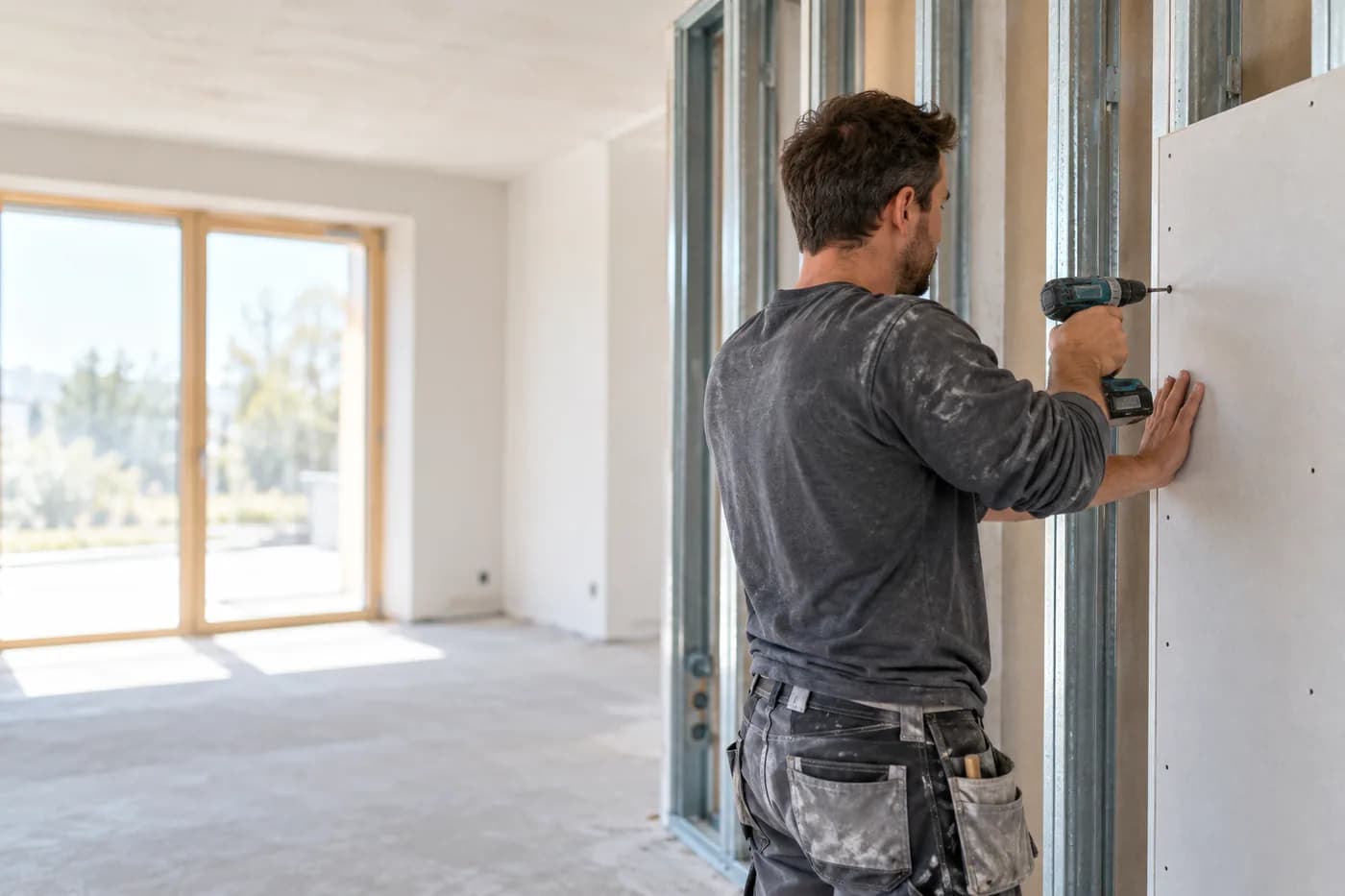
Drywall
Quote from a photo, appointments and hours under control.
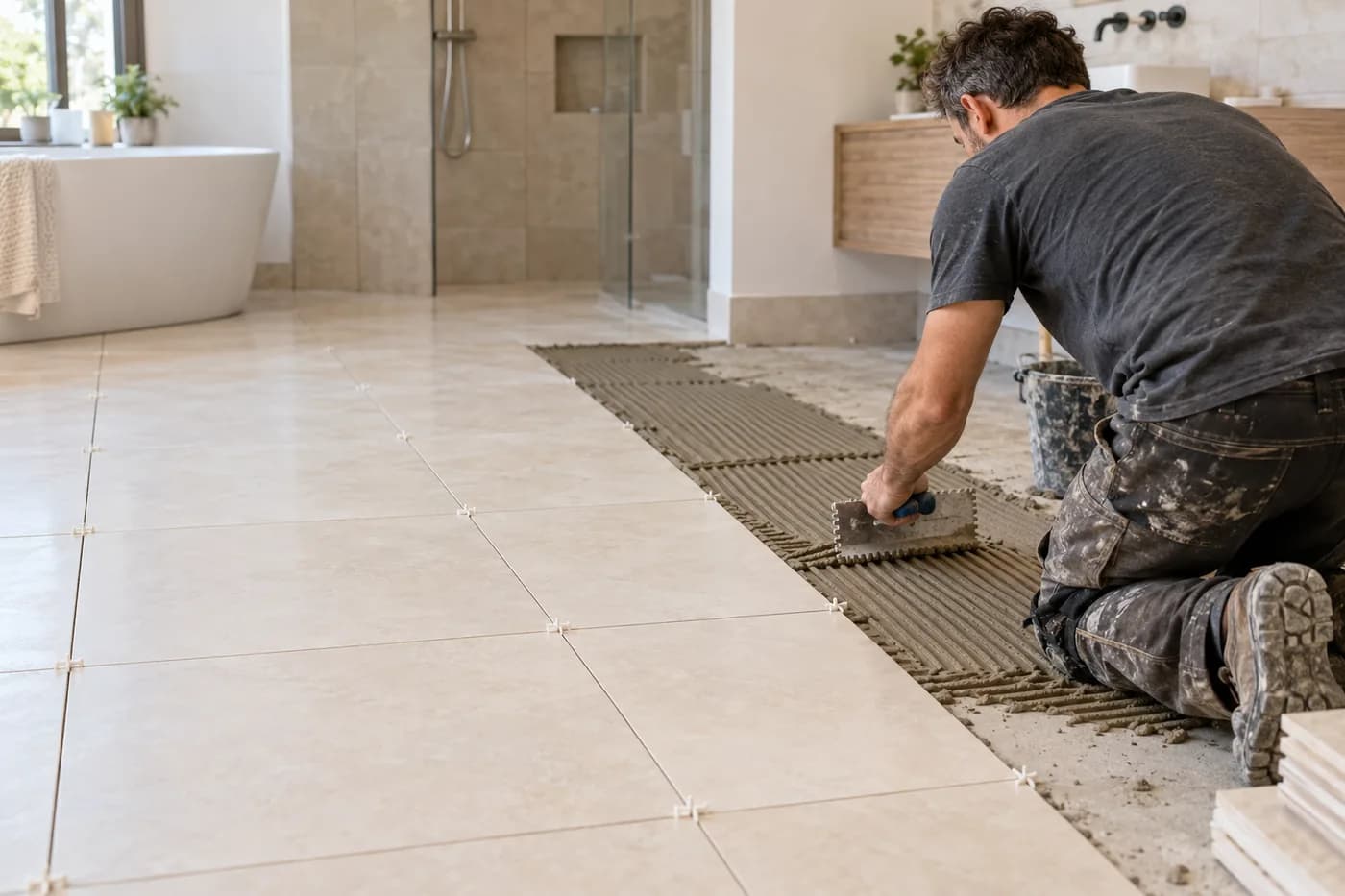
Tiling
Photograph the bathroom, say what's needed, check the quote.
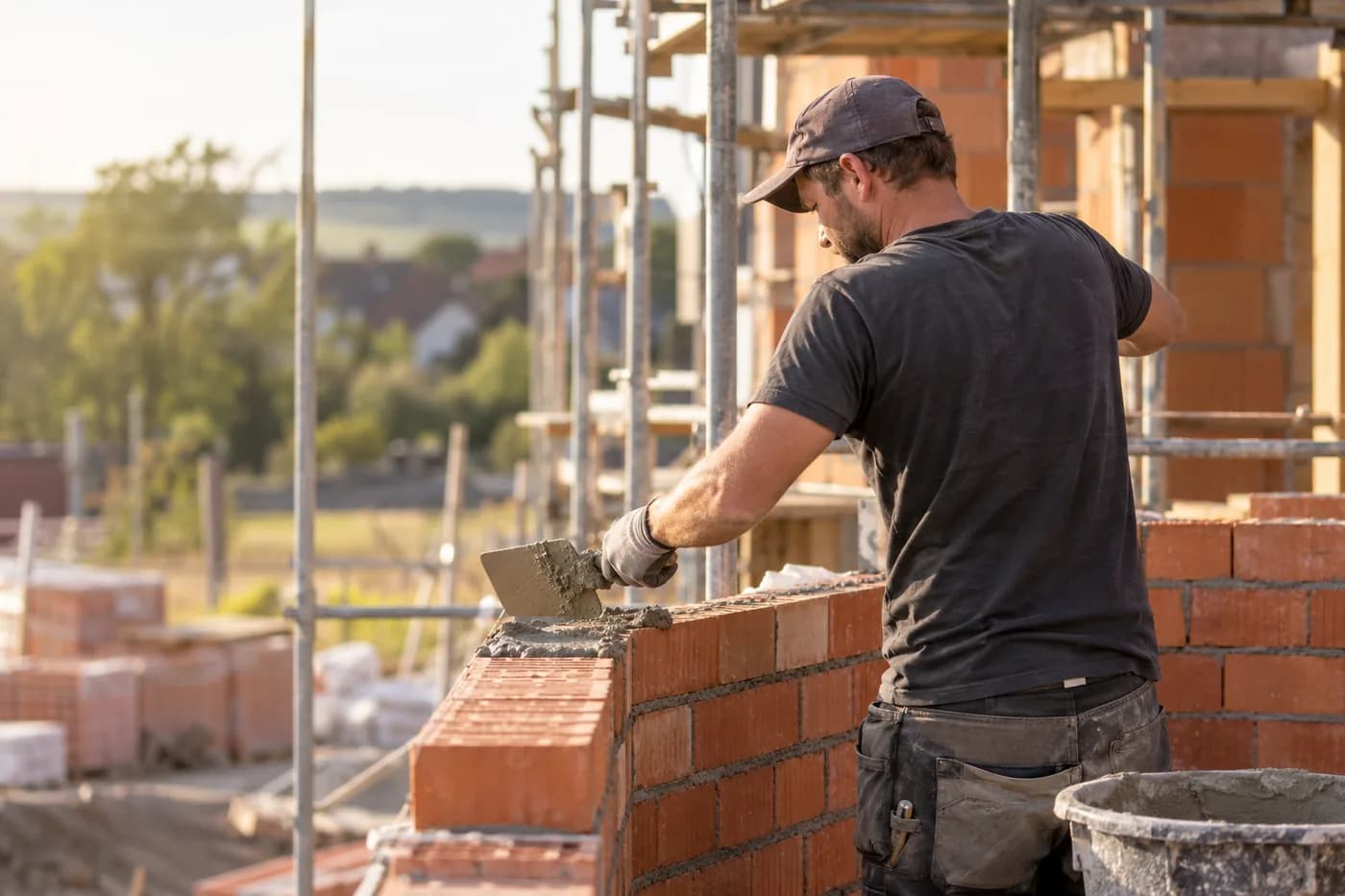
Construction & shell building
Documentation, hours and appointments per site.
Quotes out while the brush is still wet
craftflowOS does the paperwork, you stay with your work.