


“I write invoices late and with effort, and they pile up.”
How craftflowOS solves itcraftflowOS creates the invoice from your project and time data and emails it as a PDF with your own letterhead.

Quote, invoice, payment: it all comes from your project data. You type nothing twice and see at a glance what's paid.
How craftflowOS solves itcraftflowOS creates the invoice from your project and time data and emails it as a PDF with your own letterhead.
How craftflowOS solves itYou assign incoming payments to the invoice. The status shows open, partly paid or paid, and you see open items per customer.
How craftflowOS solves itYou hand your tax advisor an export they can process right away. Receipts are archived in a GoBD-compliant way.
The individual building blocks of this feature.
Invoices and quotes in minutes, not hours.
Match incoming payments to invoices — automatically.
Cancel invoices cleanly and GoBD-compliantly.
Forward a supplier invoice — done.
DATEV, ELSTER and GoBD-compliant exports at the click of a button.
These trades use the function in their day to day. Each has its own page.
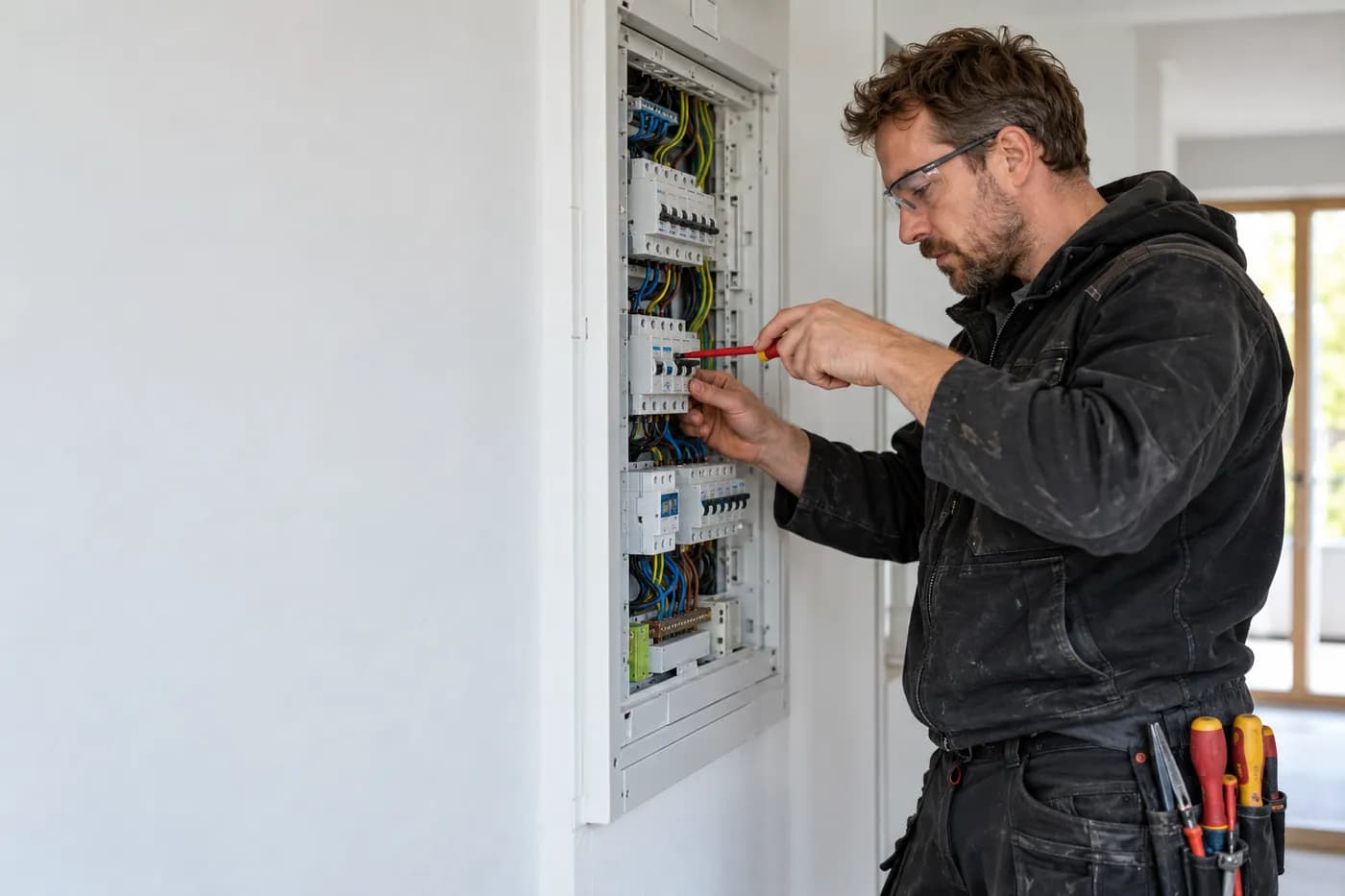
Quote from the job site, documentation by dictation, invoice from the project.
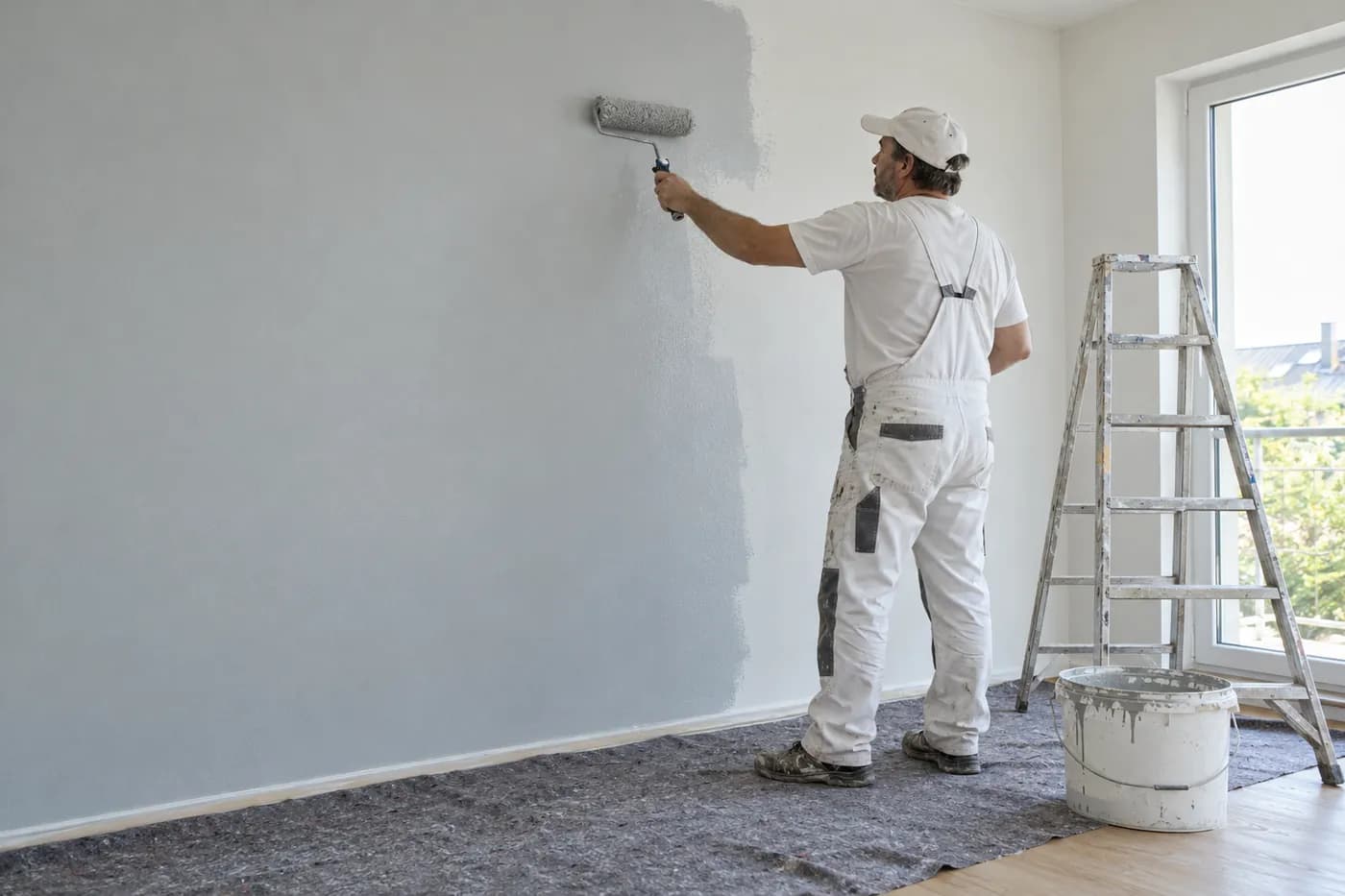
Take a photo, describe the rooms, check the draft quote and send it.

Photograph the site, say what's wanted, check the quote.
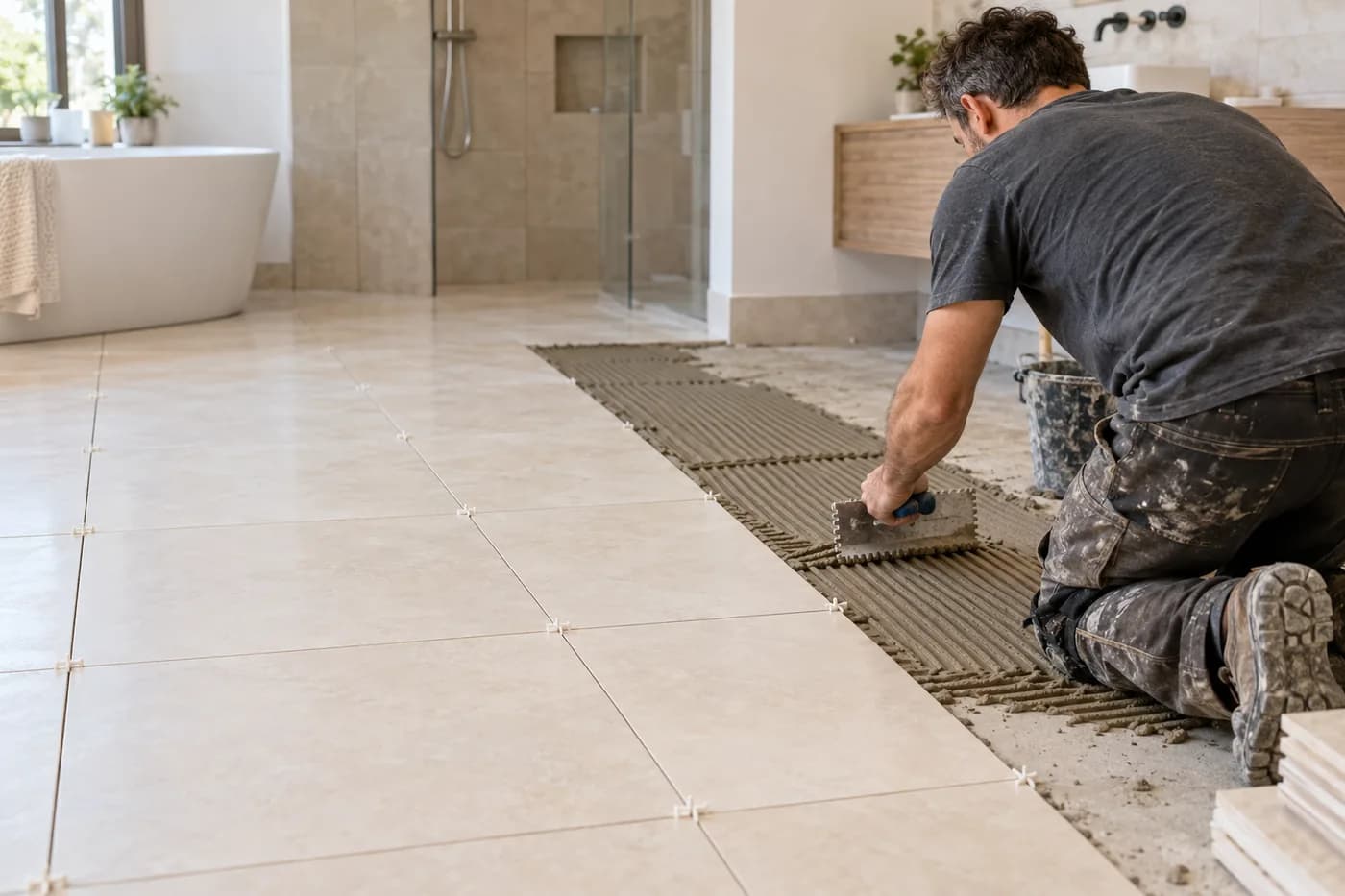
Photograph the bathroom, say what's needed, check the quote.
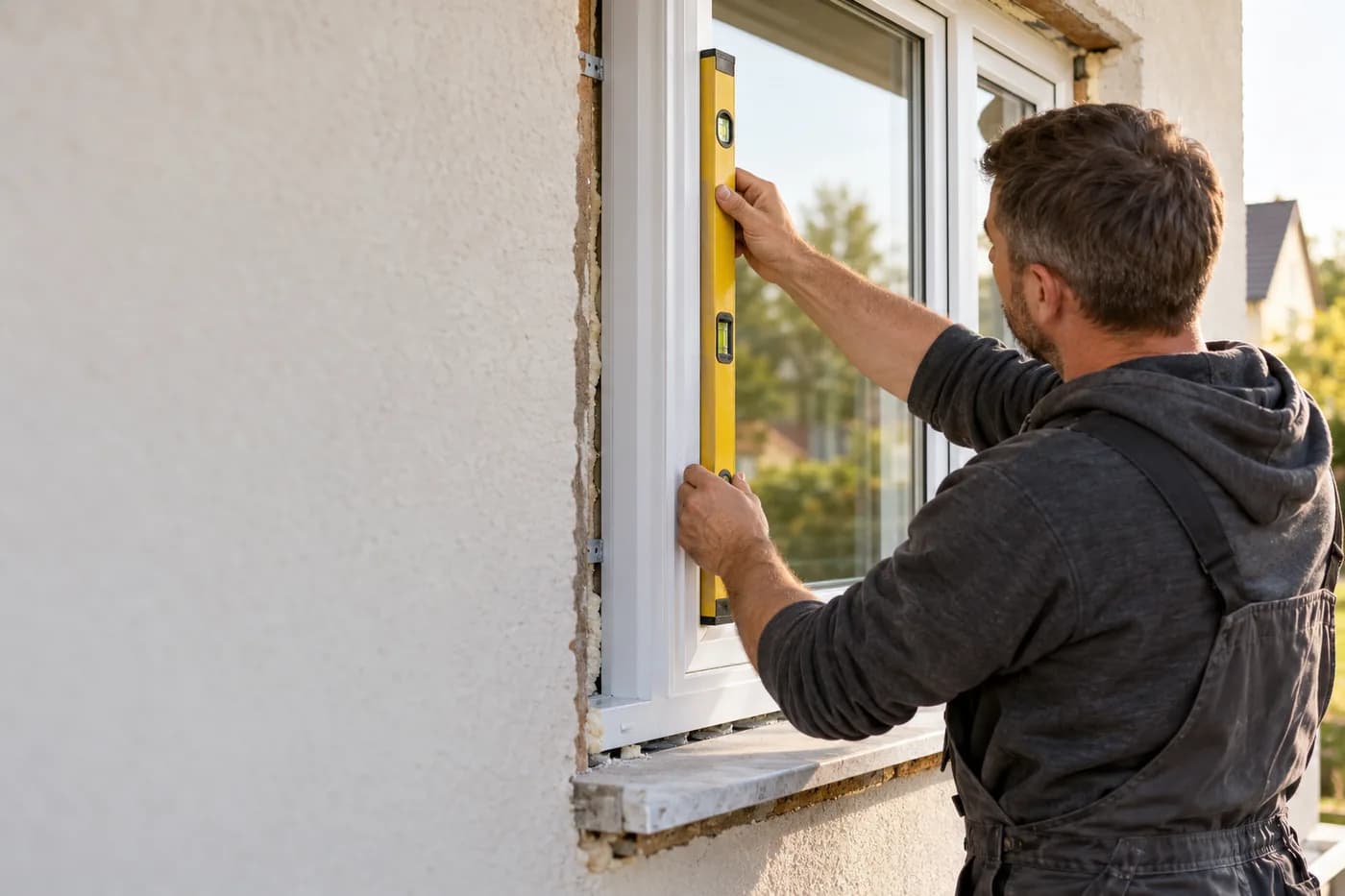
Say the dimensions, check the quote, plan the fitting.

Photograph the roof, check the quote, documentation on the project.

Clients, appointments and documentation in one place.

Plan jobs, track hours, keep customers in view.

Calls, properties and inspections in one place.
craftflowOS keeps the numbers together, you stay with your work.
Cookie Settings
We use cookies to run the website and – only if you agree – Google Analytics 4 to understand how it is used. You can change your choice at any time in the footer. More in the privacy policy and the legal notice.