
Glazing & windows
Glass and windows precise in the office
Measure windows, order panes, plan the fitting: the measurement notes fill up fast. craftflowOS turns a photo and a few words into a draft quote and plans the fitting date with it.
What helps you most
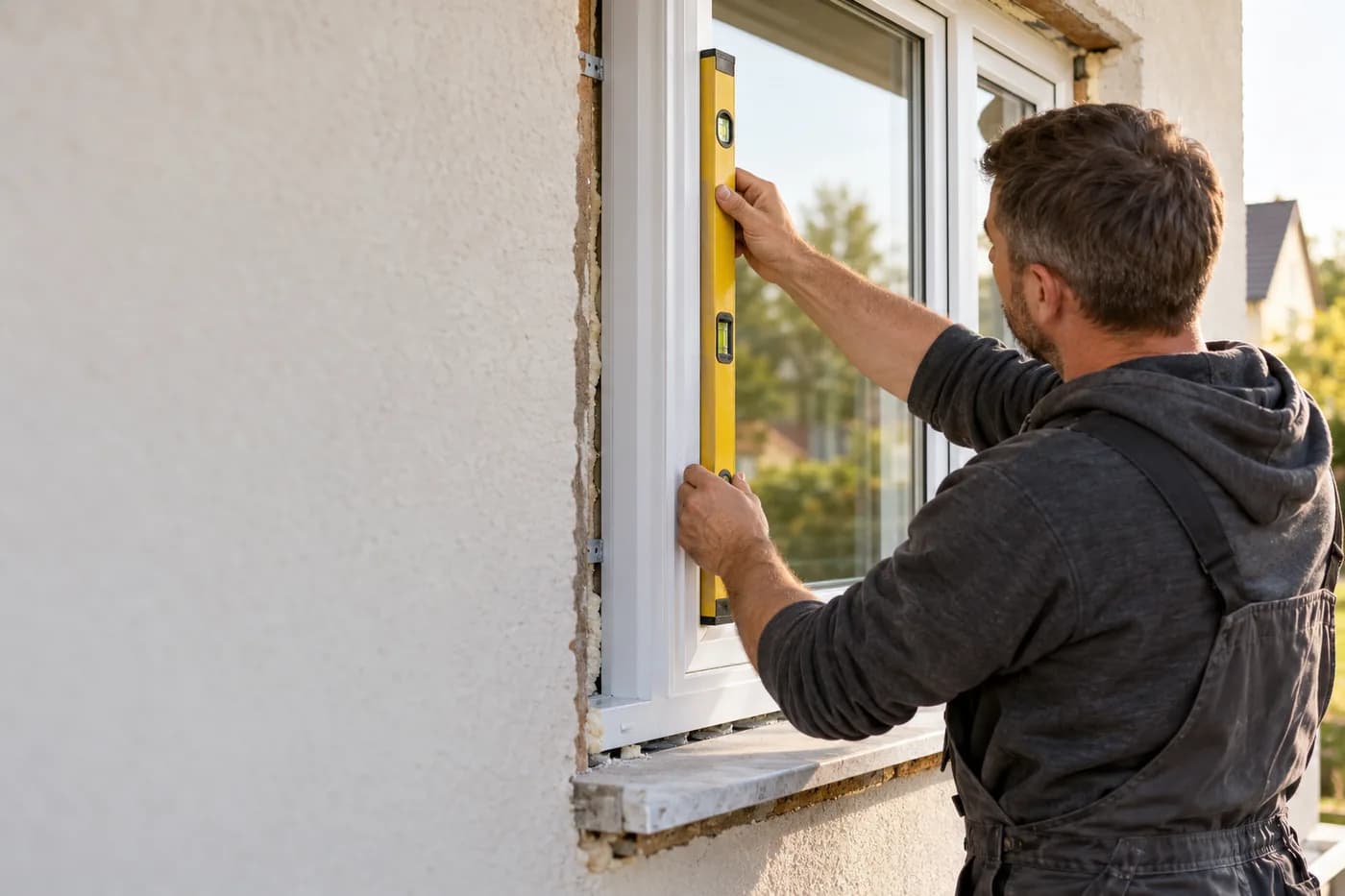
“Weber family, five triple-glazed uPVC windows, one frameless glass shower in the bathroom, remove and dispose of the old windows.”
Sound familiar?
“Five windows and a glass shower measured, and the dimensions are on a note in the van.”
How craftflowOS helpsYou say dimensions and finish while you stand in front of the window or the shower wall. craftflowOS turns that into the draft quote.
“The fitting is promised, but the pane only arrives in three weeks.”
How craftflowOS helpsFitting dates are in the team calendar. You see who fits where and when, and plan the delivery around it.
“I write the invoice after the fitting when I have time, so late.”
How craftflowOS helpsInvoices come from your project data. Reminders run along, and you keep open items in view.
Just say it into your phone
Photo and voice note become a draft quote with line items from your catalog. You check it and send it.



“Weber family, five triple-glazed uPVC windows, one frameless glass shower in the bathroom, remove and dispose of the old windows.”
- Triple-glazed uPVC windows, 5 pcs€3,200.00
- Frameless glass shower, 1 pc€1,480.00
- Removal, fitting, disposal€960.00
A day with craftflowOS
From the first job of the morning to the end of the day: this is how a working day runs when craftflowOS is along. You talk, craftflowOS writes it down.
- Morning
Call answered
A pane is broken, the customer calls while you are in the middle of an installation. craftflowOS picks up and takes the request.
AI phone assistant - Late morning
Window recorded
A photo of the window plus: five uPVC windows, triple glazing, remove old windows. The quote draft is ready.
Quote by photo - Midday
Pane found
You describe size and glazing and craftflowOS suggests the matching article from your range.
Voice assistant - Afternoon
Installation scheduled
The installation date is in the calendar. Your team sees it, the customer gets a reminder.
Calendar & team - End of day
Invoice out
After the installation the invoice comes from the project data, with your own letterhead.
Invoices & reminders
In depth
What matters in glazing and windows between measuring up, lead time and emergencies
Measuring up and ordering with lead time
A window or a pane is made to measure, and a wrong measurement means a new order, a wait and an unhappy customer. So measure carefully and twice, in several places, because openings are rarely exactly rectangular. Note the opening type, glass build-up, frame, colour and special features such as glazing bars or fittings. Photos of the installation situation help you see later what you started from. Tell the customer honestly before ordering how long delivery takes, because the date is based on it. With the product chat of craftflowOS you describe what you need and find matching items from your range, with picture and short description. What fits, you take over into the quote or the order.
Voice assistantInstalling after the delivery date
The installation date depends on the delivery date, not the other way round. If you promise the customer a day before the goods are confirmed, you have to cancel later. It is better to wait for the delivery date first and then set the fitting, with some room for delays. Also plan what happens before and after fitting: removing old elements, checking connections and reveals, fitting, sealing, glazing, tidying up the small things. Tell the customer whether they need to clear the area and how long the opening stays open. In the shared calendar of craftflowOS your team sees its appointments, reminders go out automatically, and customers book free slots themselves.
Calendar & teamRepairs and emergency glazing
A broken pane is an emergency for the customer, especially when it is about security or protection from the weather. They want to know: will you come, when, and how safe is it until then? On the phone, ask for the essentials: where is the damage, how big, is the opening exposed, is there dangerous broken glass lying around? Have photos sent, then you know which material to bring. Often a temporary solution secures the opening first, and the final pane follows once it has been made. Separate that in the quote, so it is clear what happens at once and what happens later. With Quote by photo, a photo and a description become a draft with line items from your catalog, which you check.
Quote by photoWhat helps you every day
The functions that fit your trade best. Each one has its own page.
- Quote by photoMeasuring slips full? Take a photo, say what gets replaced and the draft is ready.See the function
- Voice assistantDescribe the pane, craftflowOS finds it in your range.See the function
- Calendar & teamInstallation dates in the shared calendar, customers book free slots themselves.See the function
- Invoices & remindersInvoices from the project data, you see what has been paid.See the function
Fair pricing, no catch
Start small and add what you need. Cancel monthly if you pay monthly.
For the window fitter: Solo brings all AI functions.
At launch: try free for 30 daysAt launch: try free for 30 days, no setup fee. All prices excl. VAT.
See all plansStarter
For getting startedfrom€19per month
- Quotes & invoices
- E-invoicing & GoBD
- Calendar, customers & projects
Solo
For sole tradersfrom€49per month
- All AI features: quote by photo, voice assistant, job site documentation
- Calendar, customers & projects
- App for the job site
Questions from the workshop
How do I write a quote for several windows?
You describe in two or three sentences what needs to be done, optionally with a photo. craftflowOS suggests the items from your catalogue, you check them and send the quote.
Does it work in a shell construction without signal?
Yes, for the essentials: you can save appointments, site documentation and quote drafts even without signal. They are sent as soon as your phone has a connection again.
Can the customer choose the installation date themselves?
Yes. Customers book free slots online, the appointment then sits in the calendar, and reminders go out automatically.
How does my installation team work with it?
Everyone gets their own access with the app and sees their appointments in the calendar. You can book additional seats at any time.
Are e-invoicing and data protection covered?
The invoice is built from your project data and goes out by e-mail as a PDF with your own letterhead. E-invoicing and GoBD compliance come with every plan. Your data is stored on servers in Germany and processed in line with GDPR. The app only uses camera and microphone for photos and speech, and in your system settings you decide what it may do.
Still have a question about setting up or using craftflowOS day to day? The help centre has answers, and you can write to us directly. Go to help
Related trades
Businesses often work hand in hand. See how craftflowOS helps in the neighbouring trades.
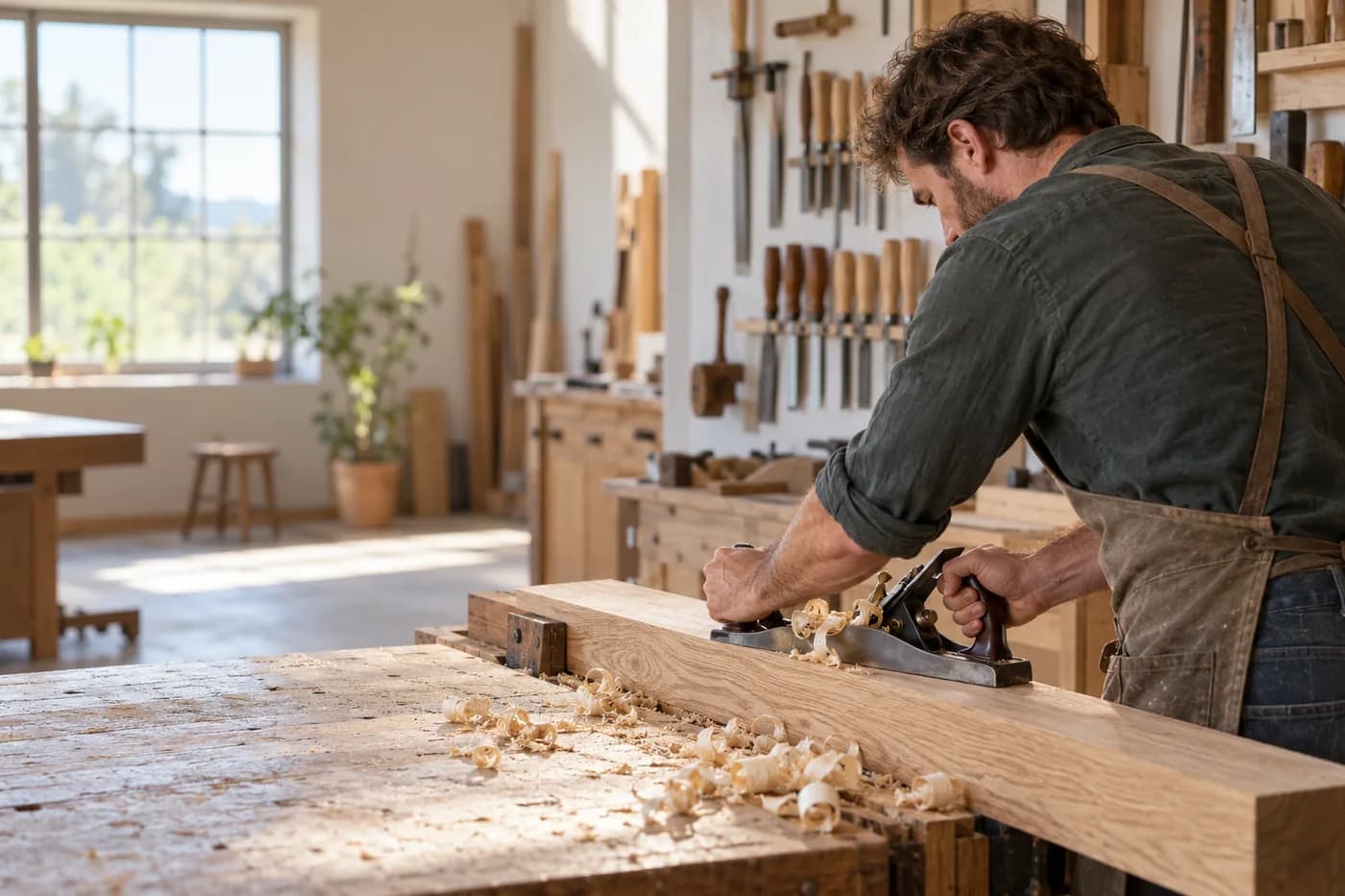
Carpentry & joinery
Photograph the site, say what's wanted, check the quote.

Energy consulting
Clients, appointments and documentation in one place.
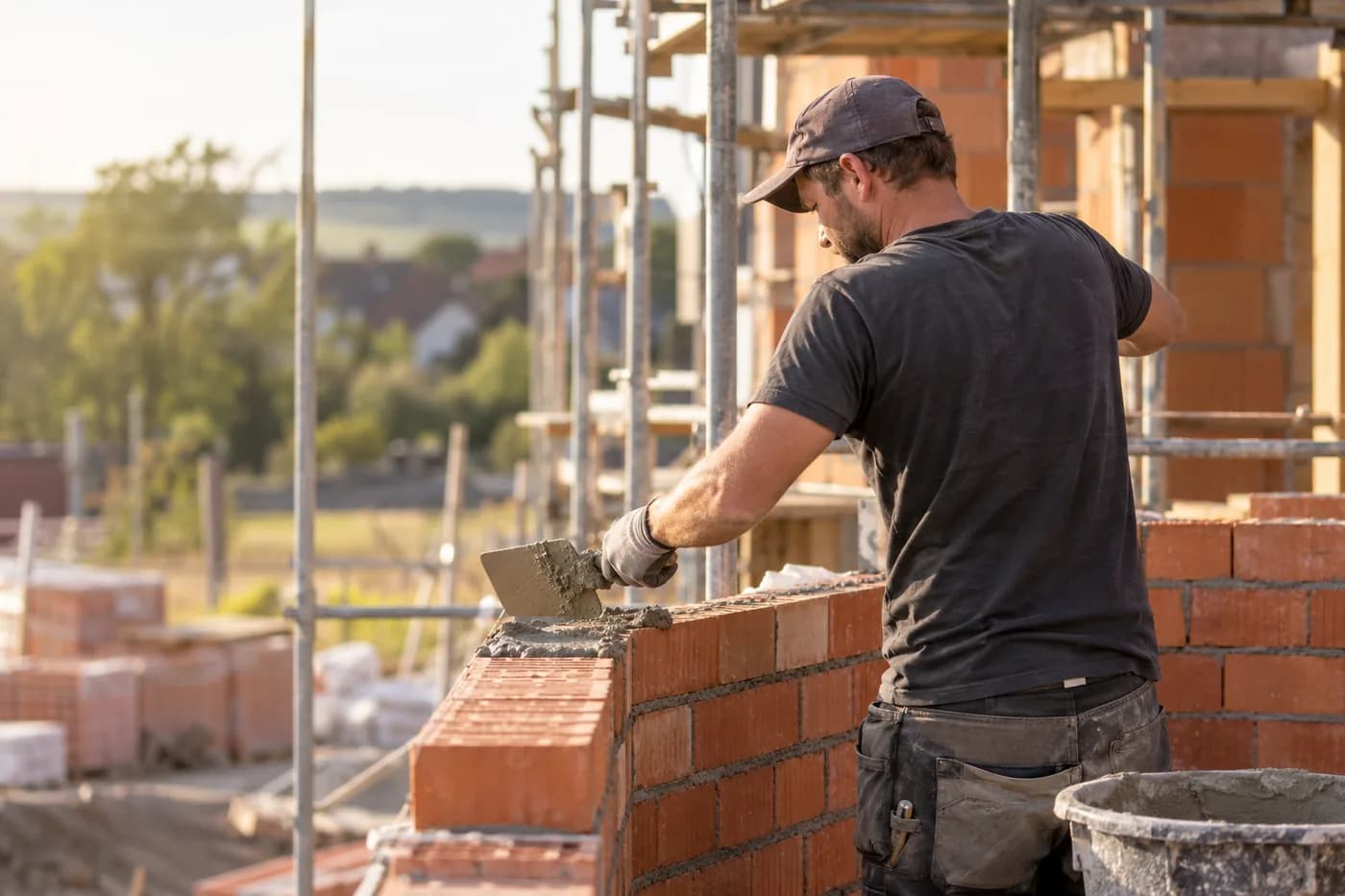
Construction & shell building
Documentation, hours and appointments per site.
Panes in, paper out
craftflowOS does the paperwork, you stay with your work.