
Energy consulting
Energy consulting with a clear plan
Inspection, report, roadmap: every client takes time and paper. craftflowOS keeps clients, appointments and documentation together and turns your voice note into the draft quote.
What helps you most

“Detached house built 1978, building survey on site, renovation roadmap, report with debrief.”
Sound familiar?
“After the inspection I have photos on my phone and notes in a pad.”
How craftflowOS helpsPhotos and notes land on the project with a date. For the report you have everything in one place.
“Three consultations this week, and every client asks where they stand.”
How craftflowOS helpsEvery client has a file with appointments, quotes and documents. You see at a glance where they stand.
“I only write the invoice for the consultation once the report is done, so late.”
How craftflowOS helpsInvoices come from your project data. You see what is paid and what is open.
Just say it into your phone
Photo and voice note become a draft quote with line items from your catalog. You check it and send it.



“Detached house built 1978, building survey on site, renovation roadmap, report with debrief.”
- Building survey on site€480.00
- Renovation roadmap€1,150.00
- Report and debrief€390.00
A day with craftflowOS
From the first job of the morning to the end of the day: this is how a working day runs when craftflowOS is along. You talk, craftflowOS writes it down.
- Morning
Visit in the calendar
In the morning you see which visit is coming up. Customers book free slots themselves, reminders go out automatically.
Calendar & team - Late morning
Customer ready
Before you ring the bell you know what it is about: contact, notes and history are with you.
Customers & projects - Midday
Visit dictated
Detached house built in 1978: you speak the survey on site, and it becomes a report on the project.
Job site documentation - Afternoon
Quote drafted
From photo and voice comes the draft for the renovation roadmap and consultation.
Quote by photo - End of day
Invoice out
The invoice comes from the project data, you see what has been paid.
Invoices & reminders
In depth
What matters in energy consulting between the site visit, documents and report
Site inspection and collecting data on location
Advice is only as good as the data it rests on. During the inspection you record what later goes into the calculation: shape of the building, building elements, windows, heating, hot water, ventilation and how the residents actually use the house. A fixed checklist makes sure you forget nothing and every inspection runs the same way. Photos of building elements, type plates and details save you the second visit. Ask for plans and old documents as well. With the calendar of craftflowOS you set inspections, your team sees the appointments, reminders go out automatically, and customers book free slots themselves.
Calendar & teamGathering documents for applications completely and in time
An application rarely fails because of the idea, but because of missing documents or a date nobody had in view. So clarify early which body asks for what, because requirements differ and change. Get the current requirements straight from the responsible body instead of relying on old templates. Keep a list for every case: what is there, what is missing, by when does something have to be submitted and who is responsible? Tell the customer at the start what they need to contribute. In Customers & projects of craftflowOS, notes, quotes and history are attached to the customer, and you can see at any time what has already been sent.
Customers & projectsA report the customer understands
A report is only good once the customer knows afterwards what to do. Many reports are correct and still unreadable: lots of tables, little explanation. Start with the result, in a few sentences a layperson understands. Then show which measures exist, what they achieve and in which order they make sense. Explain technical terms when you need them, and state the assumptions you made. A photo of the problem often says more than a paragraph. Take the time to go through the report with the customer, because in conversation questions get answered that would otherwise come back as doubts.
What helps you every day
The functions that fit your trade best. Each one has its own page.
- Customers & projectsContact, notes and history of every customer in one place.See the function
- Calendar & teamVisits in the calendar, customers book free slots themselves.See the function
- Job site documentationSpeak the survey on site, the report writes itself.See the function
- Invoices & remindersInvoices from the project data, you type nothing twice.See the function
Fair pricing, no catch
Start small and add what you need. Cancel monthly if you pay monthly.
For consulting: Solo brings all AI functions.
At launch: try free for 30 daysAt launch: try free for 30 days, no setup fee. All prices excl. VAT.
See all plansStarter
For getting startedfrom€19per month
- Quotes & invoices
- E-invoicing & GoBD
- Calendar, customers & projects
Solo
For sole tradersfrom€49per month
- All AI features: quote by photo, voice assistant, job site documentation
- Calendar, customers & projects
- App for the job site
Questions from the workshop
Can I record the visit by voice?
Yes. You speak into the app what you see on site, and craftflowOS turns it into a report with a timestamp, linked to the project, with a photo if you like.
Does it work in the customer's cellar without signal?
Yes, for the essentials: you can save appointments, site documentation and quote drafts even without signal. They are sent as soon as your phone has a connection again.
Can customers book appointments themselves?
Yes. Customers choose free slots themselves, the appointment sits in the calendar, and reminders go out automatically.
How do I keep my customers in view?
Contacts, notes, quotes, invoices and projects are connected. You no longer search for who received what and when.
How is customer data protected?
Your data is stored on servers in Germany and processed in line with GDPR. The app only uses camera and microphone for photos and speech, and in your system settings you decide what it may do.
Still have a question about setting up or using craftflowOS day to day? The help centre has answers, and you can write to us directly. Go to help
Related trades
Businesses often work hand in hand. See how craftflowOS helps in the neighbouring trades.

Solar & photovoltaics
Photograph the roof, check the quote, documentation on the project.
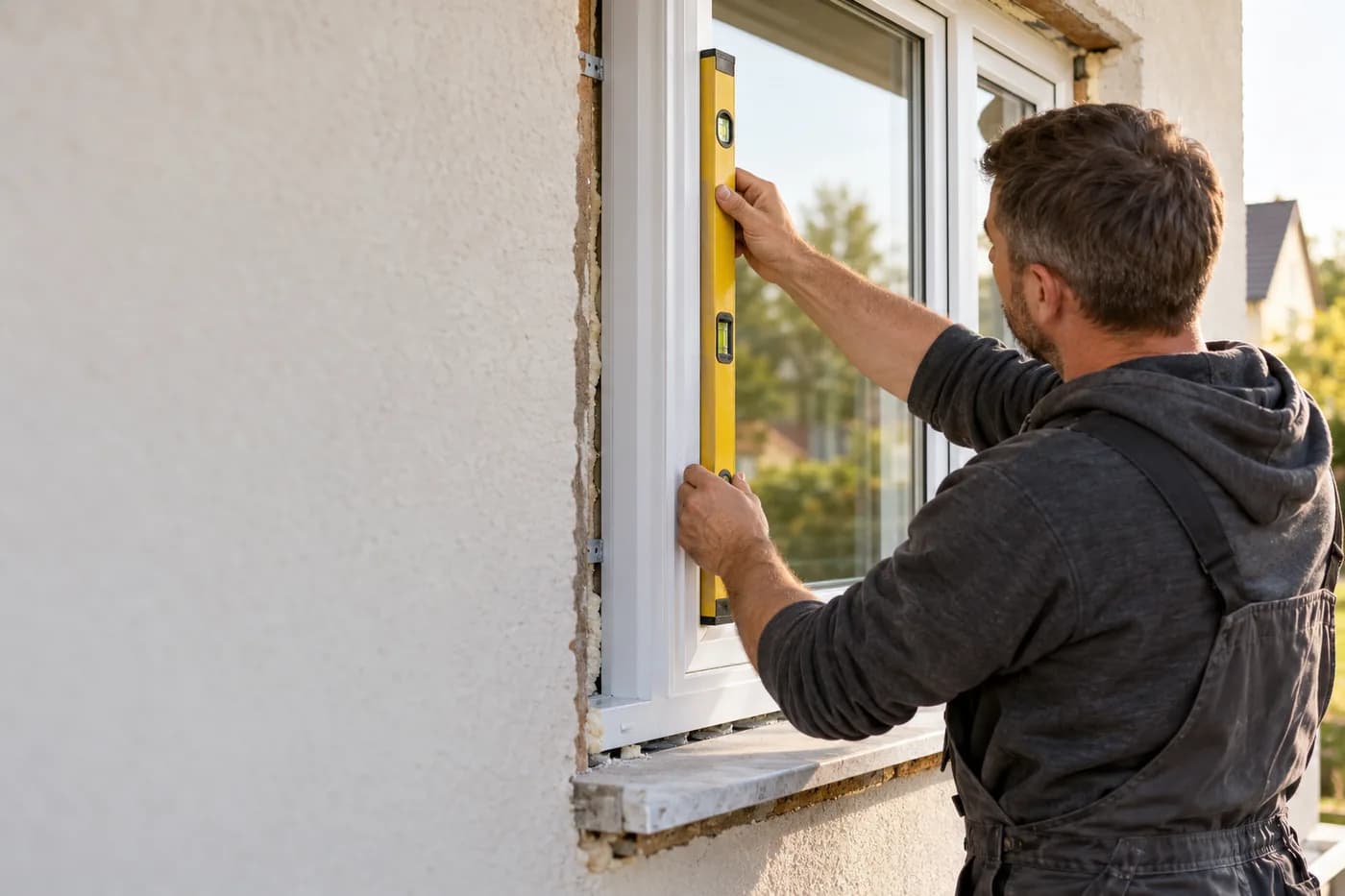
Glazing & windows
Say the dimensions, check the quote, plan the fitting.
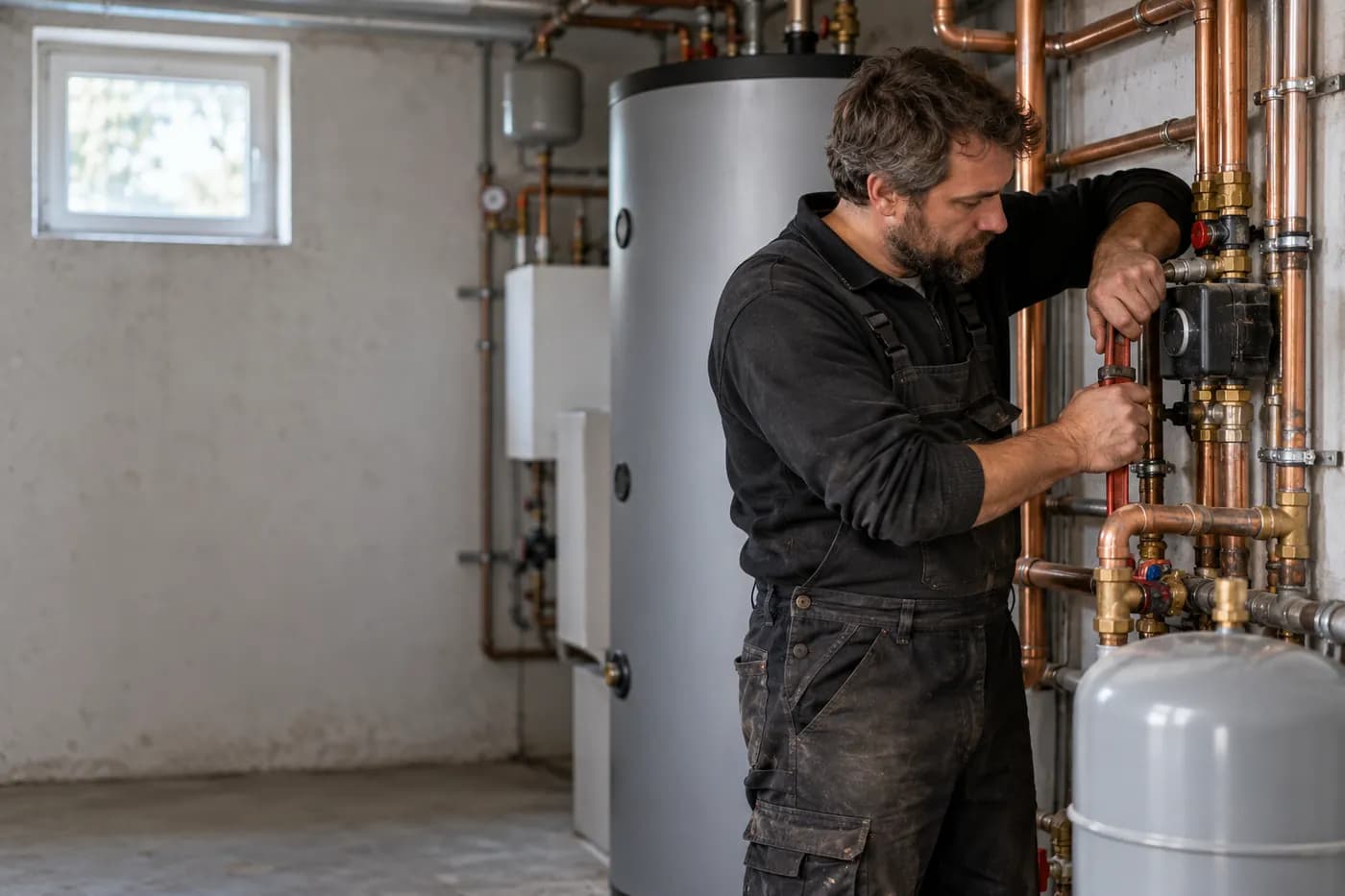
Plumbing, heating & AC
Answer calls, plan appointments, track hours on the project.
More consulting, less office
craftflowOS does the paperwork, you stay with your work.