


“I write reports after hours, when I'm actually done.”
How craftflowOS solves itYou dictate on site what was done. Your evening is yours again.

Dictate on site what you did. craftflowOS turns it into a structured report and attaches it to the project.
How craftflowOS solves itYou dictate on site what was done. Your evening is yours again.
How craftflowOS solves itThe report gets a timestamp and sits on the project. You and your customer can read what happened.
How craftflowOS solves itIf you like, you attach a photo to the report. Everything sits in one place, on the project.
The individual building blocks of this feature.
Dictate the work report instead of typing it up after hours.
These trades use the function in their day to day. Each has its own page.
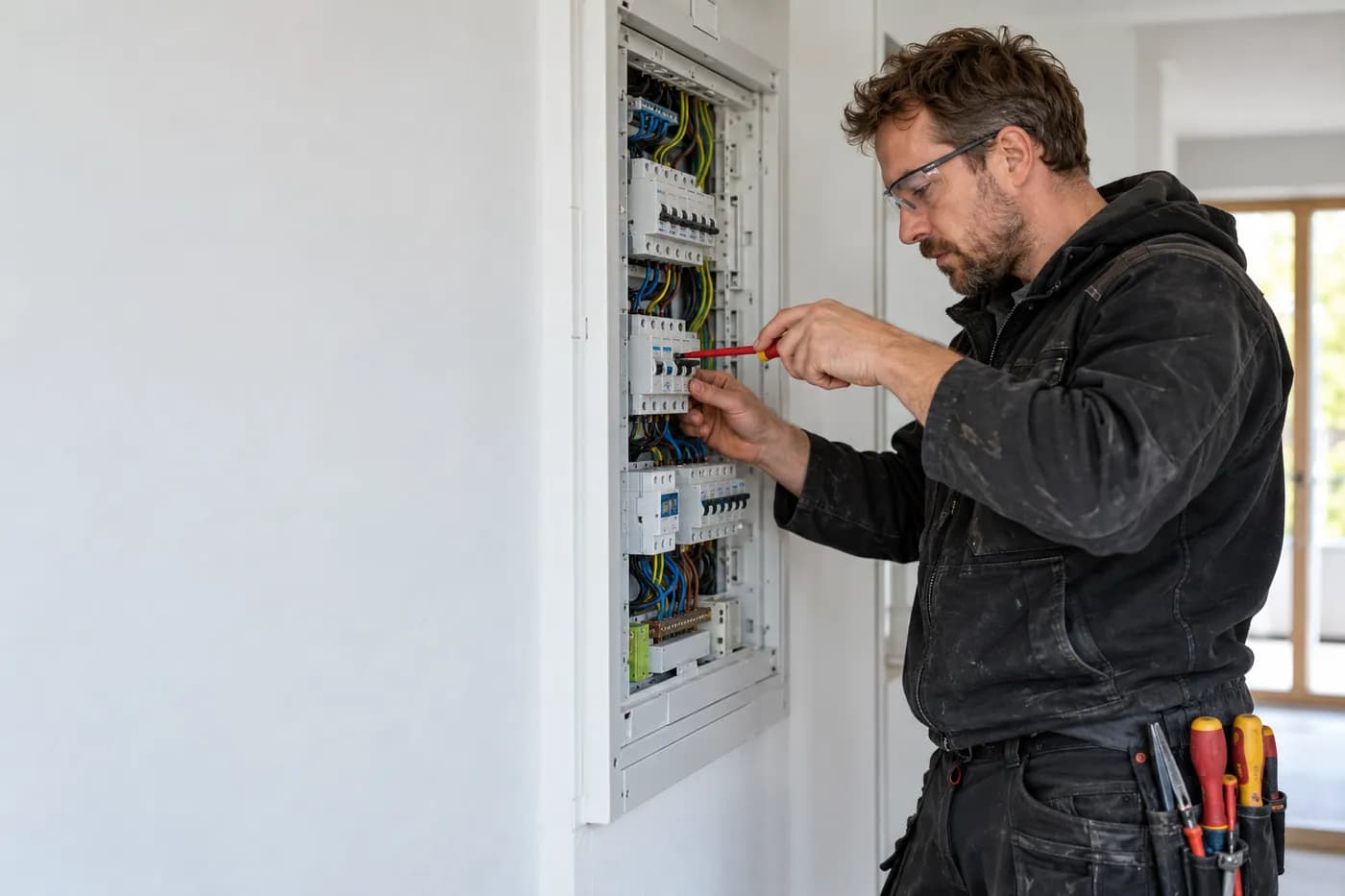
Quote from the job site, documentation by dictation, invoice from the project.

Answer calls, plan appointments, quote from a photo.
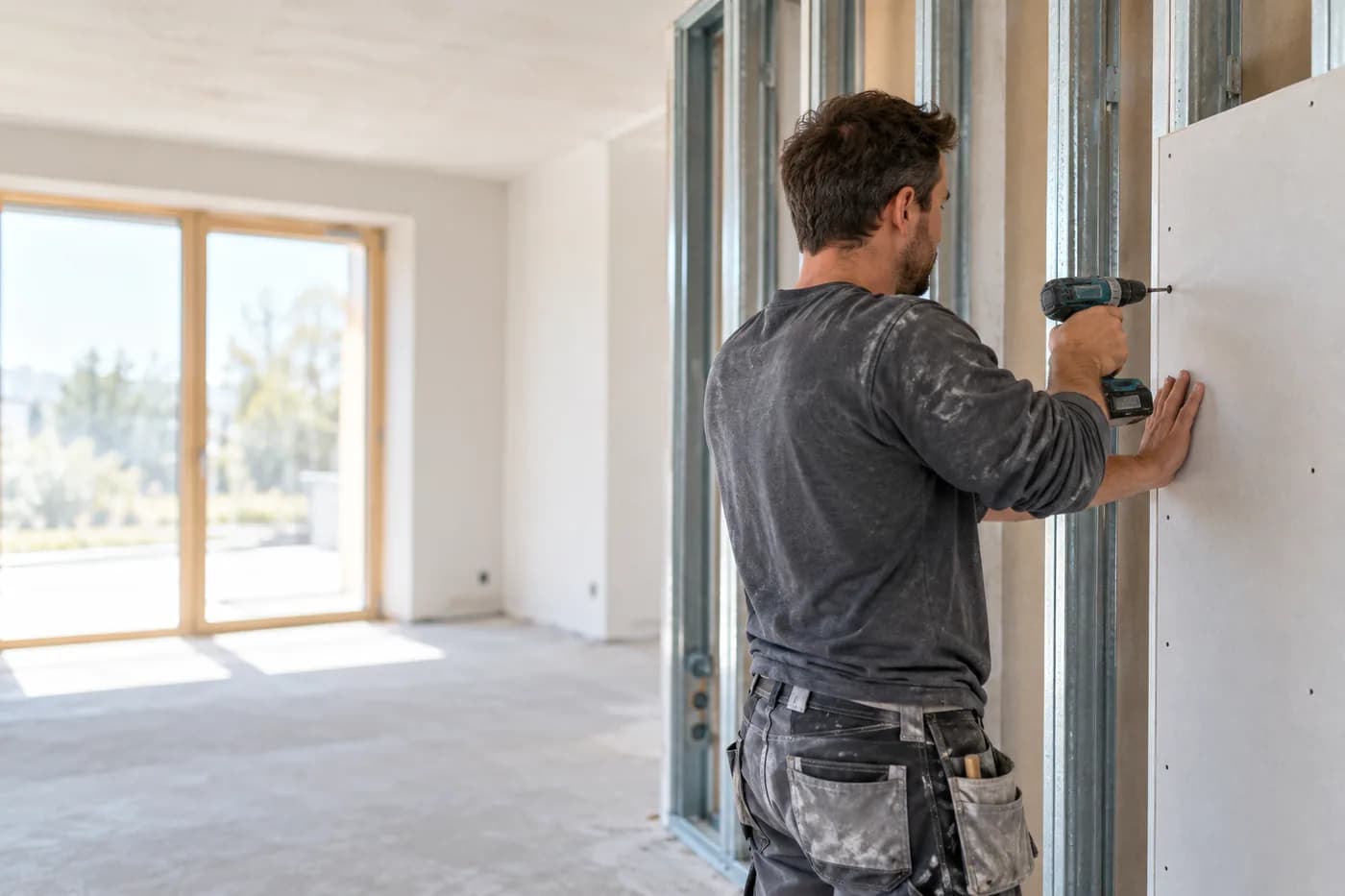
Quote from a photo, appointments and hours under control.
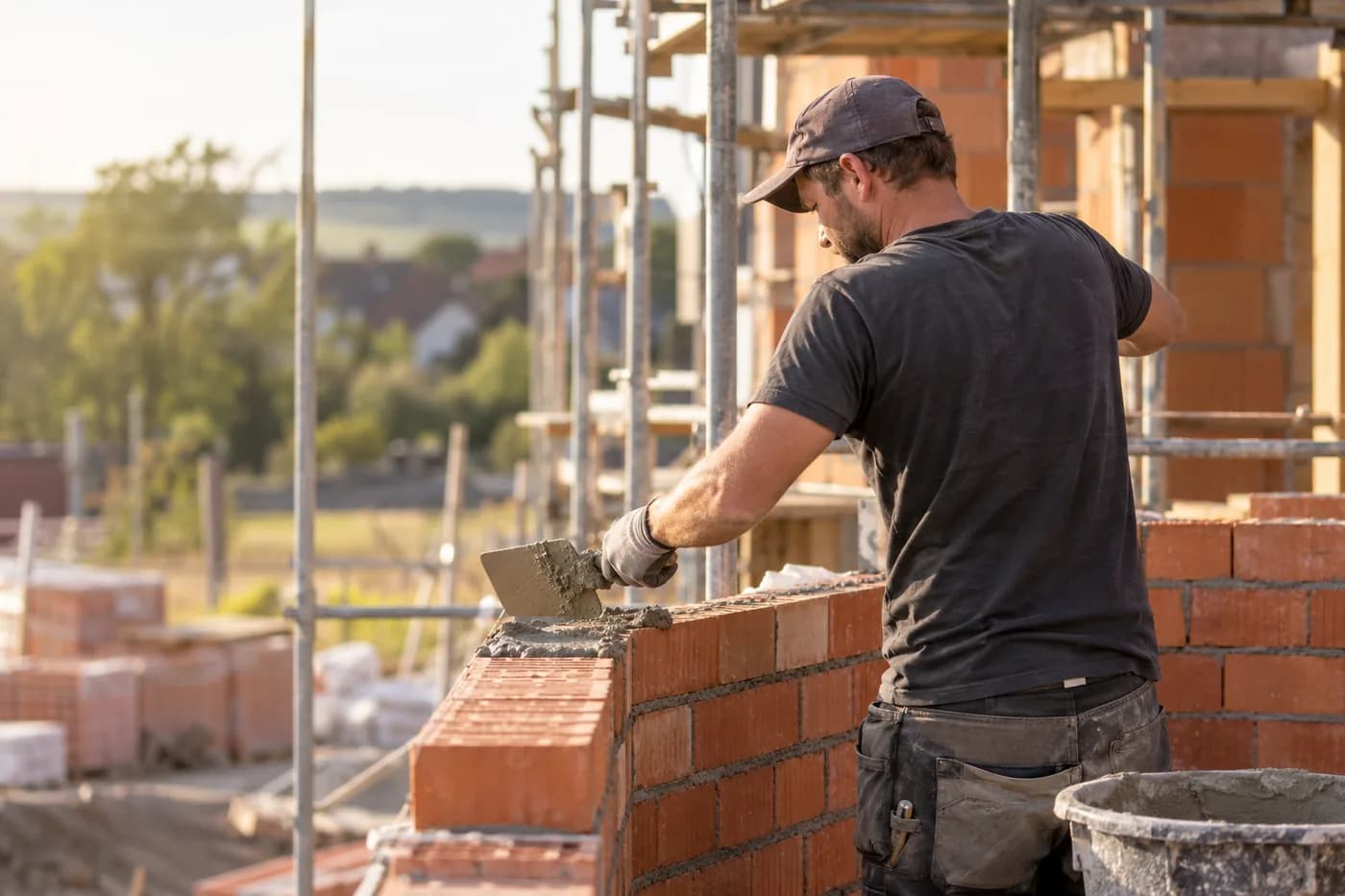
Documentation, hours and appointments per site.
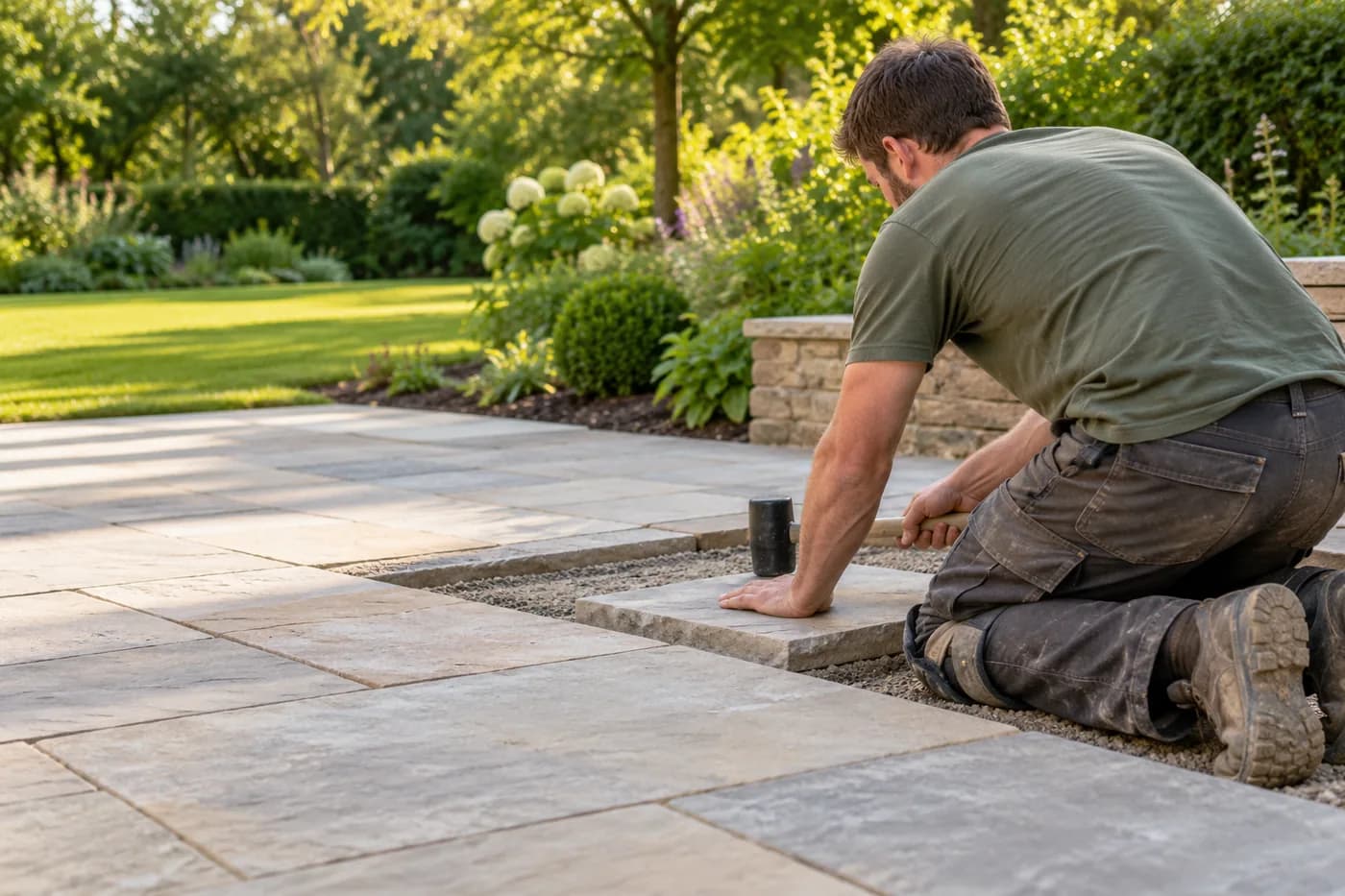
Photograph the garden, check the quote, plan the team.

Photograph the roof, check the quote, documentation on the project.
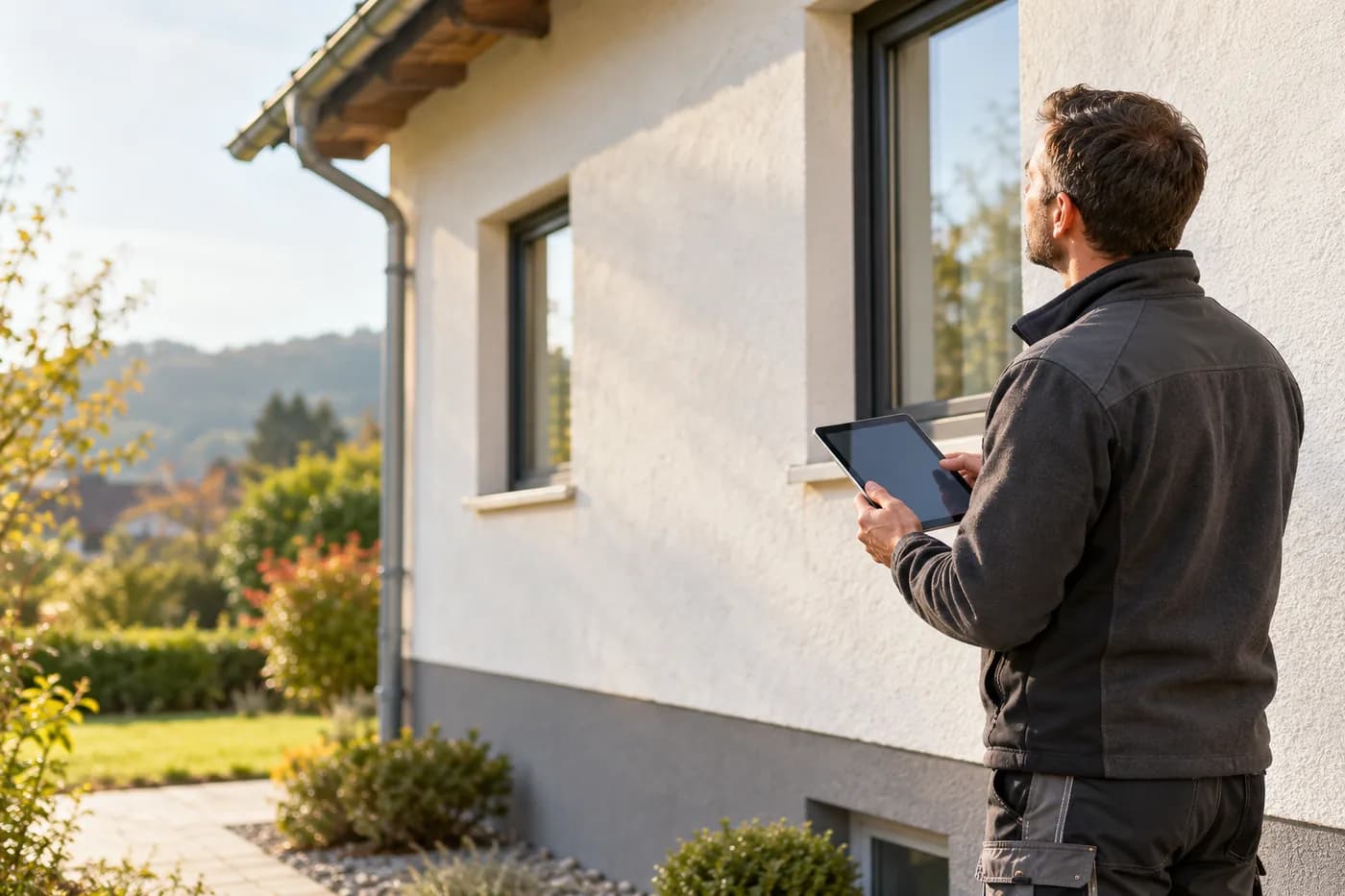
Clients, appointments and documentation in one place.
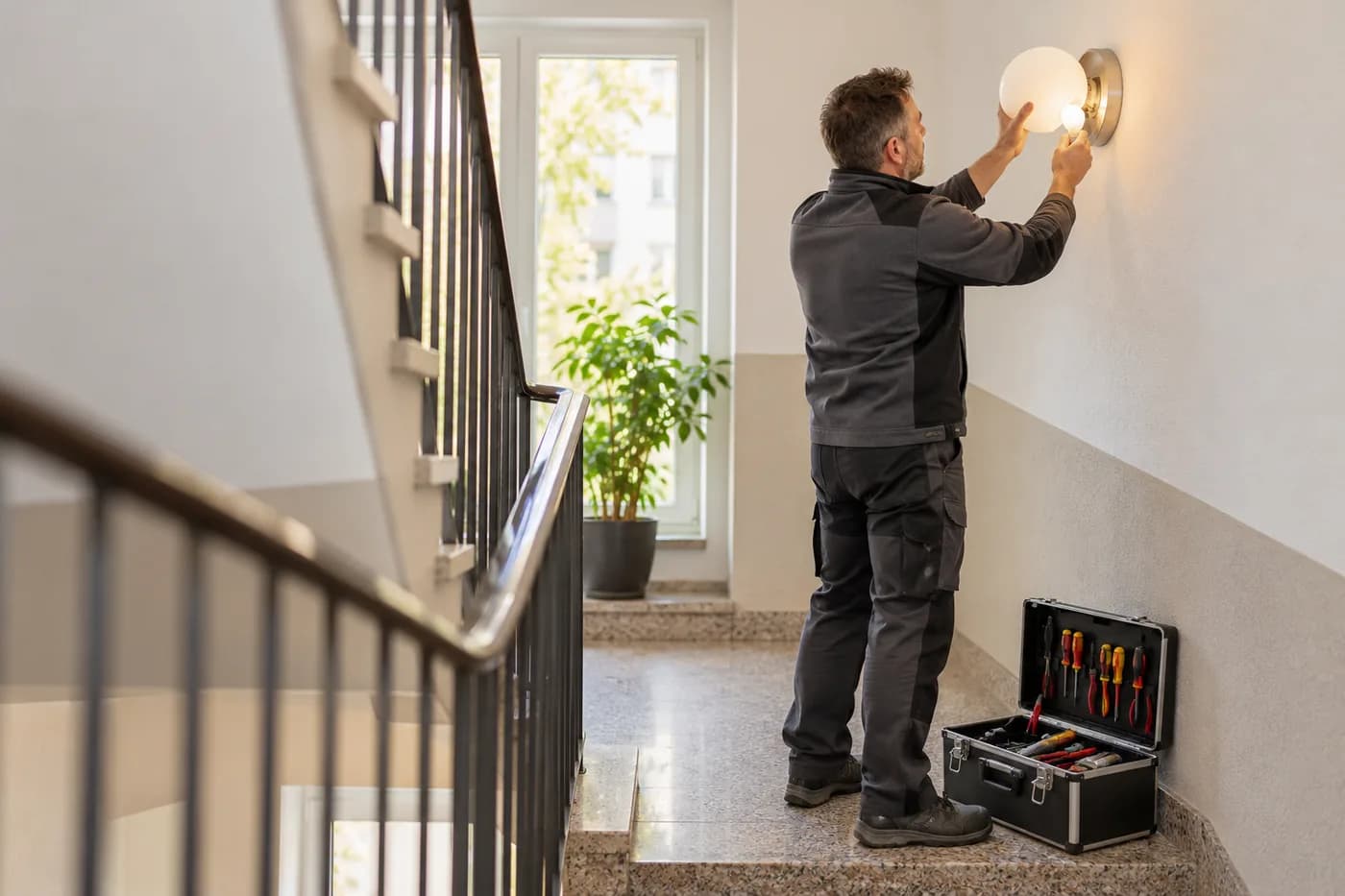
Answer calls, plan rounds, record what's done.
craftflowOS keeps what you say. You finish on time.
Cookie Settings
We use cookies to run the website and – only if you agree – Google Analytics 4 to understand how it is used. You can change your choice at any time in the footer. More in the privacy policy and the legal notice.