
Electrical
Electrical business without the paperwork
Between the distribution board and the job site there's little time left for the office. craftflowOS drafts quotes, keeps the documentation and writes invoices from your project data. You check them.
What helps you most
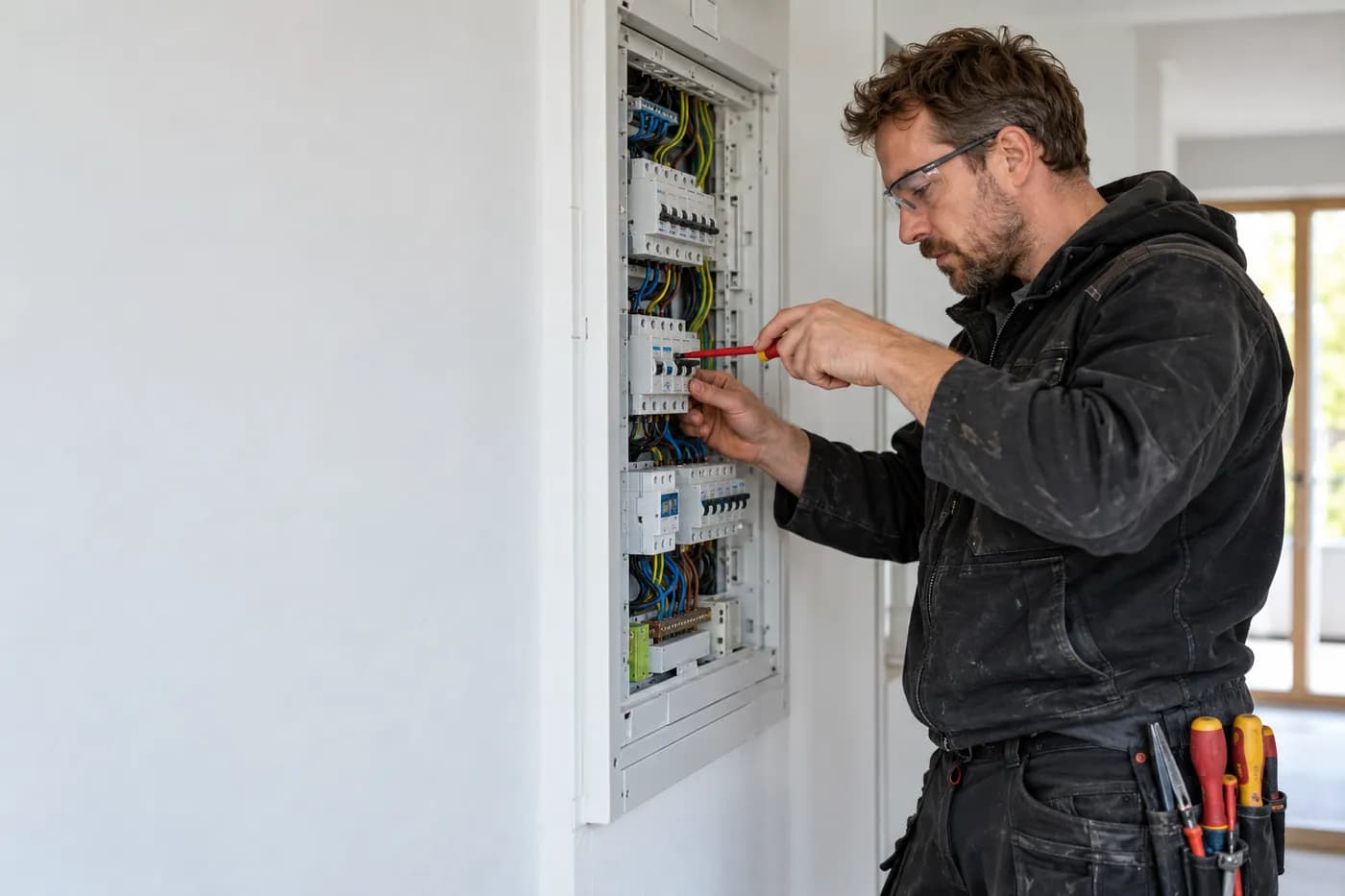
“Becker family house, replace the meter cabinet, new sub-distribution, twelve circuits, plus residual-current protection.”
Sound familiar?
“I'm still writing the quote for the meter cabinet in the evening.”
How craftflowOS helpsYou tell your phone about the job on site. craftflowOS turns it into a draft quote with line items from your catalog.
“I flip through the catalog forever to find the right article.”
How craftflowOS helpsYou describe what you need. The product chat searches your range and shows you matching articles.
“What I did in the panel today, nobody remembers in three days.”
How craftflowOS helpsYou dictate what was done. craftflowOS turns it into a report and attaches it to the project.
Just say it into your phone
craftflowOS turns it into a draft quote with line items from your catalog. You check the quantities, change what doesn't fit and send it.



“Becker family house, replace the meter cabinet, new sub-distribution, twelve circuits, plus residual-current protection.”
- Replace meter cabinet€1,180.00
- Sub-distribution, 12 circuits€1,640.00
- Residual-current protection type A, 2 pcs€186.00
A day with craftflowOS
From the first job of the morning to the end of the day: this is how a working day runs when craftflowOS is along. You talk, craftflowOS writes it down.
- Morning
The day is set
In the morning you check the calendar: who goes where, which appointment is next. Your team sees the same status.
Calendar & team - Late morning
Meter cabinet photographed
You take a photo of the meter cabinet and say briefly what gets replaced. craftflowOS drafts the quote with items from your catalogue.
Quote by photo - Midday
Report dictated
Distribution board done? You say what was done. It becomes a report with a timestamp, filed under the right project.
Job site documentation - Afternoon
Hours booked
You clock in, out and for breaks on your phone, on the right project. No slip of paper in the van.
Time tracking - End of day
Invoice out
The invoice comes from the project data. You check it and send it before you shut down for the day.
Invoices & reminders
In depth
Three things that decide between a calm day and trouble in electrical work
Documenting inspections and test records properly
An inspection is only finished once it has been recorded in a way others can follow. If you are asked later what was checked on which installation, a feeling is not enough: you need the installation, the date, the readings, anything that stood out and what was changed as a result. The problem is rarely the measurement itself, it is the road from the instrument to the paper. Notes left in the van get lost, and in the evening nobody remembers every detail. A fixed order helps: inspect first, then record straight away while you are still standing at the installation. With Job site documentation you dictate what you saw and measured. The report is attached to the project with a timestamp, with a photo if you like.
Job site documentationMeasuring up and materials in older-building refurbishment
In an older building, things are rarely the way the plan shows them. Cables run differently than expected, distribution boards have been extended over the years, and sometimes there is a surprise behind the wall. That is why a second look pays off when you measure up: which rooms, which routes for new cables, where are the sockets and switches, what can be kept and what has to go? Photos record the condition before anything is changed and protect you later from arguments about what was already like that. If you state openly in the quote where uncertainties remain, your calculation is more honest. With Quote by photo you take pictures and briefly describe the work. craftflowOS suggests line items from your catalog, and you check and adjust them.
Quote by photoTaking fault calls and emergency service
Nobody calls about a fault because it happens to suit them. The power is out, a switch smells burnt, or the installation keeps tripping. In the first minutes a few questions decide a lot: what exactly has failed, is anyone in danger, can the customer safely do something themselves, and what is the address? If you take these details down cleanly, you set off with the right material and can judge how urgent it is. Part of emergency service is also being honest about when you can arrive. Settle beforehand who is on call and how you sort requests outside working hours. That way an emergency stays an emergency, and everything else waits until the next working day.
What helps you every day
The functions that fit your trade best. Each one has its own page.
- Quote by photoA photo of the board, one sentence, and the quote draft is ready before you leave the customer.See the function
- Voice assistantDescribe what you need and craftflowOS finds the right article in your range.See the function
- Job site documentationYou speak what you did at the board. craftflowOS writes the report.See the function
- Invoices & remindersThe invoice comes from your project, you type nothing twice and see what is still open.See the function
Fair pricing, no catch
Start small and add what you need. Cancel monthly if you pay monthly.
For your business: Solo includes all AI functions, from quote by photo to site documentation.
At launch: try free for 30 daysAt launch: try free for 30 days, no setup fee. All prices excl. VAT.
See all plansStarter
For getting startedfrom€19per month
- Quotes & invoices
- E-invoicing & GoBD
- Calendar, customers & projects
Solo
For sole tradersfrom€49per month
- All AI features: quote by photo, voice assistant, job site documentation
- Calendar, customers & projects
- App for the job site
Questions from the workshop
Does it work in the basement without signal?
Yes, for the essentials: you can save appointments, site documentation and quote drafts even without signal. They are sent as soon as your phone has a connection again.
Can I write e-invoices with it?
The invoice is built from your project data and goes out by e-mail as a PDF with your own letterhead. E-invoicing and GoBD compliance come with every plan.
What happens to the photos from customers' properties?
Your data is stored on servers in Germany and processed in line with GDPR. The app only uses camera and microphone for photos and speech, and in your system settings you decide what it may do.
Can my journeyman work with it too?
Yes. Everyone on your team gets their own access with the app for the site. You can book additional seats at any time.
Can I create a quote by voice alone?
Yes. You describe in two or three sentences what needs to be done, optionally with a photo. craftflowOS suggests the items from your catalogue, you check them and send the quote.
Still have a question about setting up or using craftflowOS day to day? The help centre has answers, and you can write to us directly. Go to help
Related trades
Businesses often work hand in hand. See how craftflowOS helps in the neighbouring trades.
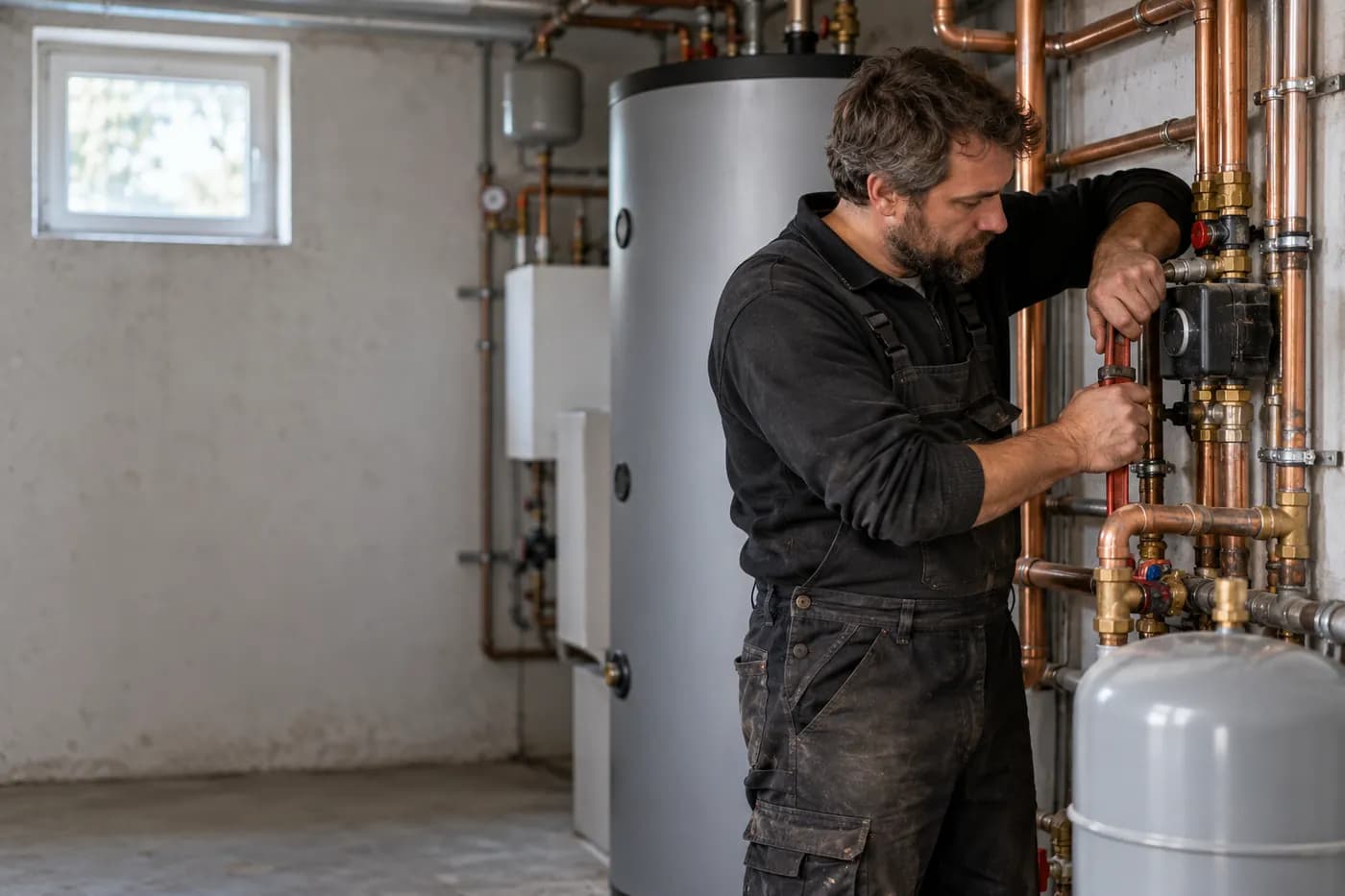
Plumbing, heating & AC
Answer calls, plan appointments, track hours on the project.

Solar & photovoltaics
Photograph the roof, check the quote, documentation on the project.
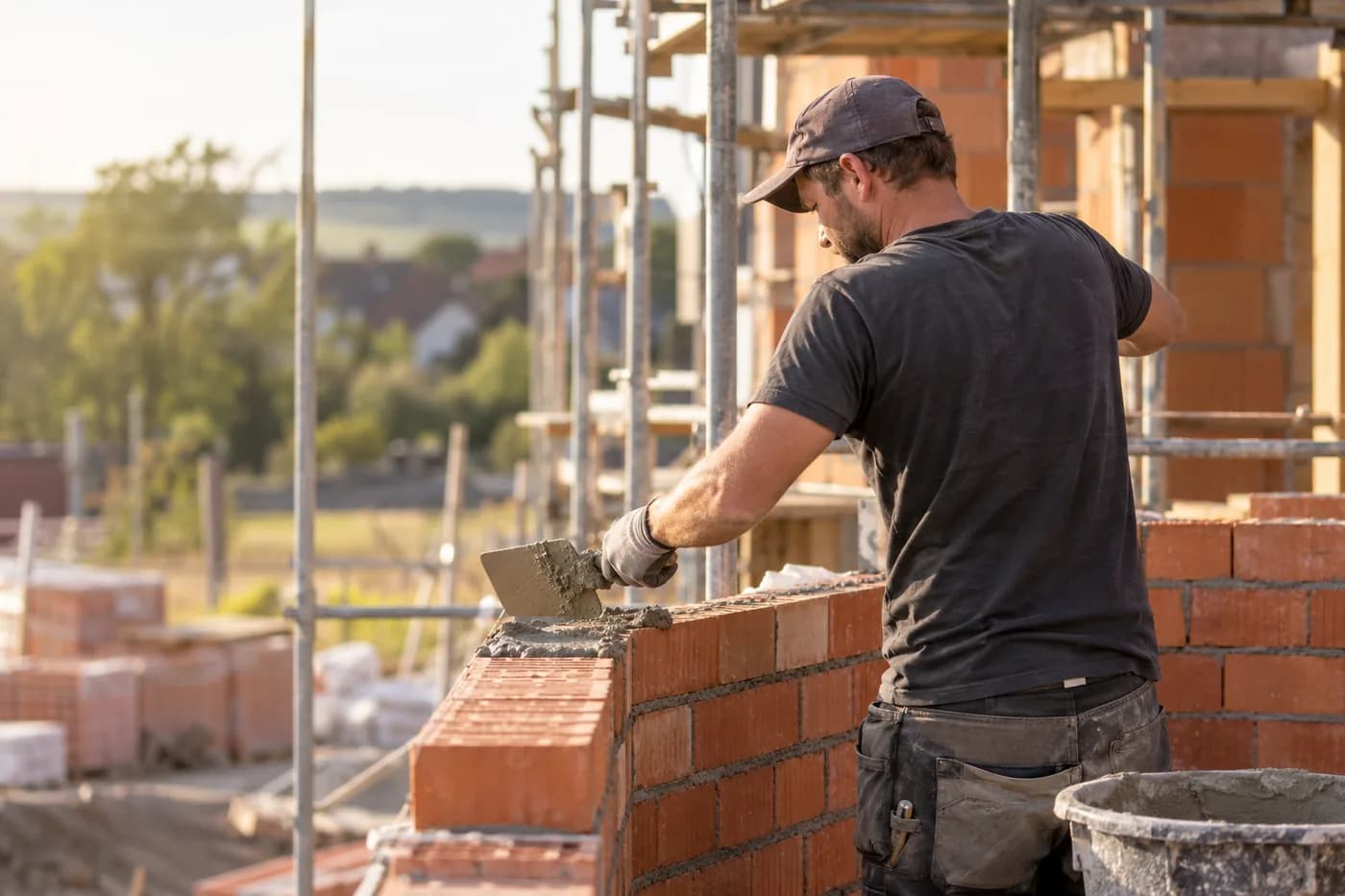
Construction & shell building
Documentation, hours and appointments per site.
More time at the panel, less at the desk
craftflowOS does the paperwork, you stay with your work.