


“At month end I collect time sheets.”
How craftflowOS solves itYour team records start, end and breaks in the app. Nothing has to be collected.

Your team clocks in and out on the project. You see actual hours without collecting slips.
How craftflowOS solves itYour team records start, end and breaks in the app. Nothing has to be collected.
How craftflowOS solves itEvery time entry is booked to a project. You see actual hours per project.
How craftflowOS solves itYou approve times and export them for payroll.
The individual building blocks of this feature.
Track working hours from the phone, per project.
These trades use the function in their day to day. Each has its own page.
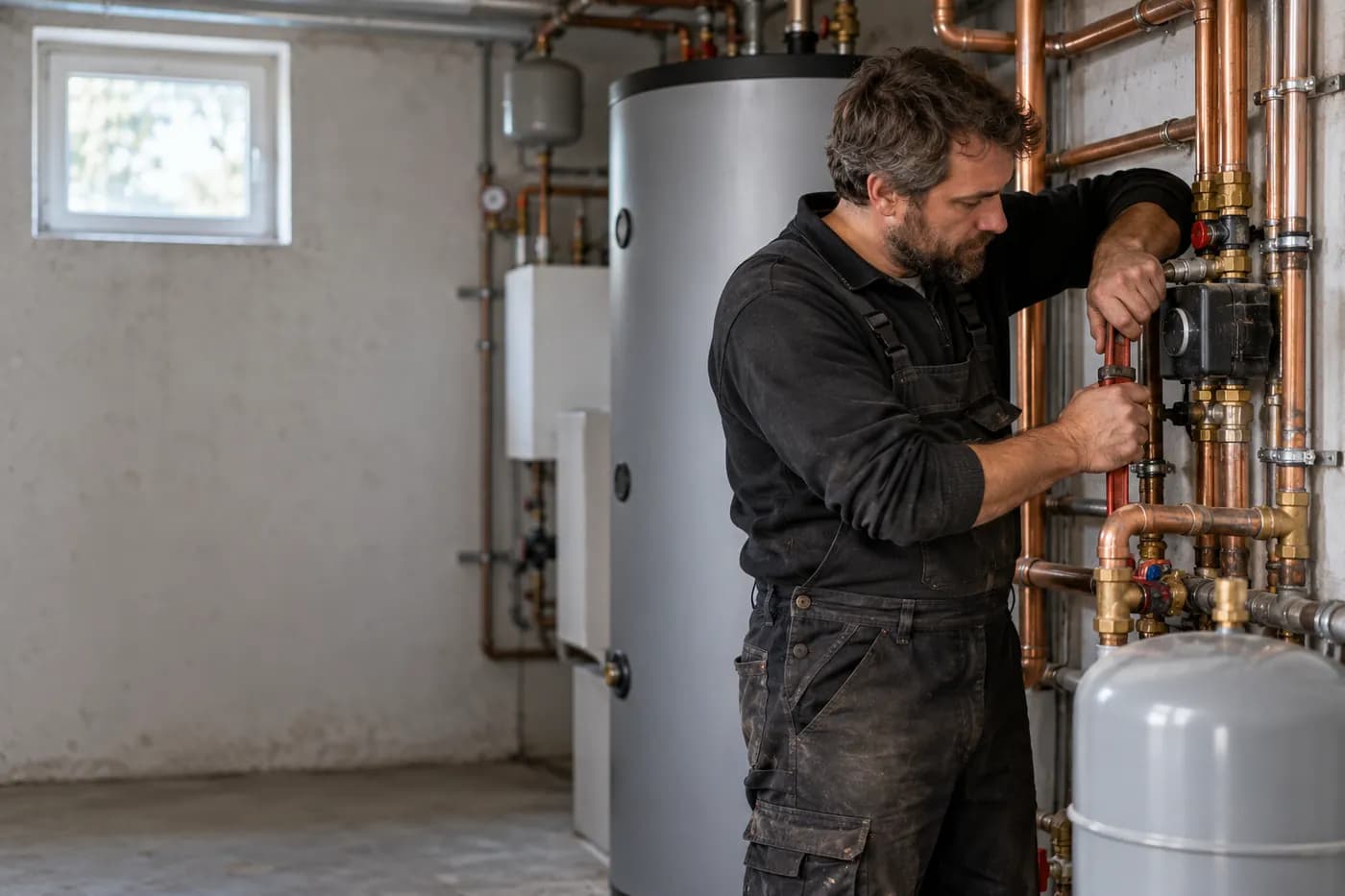
Answer calls, plan appointments, track hours on the project.
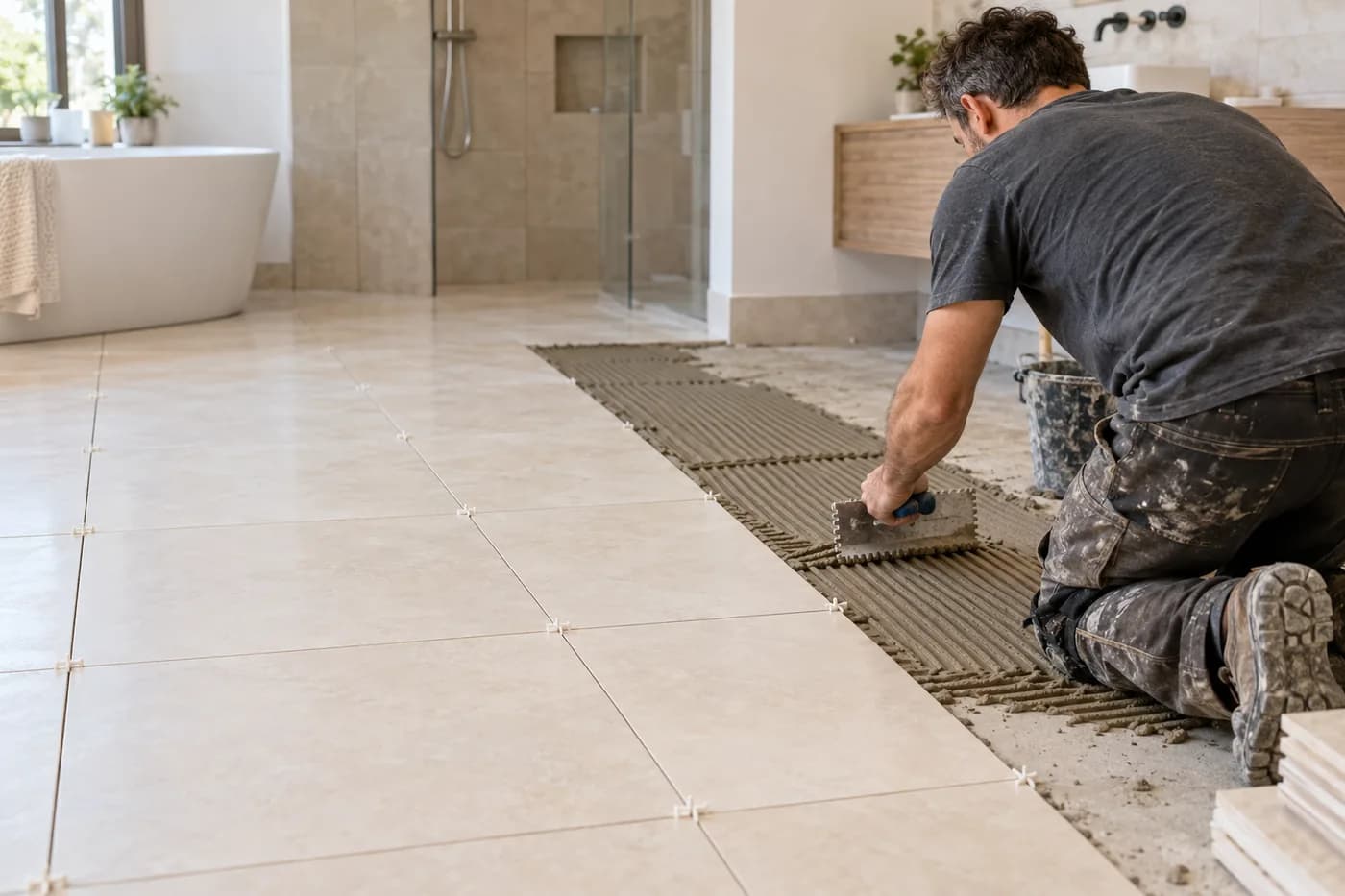
Photograph the bathroom, say what's needed, check the quote.
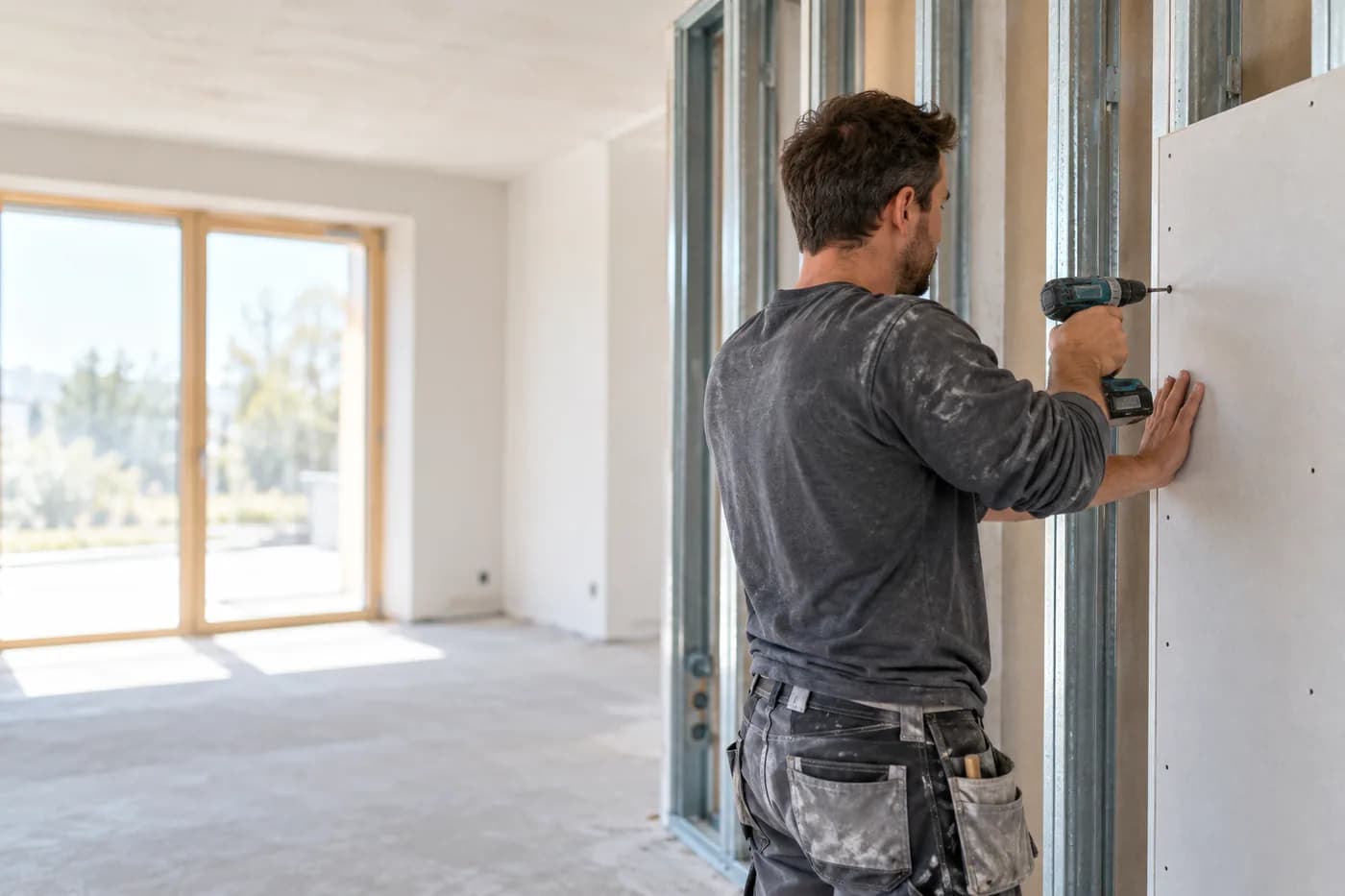
Quote from a photo, appointments and hours under control.
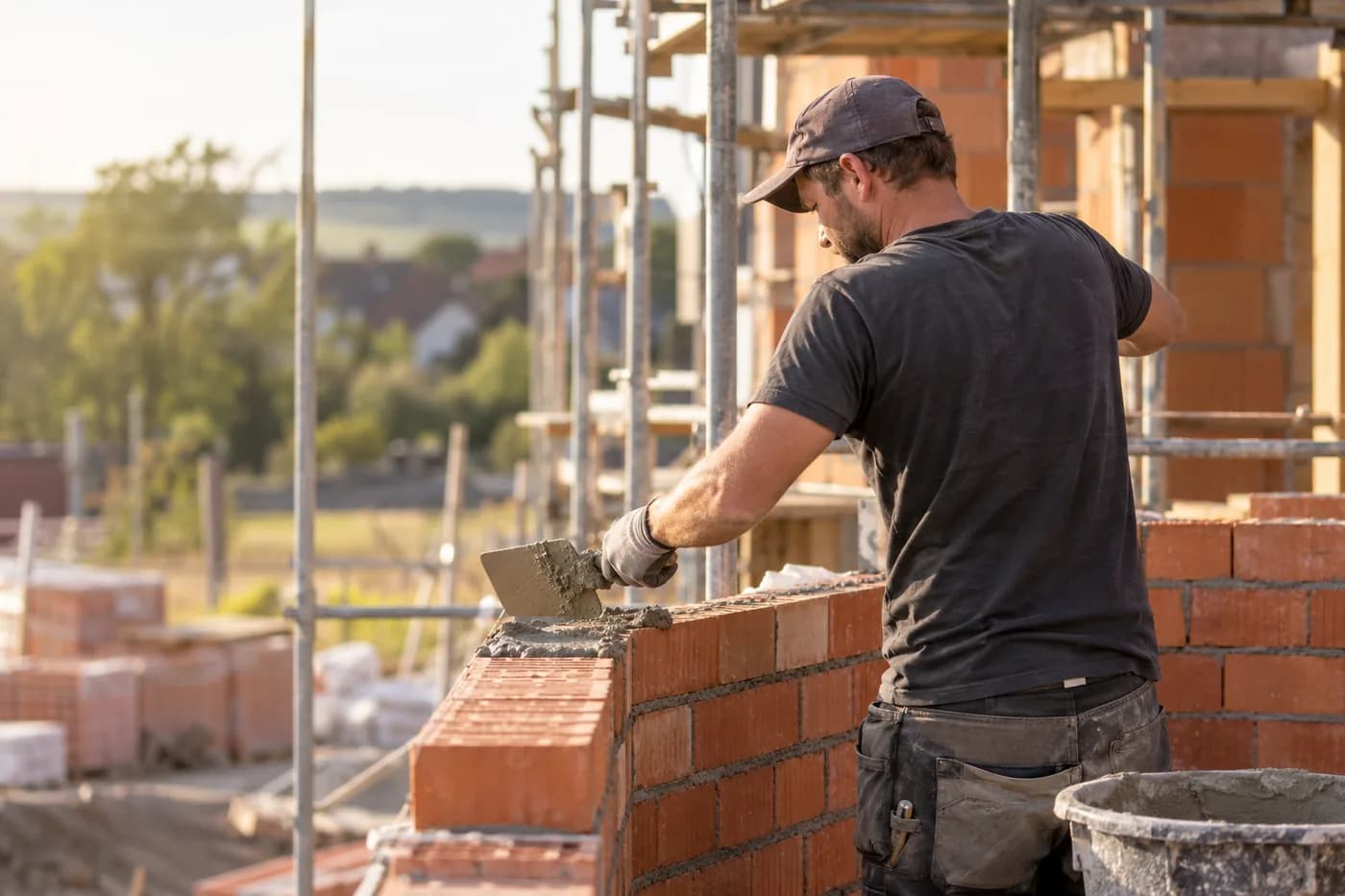
Documentation, hours and appointments per site.
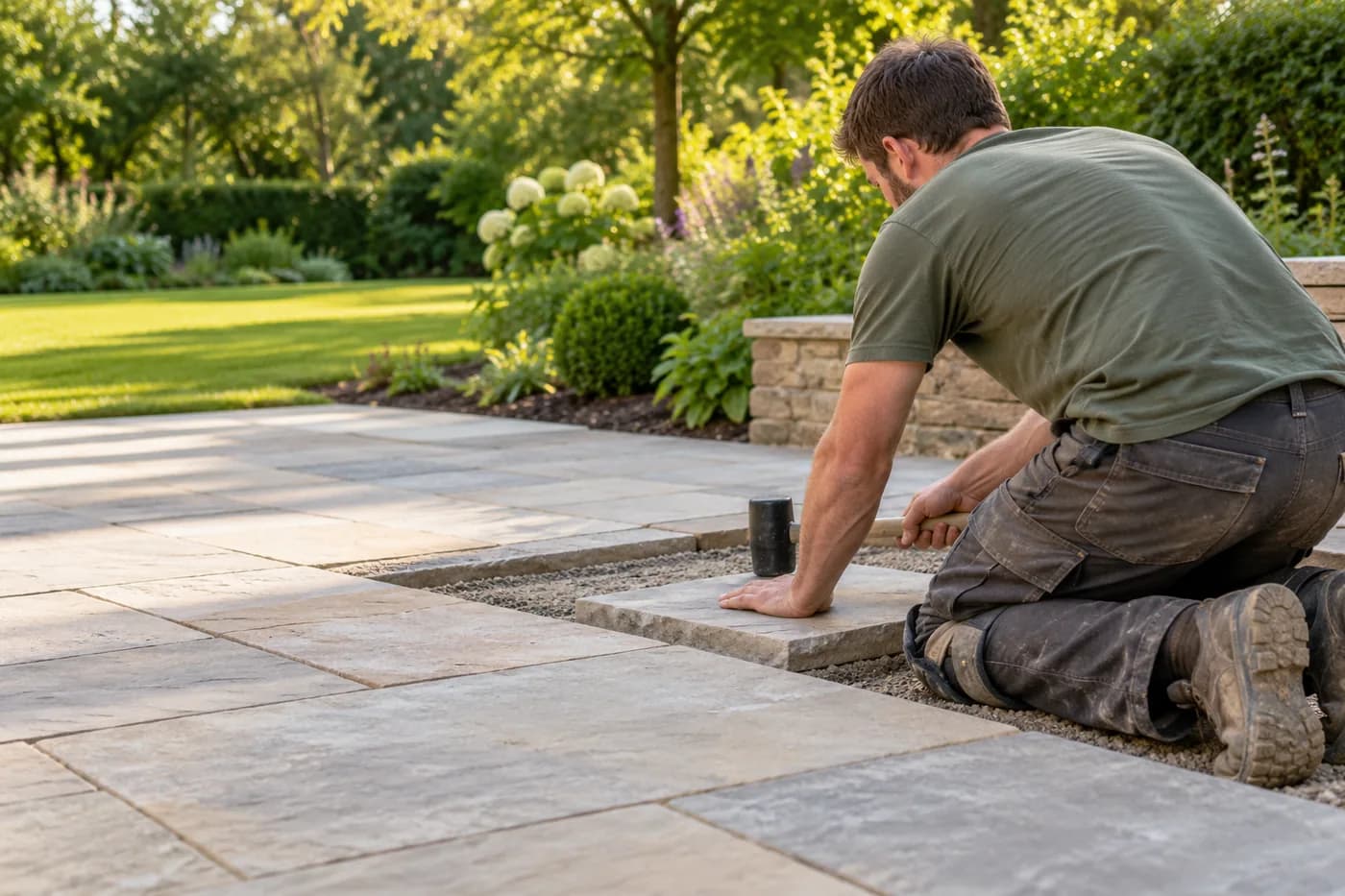
Photograph the garden, check the quote, plan the team.

Plan jobs, track hours, keep customers in view.
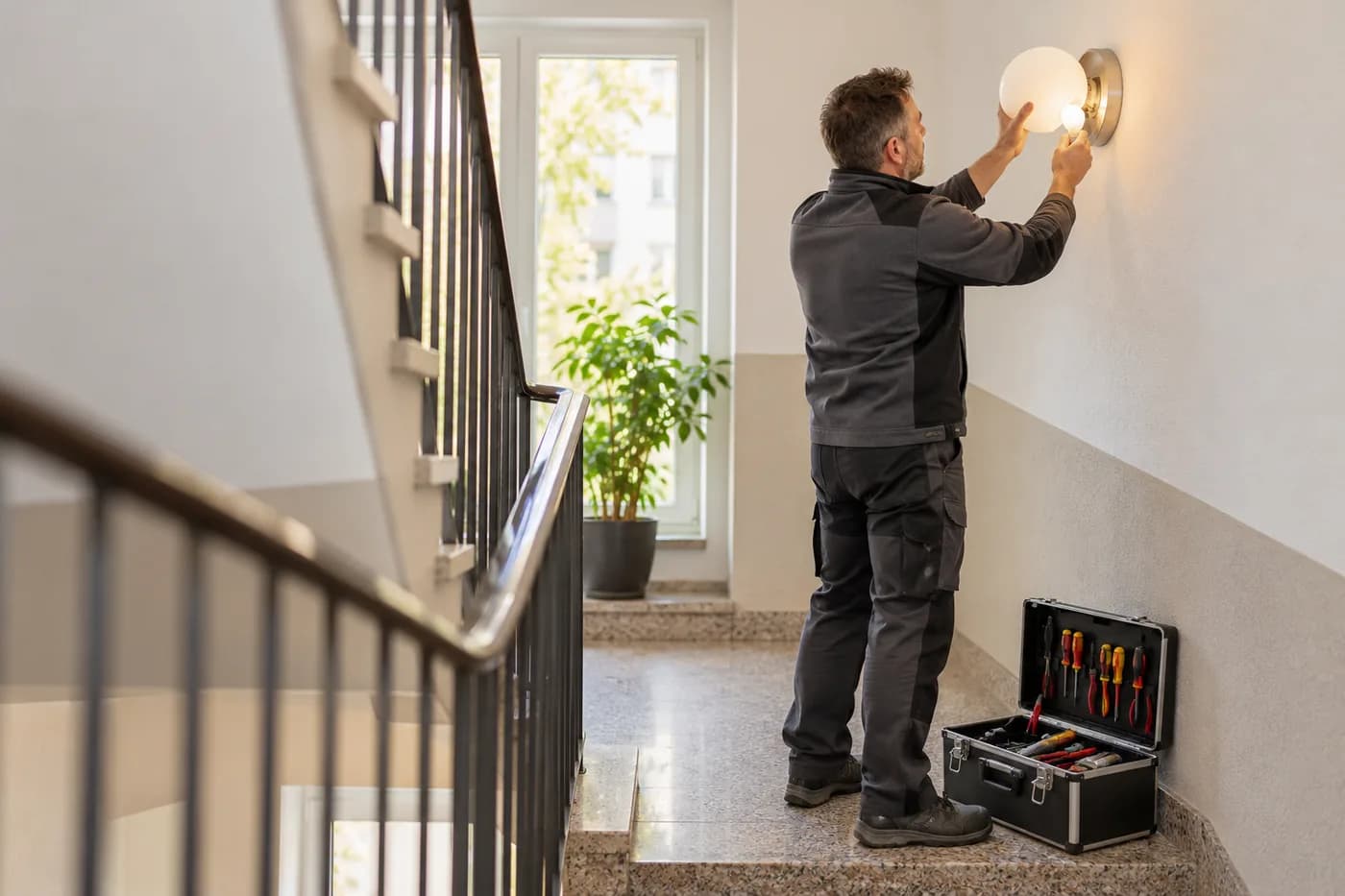
Answer calls, plan rounds, record what's done.
craftflowOS keeps count, you keep the hours in view.
Cookie Settings
We use cookies to run the website and – only if you agree – Google Analytics 4 to understand how it is used. You can change your choice at any time in the footer. More in the privacy policy and the legal notice.