
Caretaking
Caretaker always on hand
A dead light, a sticking door, a tenant's call: everyone reaches you, just never when you have time. craftflowOS picks up, plans your rounds and records what you've done.
What helps you most
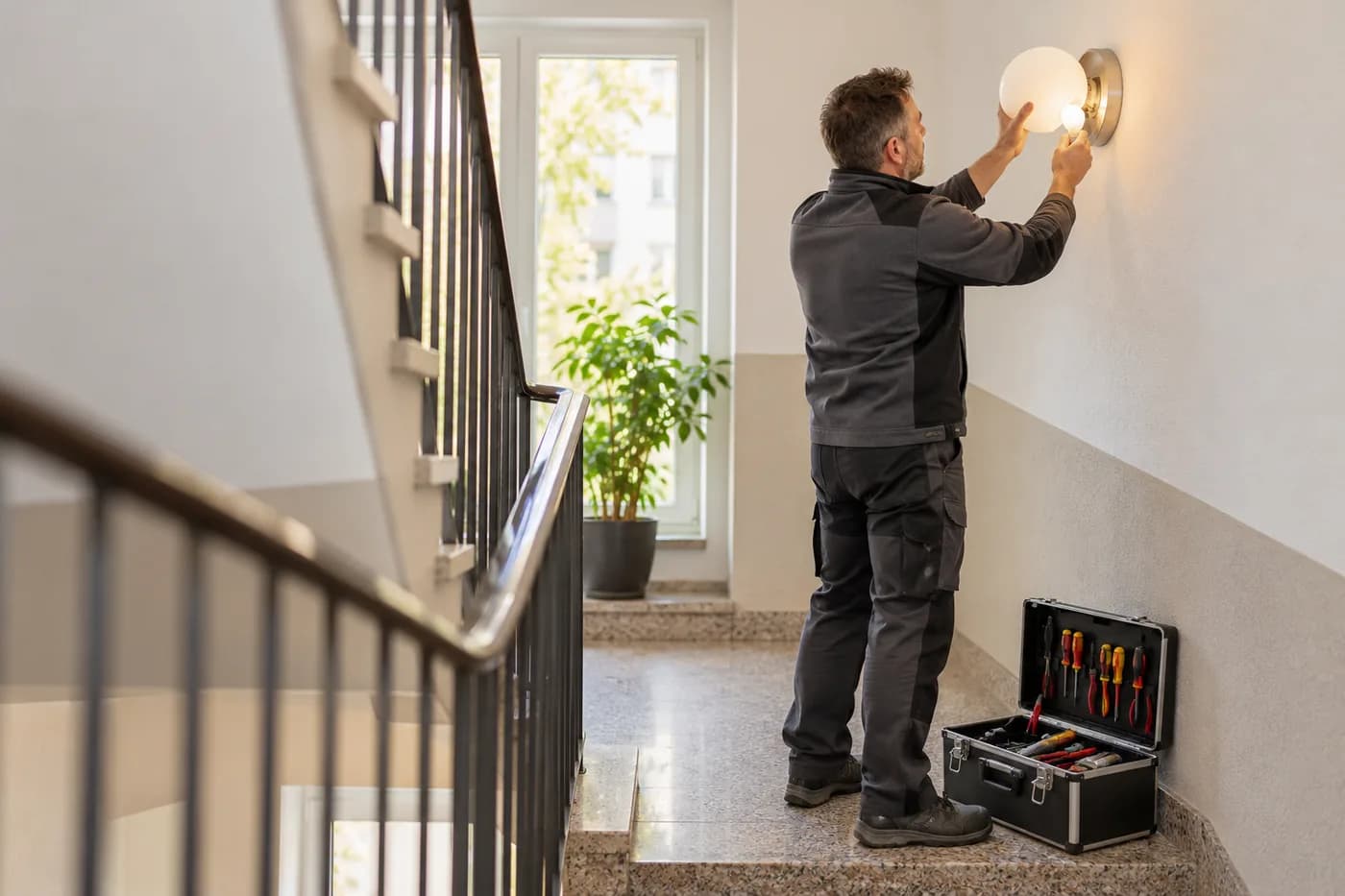
“Lindenstrasse twelve, stairwell light on the second floor replaced, cellar checked, courtyard gate sticks.”
Sound familiar?
“The tenant calls while I'm standing in the cellar.”
How craftflowOS helpscraftflowOS answers the phone and takes the report. You see what was reported and call back when you're done.
“Twelve buildings, a round every week, and which one was last?”
How craftflowOS helpsYour rounds are in the calendar. You see which building was done when and what was handled there.
“The management asks whether the light was really replaced.”
How craftflowOS helpsYou record what you've done by voice with a photo. The report hangs on the property with a date.
Just say it into your phone
craftflowOS turns it into a report and attaches it to the property. You skim it and correct anything that's off.


“Lindenstrasse twelve, stairwell light on the second floor replaced, cellar checked, courtyard gate sticks.”
- Stairwell light, 2nd floor replaceddone
- Cellar checkeddone
- Courtyard gate sticksreported
A day with craftflowOS
From the first job of the morning to the end of the day: this is how a working day runs when craftflowOS is along. You talk, craftflowOS writes it down.
- Morning
Report taken
A stairwell light is broken and a tenant calls. craftflowOS picks up and takes the request.
AI phone assistant - Late morning
Round is set
In the calendar you see which properties are on today and which appointments slip in between.
Calendar & team - Midday
Done and spoken
Stairwell light replaced, basement checked, yard gate closes badly: one sentence and it is in the report.
Job site documentation - Afternoon
Hours clocked
You clock in hours at the property on your phone. No slip of paper in your pocket.
Time tracking - End of day
Invoice out
The invoice comes from the project data and goes out by e-mail.
Invoices & reminders
In depth
What matters in caretaking between reports, inspection rounds and the seasons
Taking in defect reports
Tenants and owners report what does not work: the light in the stairwell, a broken door, a blocked drain. A report that is not written down gets lost, and the next one comes with more annoyance. Every report needs the same details: who is reporting, which property, what is broken, how urgent is it and where exactly? From that you decide whether it has to happen at once, can wait until tomorrow or can be bundled with other jobs. Give the reporter a short reply that it arrived, and tell them when they can expect you. An open case with a clear status brings calm.
Property inspection with a record
On an inspection round you go through the property with a fixed eye: stairwell, cellar, roof, outdoor areas, lighting, doors, playground. A fixed route and a list make sure you forget nothing and every round can be compared. The record notes what was fine, what stood out and what you set in motion, with date and name. If something happens later, it shows that you looked. Separate defects you fix yourself from those a specialist firm has to handle. In the shared calendar of craftflowOS you set inspection rounds, your team sees its appointments, and reminders go out automatically.
Calendar & teamSeasonal duties such as winter service
Some jobs depend on the time of year and cannot be put off: leaves in autumn, snow and ice in winter, hedge and lawn cutting in summer. Winter service in particular has no fixed date, it depends on the weather, and often everything has to happen early in the morning. Clarify beforehand who is responsible when, how call-outs are counted and who steps in if someone drops out. Record for each property which areas are affected and what is to be gritted or cleared there. Document every call-out with date and time, which helps when questions come up. In craftflowOS your team clocks in and out on the project, and you see the actual hours per project.
Time trackingWhat helps you every day
The functions that fit your trade best. Each one has its own page.
- AI phone assistantEveryone reaches you, just never when you have time. craftflowOS picks up for you.See the function
- Calendar & teamYour calendar shows rounds and appointments in one place.See the function
- Job site documentationWhat you did, you say out loud. The report hangs on the property.See the function
- Time trackingHours right on the property, no paper.See the function
Fair pricing, no catch
Start small and add what you need. Cancel monthly if you pay monthly.
For the caretaking service with several people: the Team plan brings scheduling and time tracking.
At launch: try free for 30 daysAt launch: try free for 30 days, no setup fee. All prices excl. VAT.
See all plansStarter
For getting startedfrom€19per month
- Quotes & invoices
- E-invoicing & GoBD
- Calendar, customers & projects
Team
For small teamsfrom€149per month
- All AI features
- Job scheduling & time tracking for the team
- App for every fitter
Questions from the workshop
What happens to tenants' calls when I am out?
craftflowOS answers the call and records what it is about and how to reach the caller. Transcript and summary land in your inbox, and a request is created if needed.
Does it work in the cellar or technical room?
Yes, for the essentials: you can save appointments, site documentation and quote drafts even without signal. They are sent as soon as your phone has a connection again.
How do I document my rounds?
You speak into the app what was done and craftflowOS turns it into a report with a timestamp. It is linked to the property, with a photo if you like.
How does it work with colleagues?
Everyone who works with you gets their own access and sees their appointments in the calendar. You can book additional seats at any time.
How is tenant data handled?
Your data is stored on servers in Germany and processed in line with GDPR. The app only uses camera and microphone for photos and speech, and in your system settings you decide what it may do.
Still have a question about setting up or using craftflowOS day to day? The help centre has answers, and you can write to us directly. Go to help
Related trades
Businesses often work hand in hand. See how craftflowOS helps in the neighbouring trades.
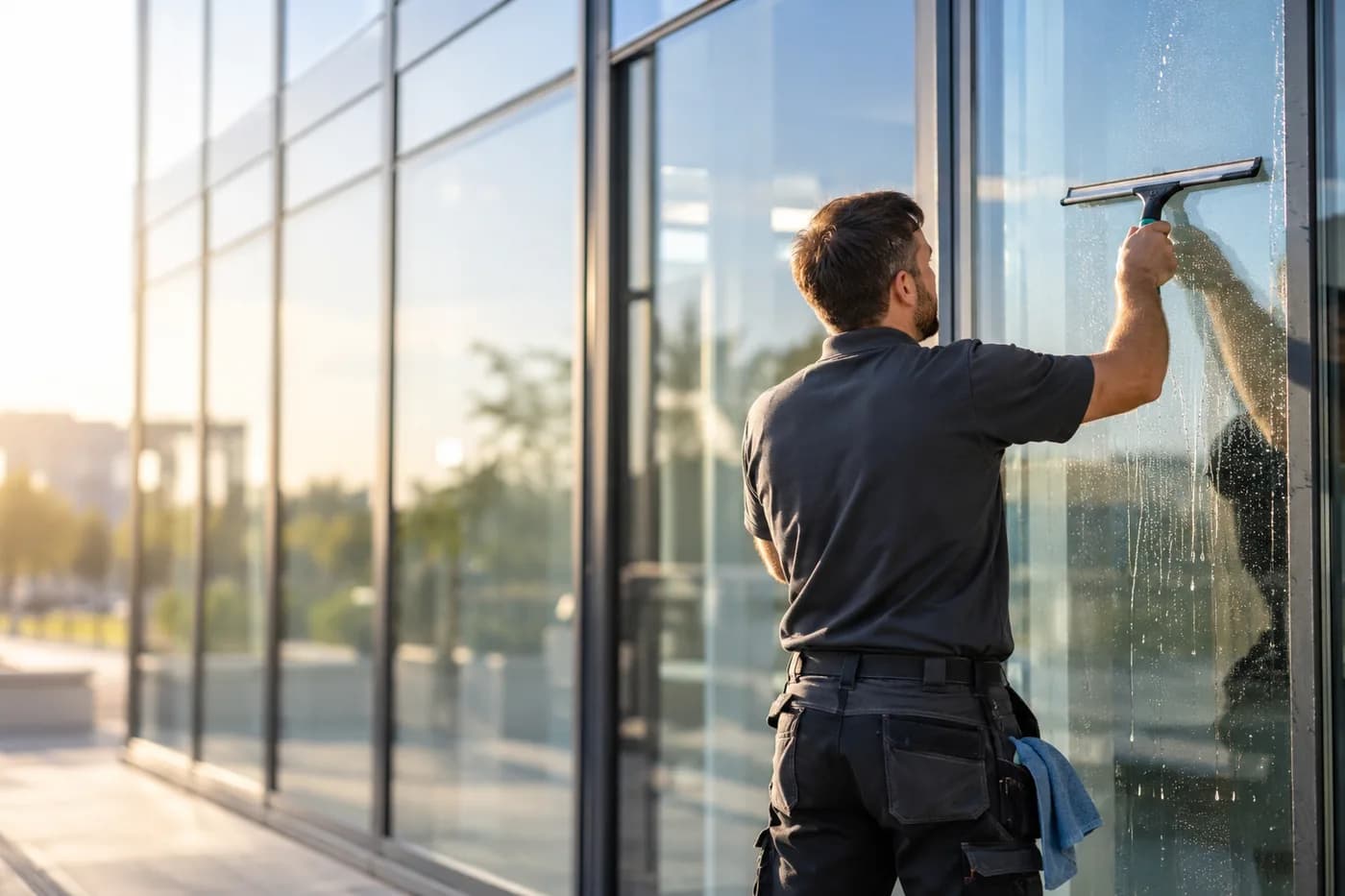
Building cleaning
Plan jobs, track hours, keep customers in view.
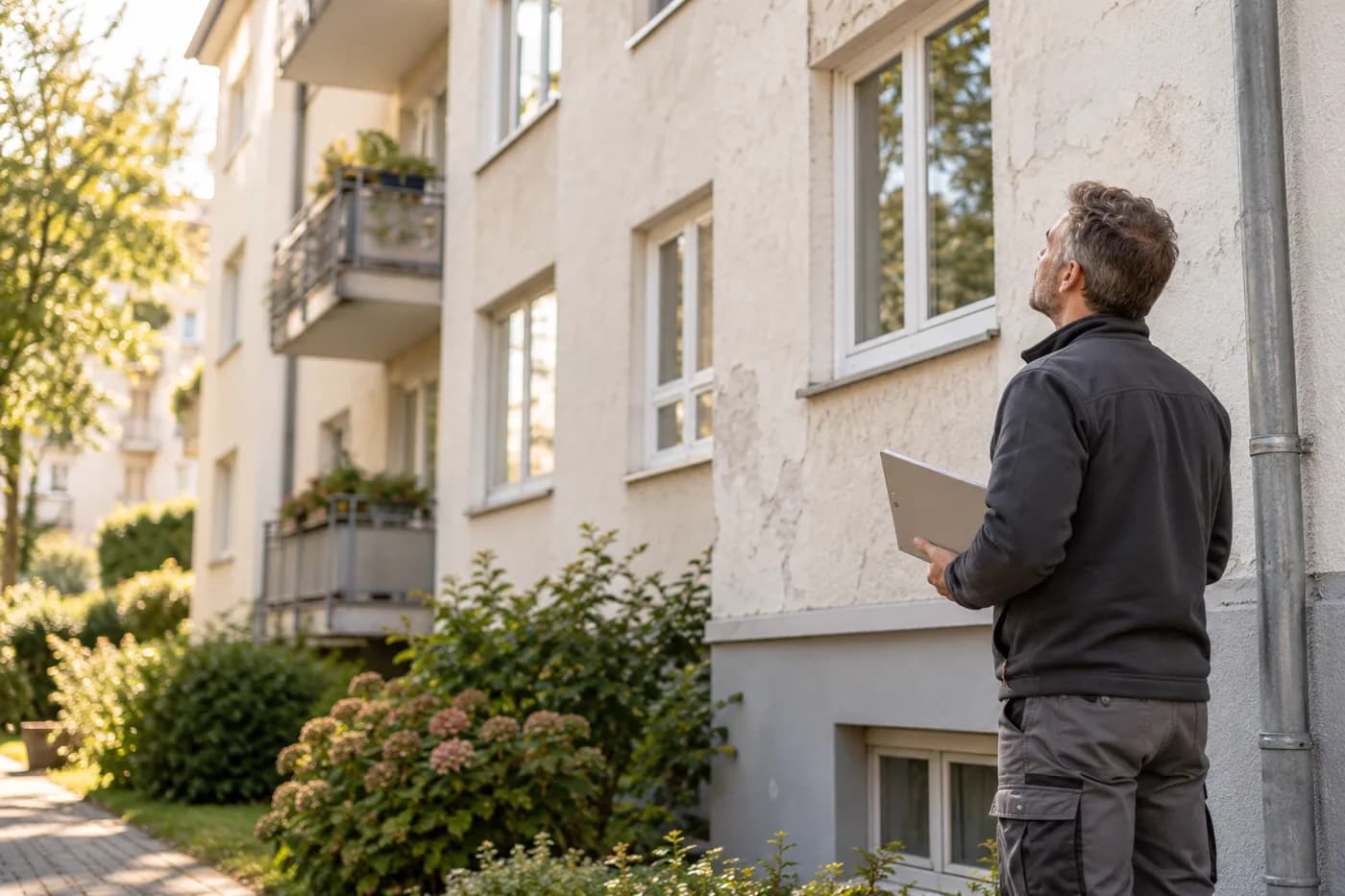
Property management
Calls, properties and inspections in one place.
Landscaping & gardening
Photograph the garden, check the quote, plan the team.
Fewer callbacks, more done
craftflowOS does the paperwork, you stay with your work.